 By Mark WhiteOwner & Executive Producer, DFW Live Stream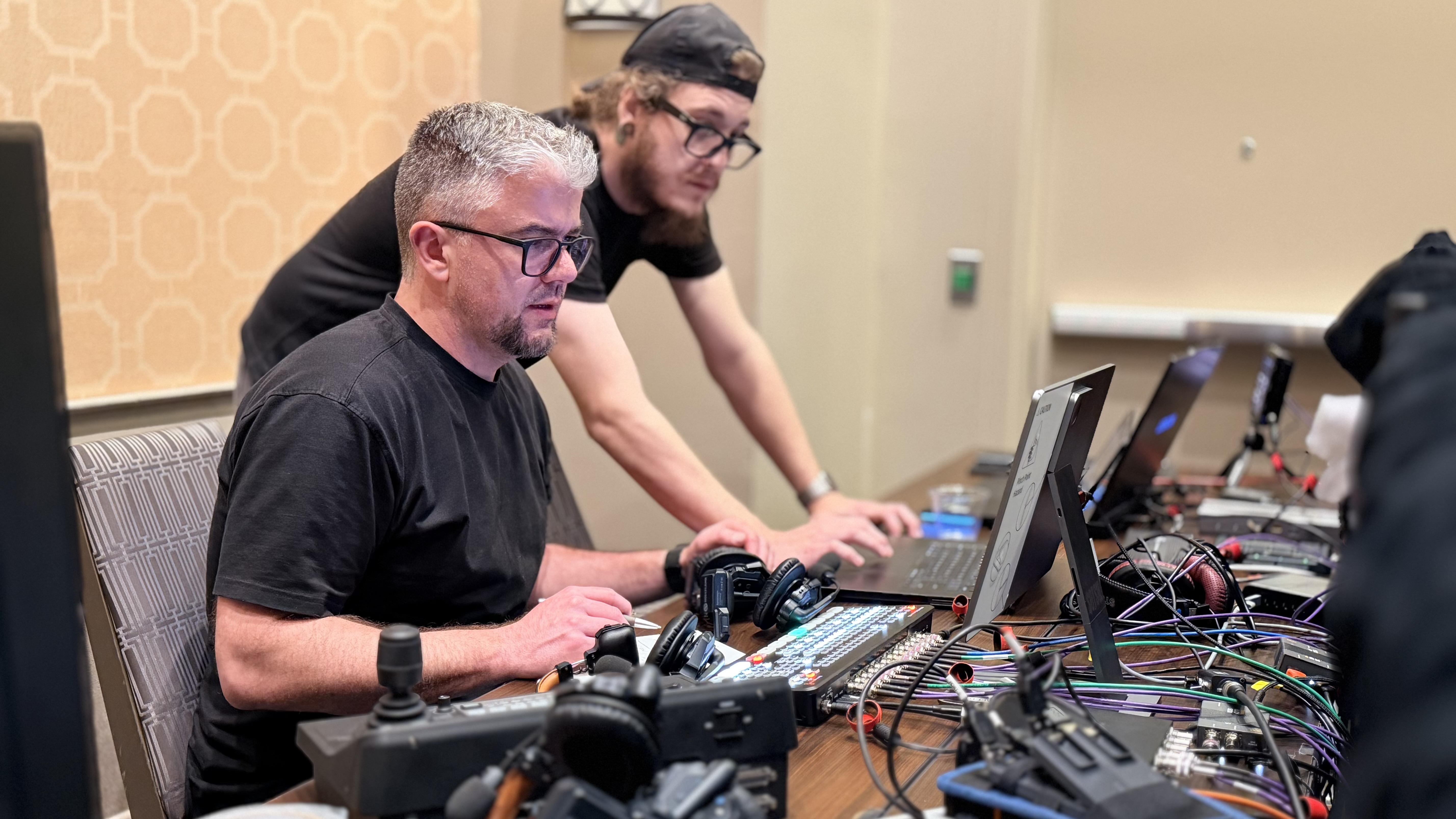
Webcast production services put a professional broadcast team behind your corporate event: an experienced team plans the show, runs multi camera production, mixes the audio, builds your graphics, and delivers a reliable live broadcast to your platform, then hands you an edited full HD recording. You supply the speakers. Your production partner handles everything else. (Updated September 7, 2026.)
I'm Mark White, owner of DFW Live Stream. Ten years of live streaming for corporate events, and a lot of that work is corporate webcasting. Here's what these production services cover, what they cost, and how to pick a webcast production company.
Every company packages webcasting services differently. These pieces are the job.
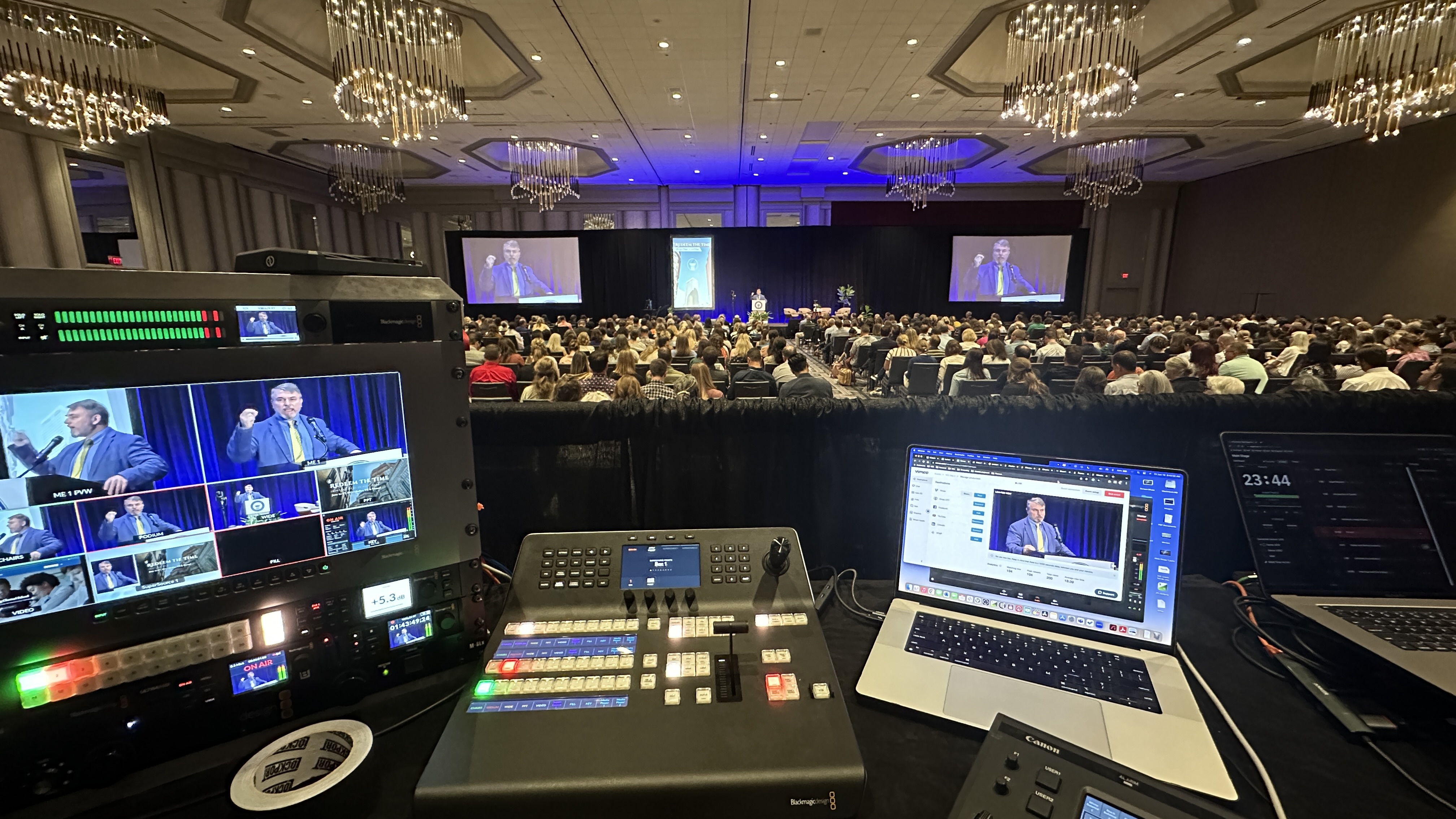
One producer sits at the controls for the whole live event — cutting sources, rolling video, riding audio, catching problems before your live audience notices. That's the product. Everything else is equipment.
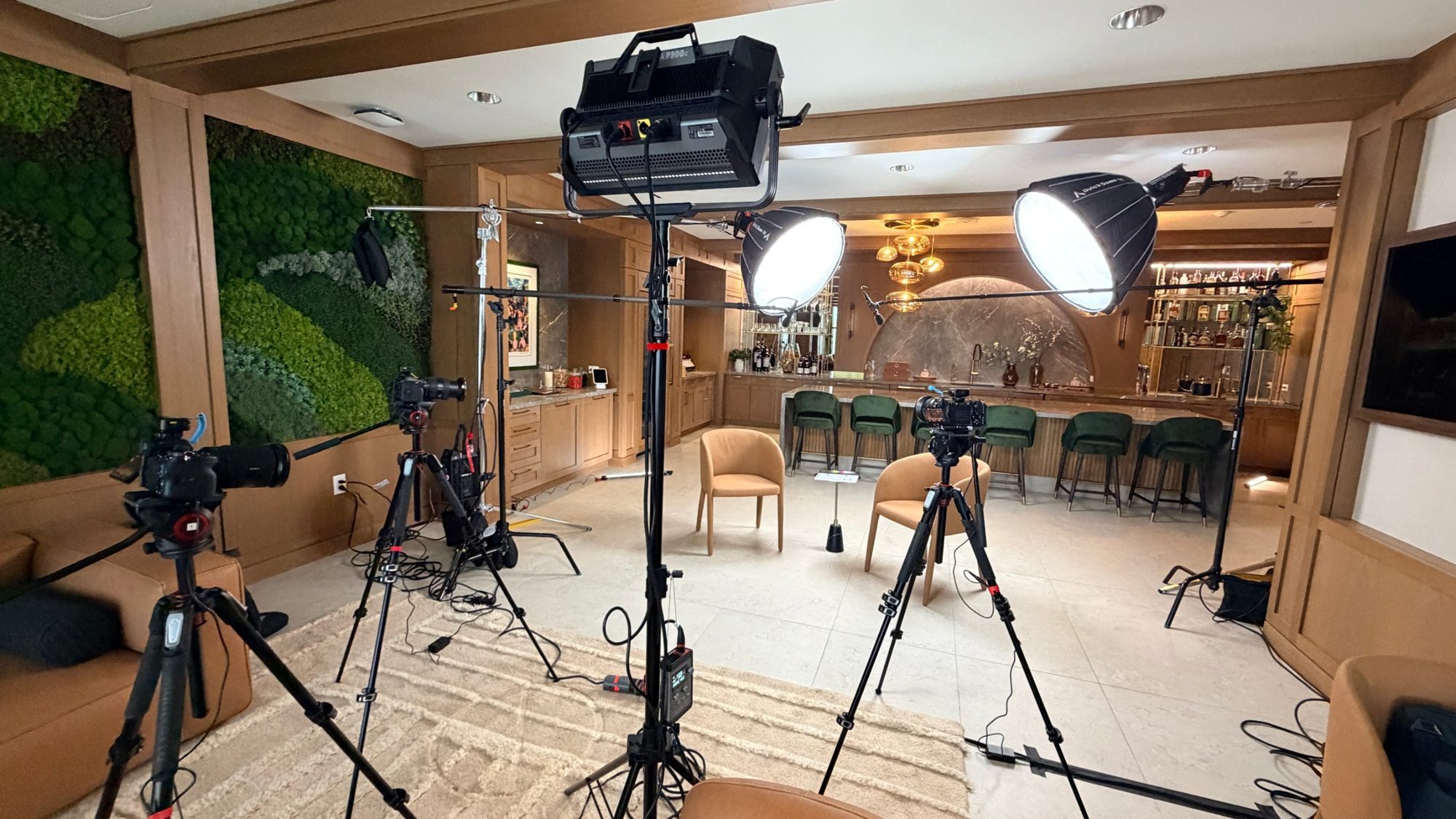
Multi camera setups are what make a webcast look like a broadcast instead of a meeting — the picture changes with the content. One locked-off camera reads as a recording of a room. Multi camera live production is where the quality jump happens. Full HD is the floor, and 4K streaming keeps getting more practical as high-speed bandwidth spreads.
Lower thirds for guest speakers, a branded opening card, holding slides before you begin. Custom graphics and a branded viewing interface — your logo, your colors — reinforce your brand instead of your platform's, and a sleek high-definition broadcast quietly signals that the company behind it is credible. Pre-recorded video segments roll on cue instead of through a shared browser tab.
Live Q&A, polling, surveys and real-time chat turn a one-way live broadcast into something people stay for. We wire it into the run of show so questions get answered on air, not lost in a sidebar.
Reliable live streaming technology is the part nobody notices until it fails. Solid infrastructure is what keeps lag and buffering out of a live broadcast, which is why we never run a corporate webcast off a laptop on venue wifi. We stream to your platform — Zoom, Teams, YouTube, Facebook, or your own website — on your accounts, so registration data stays yours, and the streaming platform you choose for your corporate event should match how public or private the audience needs to be.
You get attendance, watch time and interaction data to measure success — platform reporting plus Google Analytics on an embedded player, if you want viewer behavior tracked alongside the rest of your site. You also get an edited full HD recording shortly after the event, an asset you repurpose for marketing and on-demand viewing.
The words get used interchangeably, and throwing "virtual event" into the mix makes it worse. They aren't the same thing.
One-to-many and broadcast-style: an annual meeting, an earnings call, an all-hands. Bigger audience, more polish, less back-and-forth.
Smaller, more interactive, often marketing or training. Heavy on chat and Q&A.
The catch-all for any live video sent over the internet. Every webcast is a live stream; not every live stream is a webcast. I broke the whole thing down in webcast vs. webinar vs. live stream.
Most of this business hides pricing behind a form. We publish ours, and if you're budgeting a larger show it helps to understand how much it costs to livestream an event when crew size, rooms and show length scale up.
A single produced webcast up to 90 minutes is $1,595 — producer, pre-production, branded graphics, tech checks, live production and the recording. Monthly programs are $1,095 for one event a month, $1,995 for two. Programs longer than 90 minutes are quoted based on duration, presenter count and production complexity. If you want to see everything that typically goes into a corporate livestream package, it's all on the packages and pricing page.
The moment there's a room and a live audience it's a different job — cameras on location, room audio, crew. On-site production starts around $3,900 a day, and hybrid events run higher because you're producing two experiences at once.
Presenter count, program length, whether you need a physical location covered, and how much content is pre-produced. What barely moves it: which platform, and how many people watch.
Not every virtual event needs this level of production. These do, and if your format leans more toward training and marketing than broadcast-style, dedicated webinar production services are often a better fit than a full webcast.
Regulated, scrutinized, permanently archived. An investor or shareholder meeting webcast earns its budget on the first slide that doesn't break.
Employees forgive a lot in person and nothing on a screen. Town hall live streaming is the most common webcast we produce, and internal meetings are where most companies start, so robust town hall live streaming services matter more than the platform brand on the invite.
Product launches and multi-session conferences reach a larger audience than any venue holds. Our conference streaming services can put thousands of viewers worldwide in the room from any location, and the footage becomes marketing for the next twelve months.
Public bodies stream for access and transparency, and the archive matters as much as the live event.
Investor meetings, shareholder calls, and earnings-adjacent briefings are the classic event webcast — and they carry rules the average company meeting doesn't. Material information is moving in real time, so the broadcast has to be airtight in both directions: everyone approved gets in, nobody else does.
These events are a meaningful part of my calendar, and the pattern repeats no matter the company: a smaller audience than a town hall, but every viewer matters, everything said is being parsed closely, and a mid-broadcast failure isn't an inconvenience — it's a credibility problem. Annual meetings, quarterly investor updates, private briefings for a known investor group — each one gets planned like it can't fail, because it can't. I wrote a full guide to livestreaming an investor or shareholder meeting that goes deep on that specific event; this section is why it deserves its own playbook.
For most events, "anyone with the link" is fine. For an event webcast it's disqualifying — the first design decision is who's allowed in and how you prove it, before anyone talks about cameras.
Depending on the audience, that's a password gate for a small known group, a registration list checked against approved names, or SSO so viewers authenticate against your own directory. The stream lives on a private, gated player you control — never a public platform link, not even an "unlisted" one. And there's a record of who had access, which is exactly what compliance wants to see. I go deeper on all of this in my guide to secure and confidential corporate live streaming.
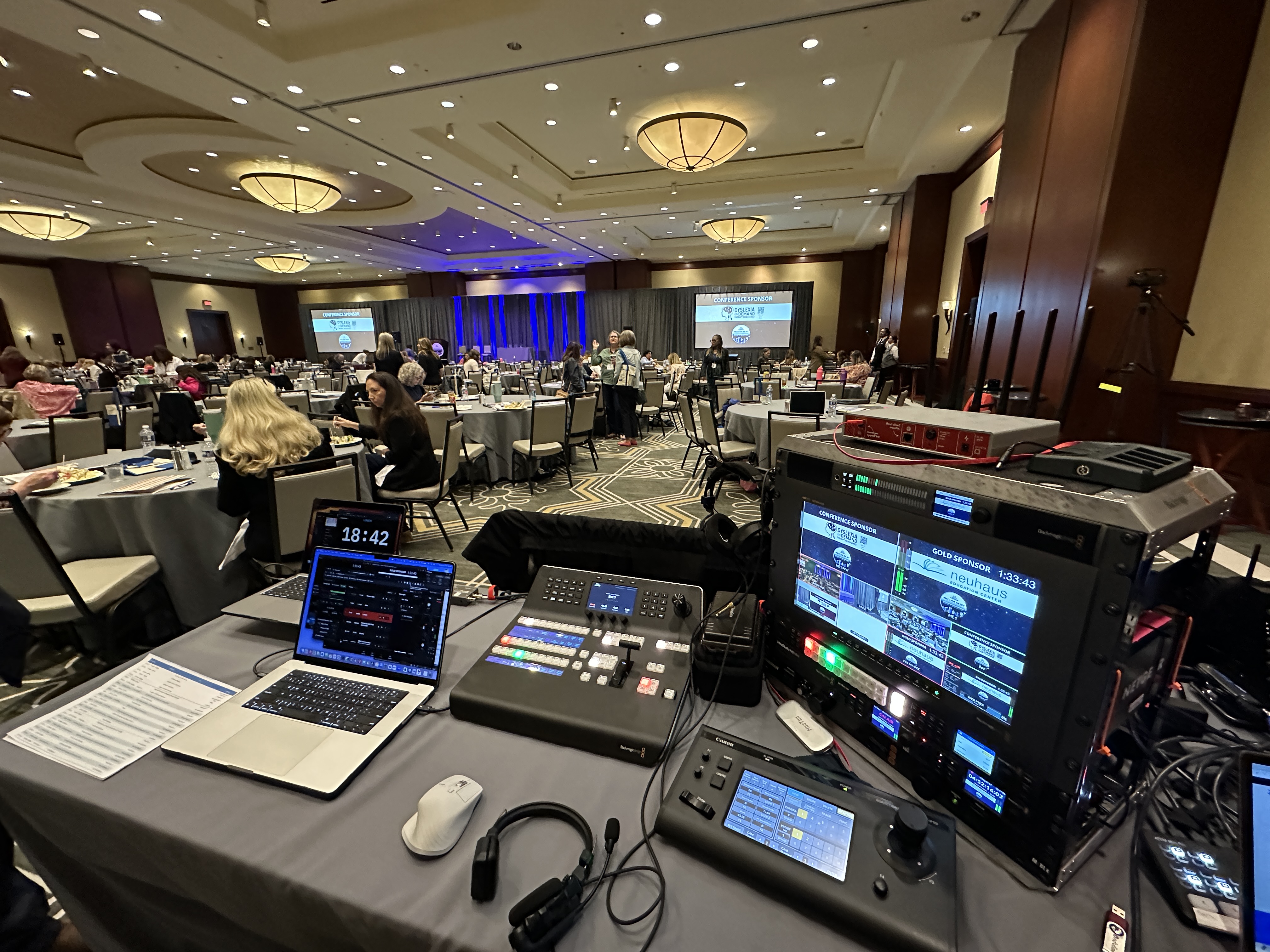
Our live production runs on Blackmagic ATEM switchers with Canon CR-N500 PTZ cameras, Sennheiser wireless, and an Allen and Heath SQ5 when the mix needs real control. On location, a LiveU Solo Pro bonds cellular so the stream doesn't live or die by the venue's internet connection.
Nobody remembers a smooth webcast, and that's the point. What they remember is the quarterly briefing that froze while the CFO was mid-sentence — and internal audiences talk.
So I build these to not fail. The stream rides a bonded encoder, a LiveU Solo Pro, pulling from your network and cellular at the same time, so one connection stumbling never becomes visible. A local recording runs independently of the stream, power is backed up, and a producer is watching the broadcast the entire time rather than finding out about a problem when the chat lights up. Most webcast horror stories trace back to a single point of failure someone hoped would hold. I broke down the common ones in why corporate livestreams fail.
A monthly or quarterly webcast program beats a string of one-off productions on every axis: cost, quality, and how much of your team's time it burns. By the third session, your presenters know the drill, the setup is dialed, and the whole thing runs on rails.
This is honestly my favorite kind of engagement, because the quality compounds. The first town hall involves figuring out presenters, platform, and flow. After that, it's a rhythm — same crew, same look, no reinventing anything. It's also why I price recurring programs differently instead of quoting each meeting like it's never happened before. If your meetings lean webinar-shaped — registration, external audiences, marketing goals — my produced webinar packages page lays out how I handle those as a monthly program too.
Two related reads: if the vocabulary is still fuzzy, webcast vs. webinar vs. livestream settles it in five minutes, and for anything regulated or sensitive, secure and confidential corporate live streaming covers the access-control side in depth. Captioning for compliance is its own topic — see closed captioning and accessibility for corporate livestreams.
Ask who is at the controls during your event, and whether that person is on anything else that day.
Ask what happens in pre-production. No rehearsal means every problem gets discovered live.
Ask what you own afterward. The recording and the data should be yours, without a fee to get them.
And ask what they do when something breaks. Anyone who has produced real shows answers in specifics.
The same questions apply when you're trying to hire a livestream production company for a conference, town hall or hybrid event as when you're choosing a partner for a single webcast.
If you've got a corporate event coming up, book a short planning call at calendly.com/dfwlivestream/lets-talk and I'll give you a straight answer. If we're not the right team, I'll say so.
Professional planning, live production and delivery of a corporate live broadcast: a dedicated producer, multi camera setups, audio mixing, custom graphics, tech checks, streaming to your platform, engagement tools, and an edited recording.
Our published pricing starts at $1,595 for a single produced webcast up to 90 minutes and $1,095 per month for an ongoing monthly program, with longer formats quoted based on duration, presenter count and production complexity. Events with an in-person audience start around $3,900 per day.
A webcast is broadcast-style and one-to-many — annual meetings, investor calls, town halls, a larger audience. A webinar is smaller and built around chat and Q&A. The gear overlaps; the format doesn't.
No. Live webcasting happens wherever the producer is, so remote production works in every US time zone. Location only matters when there's a physical venue to cover.
Yes — that's a hybrid event. Cameras and audio cover the room while the stream is produced for people watching remotely, with engagement tools so online attendees participate rather than observe. Successful hybrid events come down to technical planning more than budget.
For remote production, a stable wired connection per presenter is enough. On location we bring bonded cellular as a backup so the live broadcast never depends on venue wifi.
An edited full HD recording of the produced program arrives shortly after the event, with the platform's viewer and attendance data.
Your team can host the call. A production company directs it — switching cameras, riding audio, rolling graphics, watching the stream the way a viewer sees it, fixing failures invisibly. Those are full-time jobs during the event, not tasks you add to someone's afternoon.
The stream lives on a gated player, never a public link. Access runs through a password, a checked registration list, or SSO against your own directory, depending on the audience. There's a record of who got in, and the archive is handled with the same access rules as the live event.
Yes — that's a big part of what I do. My team brings cameras, audio, and encoding to your boardroom or conference space and broadcasts from there. I'm based in Dallas-Fort Worth and travel when it makes sense.
Mark runs DFW Live Stream and has been producing corporate livestreams, conferences, town halls and webinars across Dallas–Fort Worth and around the country since 2017. He writes these from the production desk, not a marketing department, and uses AI tools to help draft and structure them. Every post is read, fact-checked and edited by him before it goes live.