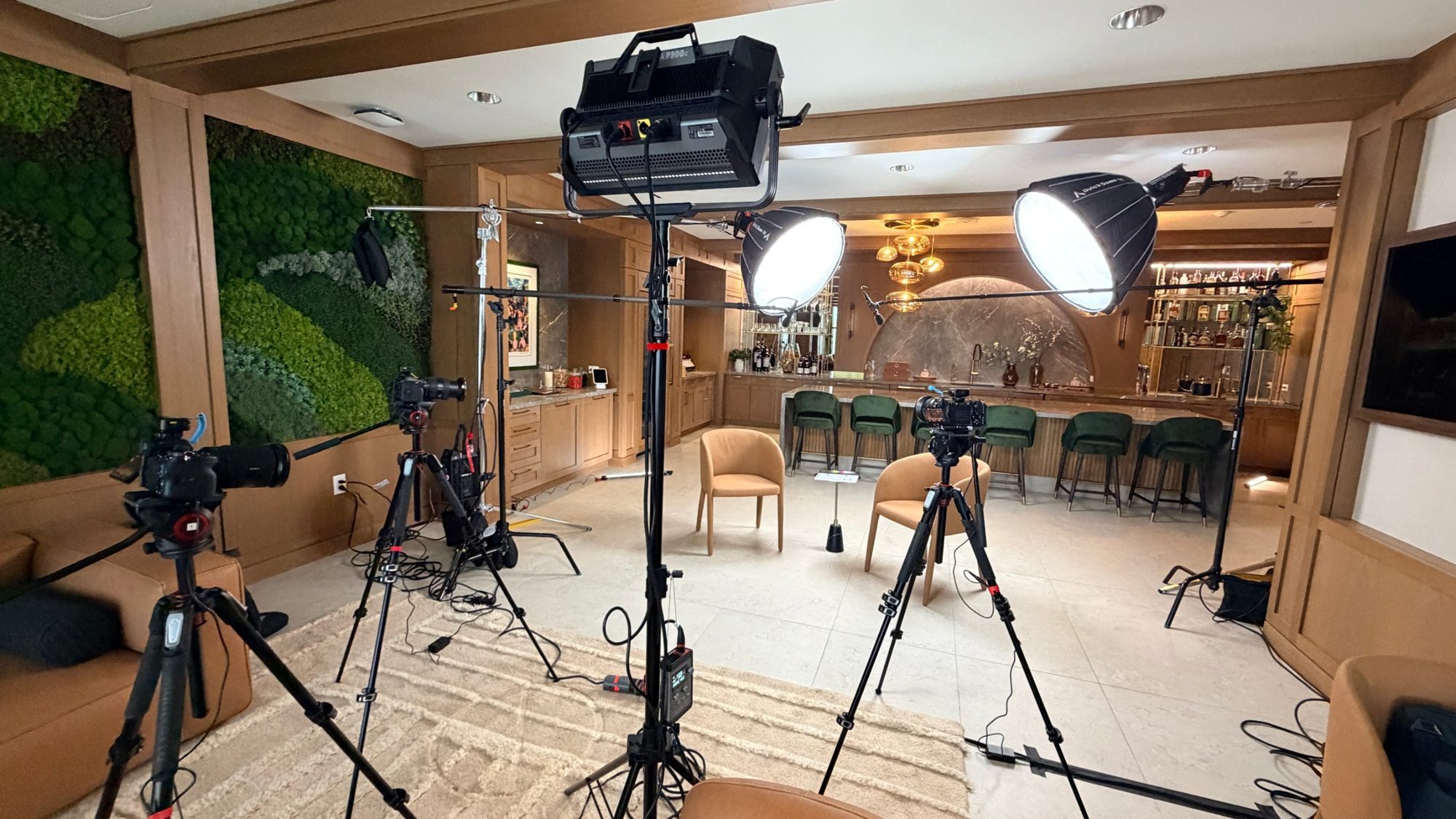
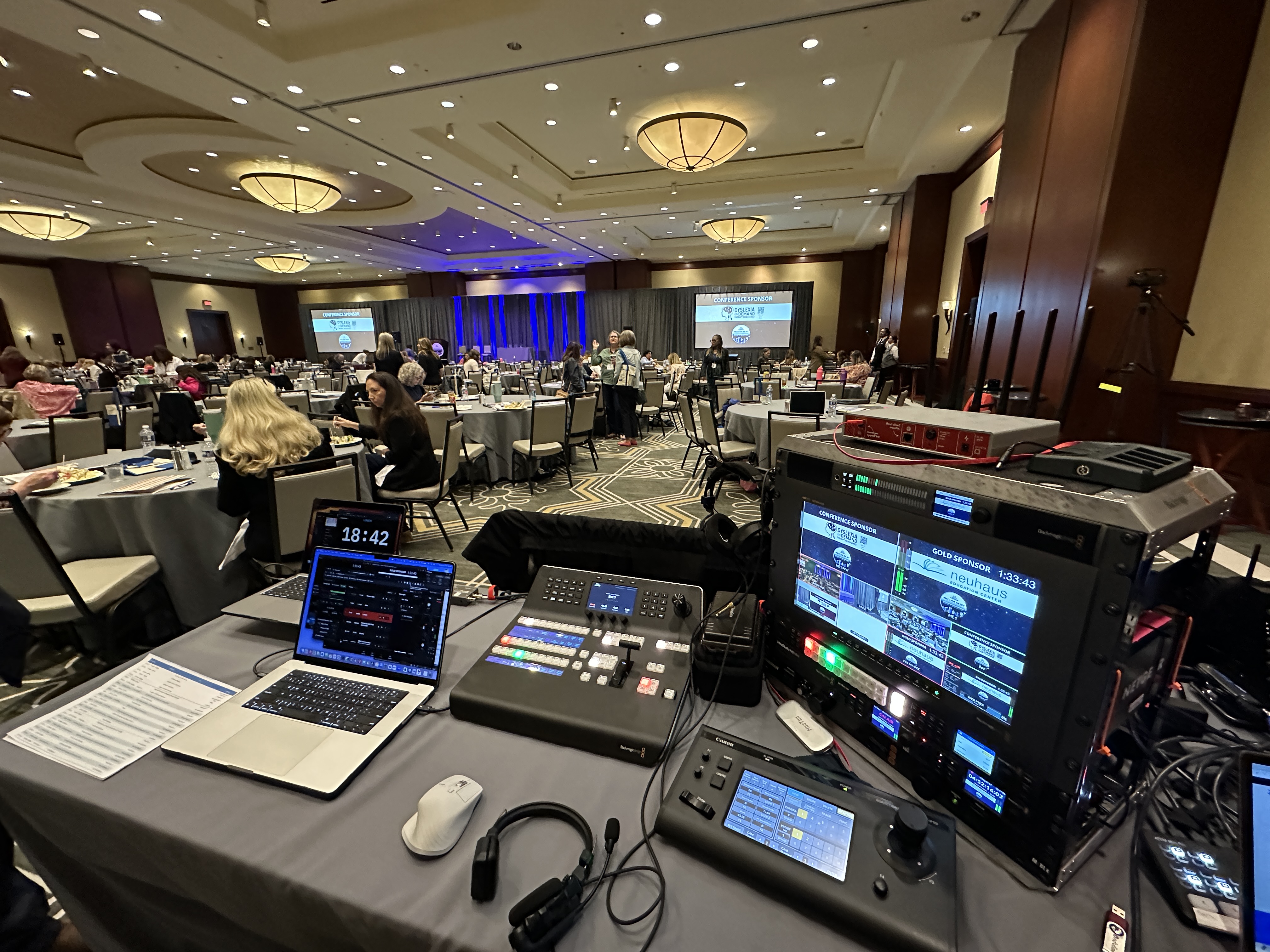
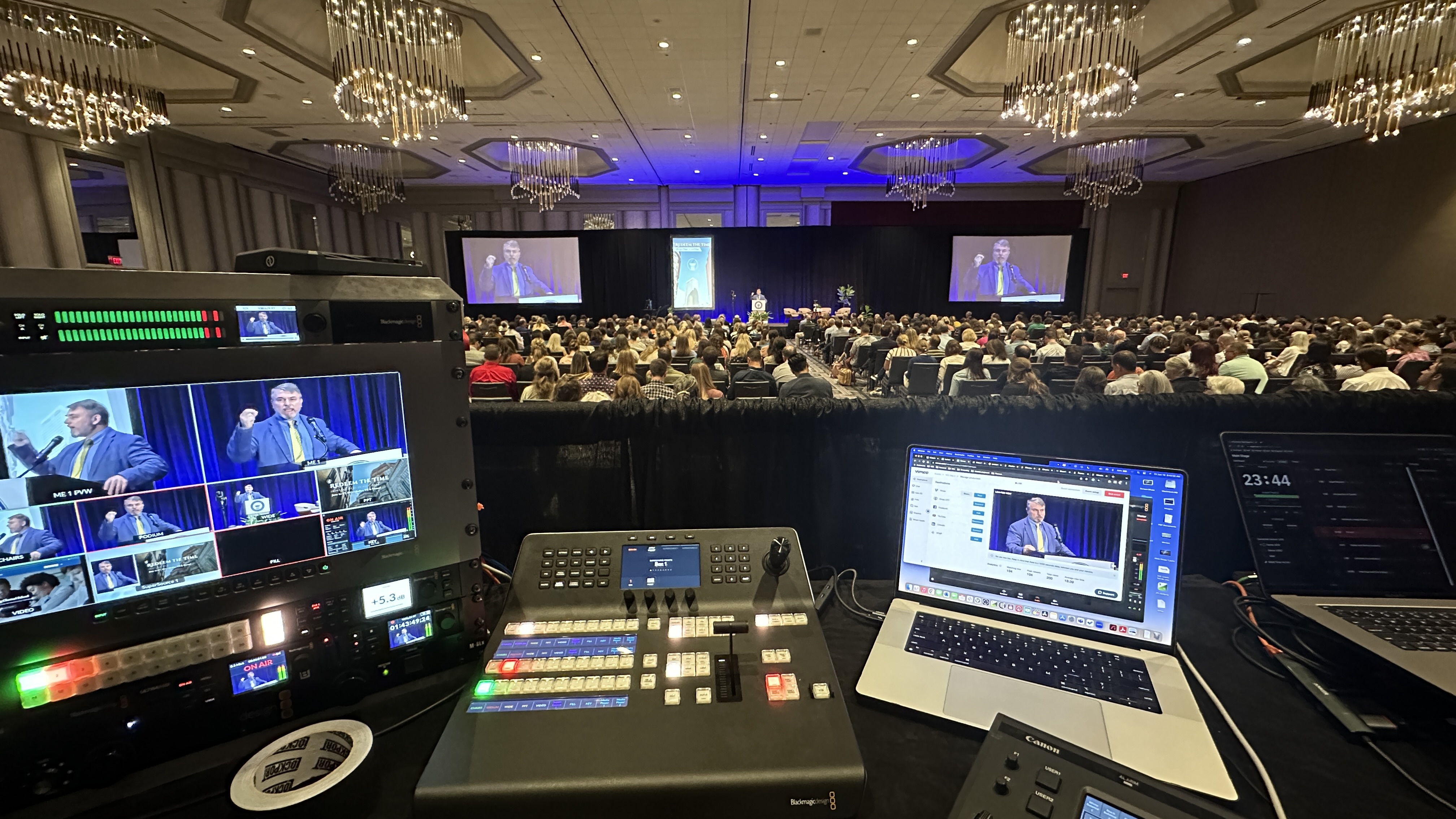
 By Mark WhiteOwner & Executive Producer, DFW Live Stream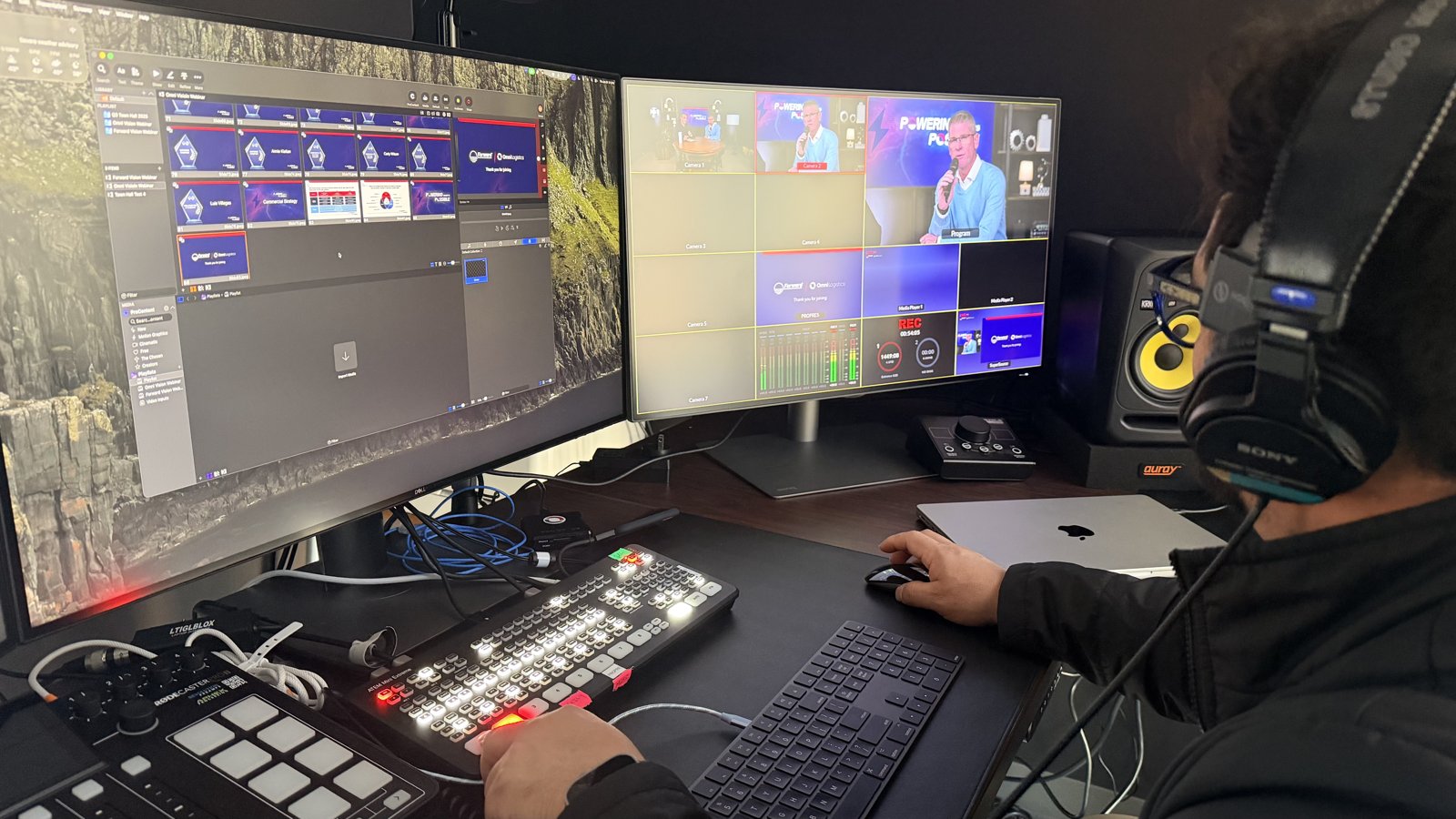
Most people shopping for webinar production services are really asking three questions. What am I actually paying for? What does it cost? And how do I know a provider is legit before my event is on the line? After ten years of producing live streaming and webinars for corporate events, associations, and conferences, I can answer all three in plain English. (Updated September 7, 2026.)
Here's the short version. Webinar production services give you a dedicated production team behind your webinar — a producer at the controls, branded graphics, presenter coaching, live technical support, and a polished recording — so the person on camera only has one job: talk to the audience. Professionally produced, fully virtual webinars start at $1,595, and the fastest way to vet a provider is to ask what happens when something fails. That answer separates production companies from people who press record.
I'm Mark White, owner of DFW Live Stream. Today we produce webinars and virtual events for clients anywhere in the US, fully remote — the same team behind our on-site live streaming. This post is for anyone who can host a webinar but doesn't want to produce one: associations, coaches, marketing and training teams. If you're still deciding whether to bring in help at all, I wrote a separate breakdown of in-house vs. outsourced webinar production for that decision.
A real webinar production service delivers a show, not just a stream. That breaks down into three phases: everything before the event, the broadcast itself, and what you walk away with afterward. Every webinar production company packages things differently, but professional webinar production services should come with the pieces below. A good provider also evaluates your target audience up front — how many people you expect, and how they'll interact.
The core of professional webinar production is a producer whose entire focus is your show while it's live. While your presenters talk, the production team is switching cameras and slides, rolling videos, watching audio, managing polls, answering questions from chat, and fixing problems before your audience notices them. If you want the full picture of that job, I broke it down in what a webinar producer actually does.
Professional webinar production includes rehearsals and a technical orientation for everyone on camera — audio, lighting, framing, and delivery. We send presenters a prep guide and walk through it, so everyone shows up prepared. This phase is where most webinar disasters get prevented. A presenter with a bad mic or a shaky connection gets caught in rehearsal, not live in front of your prospects.
Your webinar should look like it belongs to your brand, not to the technology behind it. That means lower thirds, a branded backdrop, intro and outro graphics, and holding slides, built to broadcast quality standards. Done right, the production is seamlessly integrated with your brand and builds brand credibility on screen — the kind of lasting impression a default Zoom window never makes.
On show day, your producer runs the entire live event while a second set of eyes supports the stream itself. Panel discussions, product demos, pre-recorded content rolled on cue, live polls, questions from chat — all managed for you. Remote presenters get brought into the program so they look like part of the show instead of a floating Zoom square. Your team stays focused on the conversation. We handle the technical aspects.
After the live session, you get a clean recording you own, delivered fast. Post production editing adds highlight reels, transcripts, and social media clips for Shorts, Reels, and LinkedIn. Good production services also deliver post-event reporting: attendance, watch time, and viewer behavior your sales team can use to prioritize follow-ups and shape future events. Plenty of webinars earn more views on demand than they do live, so the recording isn't an afterthought. It's half the value.
Production services sit on top of your platform; they don't replace it. We work on all the major webinar platforms — Zoom, Microsoft Teams, GoTo, Webex, YouTube, Vimeo, or embedded on your website — so whatever your audience already registers through stays exactly where it is.
This surprises people constantly. A production team feeds a broadcast-quality program into the platform you already pay for, so your registration pages, email reminders, and analytics don't move. Attendees join the same way they always have. The difference is what they see and hear when they get there. So if you've been comparing platforms hoping one of them will make your webinars look professional, save yourself the migration: the platform was never the problem. The production layer is what changes the experience.
We produce on your platform accounts, so you keep your data and your audience. Platform management is part of the service — configuring the stream, setting up interactive features, making sure it lands right. Each platform has its quirks, which is why I wrote a separate piece on what changes when you produce on Zoom, Teams, or ON24, and a broader guide to choosing a streaming platform for corporate events. Pick the one your audience already knows, and put the budget difference into production. Webinars earn that investment: 73% of B2B marketers say webinars produce the best high-quality leads of any channel they run.
When one person is both presenting and producing, they're delivering the webinar content while also admitting attendees, sharing the right screen, launching the poll, fixing a guest's dead mic, and remembering to hit record. Every task pulls focus from the one that matters.
The result is most webinars: a distracted presenter, dead air, and a recording nobody reuses. Webinar production splits the roles. The presenters present. The producers produce. It's the same reason a news anchor doesn't run the control room.
Most providers go vague here, so let me be the exception. This is our published pricing — the price on the card is the price.
A single produced webinar, up to 90 minutes live, is $1,595. Monthly webinar production is $1,095 per month for one webinar a month, or $1,995 per month for two. A Content Clips add-on adds 3 to 5 vertical social cuts from each webinar for $295. Longer sessions — panel discussions, multi-segment agendas, half-day programs — are quoted on duration, presenter count, and complexity. Full packages are on our produced webinars page.
Webinars typically run between thirty minutes and two hours, so the standard package fits almost every show. Hybrid is the biggest jump: the moment you add a live room you're mixing two audiences with different needs, and it's priced as on-site event production — which I cover in the hybrid event production guide. For the full picture of what drives production pricing up or down, the livestream cost breakdown applies to webinars too.
A one-off webinar carries all the setup — branding, rehearsal, tech check — for a single show. A monthly series spreads that across the relationship. Recurring production costs less per event, and you get a team that already knows your brand, your platform, and your presenters. Member organizations feel this most, which is why I wrote up webinar production for associations and member groups separately.
One distinction before you compare quotes: production and management services are different markets. Production-only assumes you bring your own audience — your email list, your members, your clients. Full-service agencies also build landing pages, run promotion, and own registration strategy, and charge several times more. If you already have an audience, an agency is overkill. If you have none, production alone won't fill the seats.
When you compare quotes, look at what's included rather than the bottom line. The cheap quote usually got cheap by cutting rehearsals, backup internet, or the second pair of hands — exactly the things you'll miss when something goes sideways at 9:02 a.m.
Every engagement follows the same process. Here's ours.
Fifteen minutes: we confirm dates, platform, and format, and make sure the service fits.
Before webinar day, we work closely with you to lock the run of show — the segment-by-segment plan for the whole event. This is where we collect logo, colors, slides, videos, speaker names, and how questions get handled. It's also where an expert team flags what won't work, before it fails in front of your target audience.
Every presenter gets tested before the live event: camera, mic, lighting, internet connection. By the time you go live, nothing about the technology is a surprise.
Jump on early, we talk through the plan, then the producer runs the webinar on your platform, start to finish. From your side: show up prepared, deliver your presentation, log off.
After the webinar: the recording, any clips, and the reporting numbers. Attendance data can flow into major CRMs so leads land in your pipeline while the analytics shape your next event.
Five questions will tell you nearly everything about a provider. None of them require technical knowledge, and the answers are hard to fake.
What happens if the internet fails during my event? You want a specific answer about redundancy, not "that's never happened to us." Who exactly will be running my event? You're hiring people, not a brand — the answer should be a named producer with a single focus: your show. With us, either I'm there or my lead operator Eli is, every time. Do you rehearse with our presenters beforehand? If rehearsals aren't standard, keep looking. What happens in pre-production? No run-of-show conversation means problems get discovered live. What do we own afterward, and how fast? The recording — yours, in a usable format, no ransom fee — plus clips and viewer data on a clear timeline.
I'd add one more if the event matters to your pipeline: ask how they handle audio. Viewers forgive a soft camera shot, but they leave over bad sound. I wrote a whole piece on getting livestream audio right because it's the single most underrated part of any broadcast, webinars included. And ask about expertise beyond webinars — hours of live event production under pressure bring a calm that software-only vendors can't, which is the same test I'd apply when hiring a livestream production company for anything critical.
Our guarantee, for the record: everything we commit to in pre-production gets delivered, or we make it right at no charge.
The gap between a produced webinar and a default one is obvious the moment you see both. We flew from Dallas to Washington, D.C. to produce a corporate event with multiple remote presenters joining from different cities — multi-camera setup, branded graphics, a producer cueing every transition. The feedback that stuck with me: "it feels like watching a talk show." That's the bar. Not "the stream worked," but an audience that stays because the thing is actually good to watch.
Compare that to the typical default: a single webcam, slides sharing a screen, audio that changes volume with every speaker, and a host juggling chat moderation while presenting. The content might be identical. The perceived credibility is not. When the audience is customers, prospects, or investors, that perception is the whole game. If you want to see the full engagement from first call to delivered recording, I walked through it in what to expect when you hire a livestream company.
For webinars — no. This is one of the few production services where geography doesn't matter, because the production happens wherever the producer is. We're a Dallas-Fort Worth event production company, and we support organizations in every US time zone without anyone traveling.
The exception is hybrid: an in-person room attached to your webinar needs a crew with cameras. We do that too, priced as on-site production, with the same focus on keeping remote attendees engaged.
Webinars and virtual events are the highest-leverage content strategy most organizations aren't running. Live webinars generate leads by trading great content for contact details — a single session can reach hundreds or thousands of attendees for maximum reach — and the recording keeps working as gated, on-demand content that continues to drive conversions long after the live date. A monthly series is one of the fastest ways to establish authority in your industry — employee training, educational sessions, product demonstrations, a product launch, thought leadership panels all support the same strategy of being the organization worth listening to. One good show makes an impression. A series builds a reputation.
Real audience engagement comes from interaction: live polls, Q&A where attendees actually get answers, and a host who isn't distracted by the control panel. Captions and clean audio make the webinar work for your whole audience. That's what professional production buys: attention. Presenters can develop a real conversation in virtual events instead of fighting the software.
Honest answer: plenty of webinars don't need a production company, and a good provider will tell you which ones yours are. Internal training sessions, recurring team Q&As, and small informal sessions run fine on a platform alone with a decent mic and a little practice. If most of your calendar looks like that, I'd rather help you build a trained internal setup than bill you for events you could own.
The events worth producing are the ones with stakes: a product launch, executive broadcasts, customer-facing series, ticketed sessions, and anything hybrid. If your big events are town halls specifically, the virtual town hall production guide pairs well with this.
Pre-event tech checks and rehearsals with presenters, run-of-show planning, branded graphics and lower thirds, live switching between sources, remote presenter integration, real-time monitoring and technical support, and delivery of the recording and viewer data afterward. You bring the content and speakers; production handles everything else.
A single professionally produced, fully virtual webinar is $1,595 with us, and monthly programs run $1,095 to $1,995 per month. Hybrid formats with an in-person room, multi-session series, and edited deliverables move the number up from there.
No. A production team feeds a broadcast-quality program into the platform you already use — Zoom, Teams, GoTo, Webex, YouTube, or your website. Your registration, reminders, and analytics stay put. The production layer changes what attendees see and hear, not how they join.
Streaming is delivery: getting video to your audience, which your platform already does. Production is everything that makes the video worth watching: rehearsed presenters, graphics, switching, audio, and a producer running the broadcast. Most disappointing webinars have a streaming solution and no production.
Two to four weeks is comfortable for a standard webinar, which leaves room for a proper rehearsal with your presenters. Multi-session series and hybrid events benefit from more runway, especially during fall and spring event seasons when calendars fill.
Yes, and it should be. A produced webinar yields a clean recording you can host on demand, cut into clips for social or training, and keep generating leads from long after the live date. Many events earn more total viewers on the recording than the live session.
You do. The recording is delivered in a usable format with no extra fee, along with any clips and the attendance and engagement data from the session.
Our packages and pricing are published at dfwlivestream.com/webinars, and every engagement starts with a free 15-minute fit call on whatever platform you already use. We'll confirm your platform and dates, and if we're a fit, you can be on the production calendar the same day. A hands on production team that supports you end to end is what our clients are buying — it's the ceiling on your success with the format. Not the right team for your specific needs? I'll point you toward whoever is — cheaper than a bad webinar for both of us.
Mark runs DFW Live Stream and has been producing corporate livestreams, conferences, town halls and webinars across Dallas–Fort Worth and around the country since 2017. He writes these from the production desk, not a marketing department, and uses AI tools to help draft and structure them. Every post is read, fact-checked and edited by him before it goes live.