Updated April 2026.
I've produced somewhere north of 300 Zoom town halls for corporate clients. Half of them were the right call. The other half, honestly, should've been something else. Zoom is a good tool. But it's a tool, not a production. And most companies run into the same three or four problems when they try to use Zoom as their town hall platform without thinking it through first.
This is the post I wish someone had handed me five years ago. It's not a "how to run a Zoom meeting" tutorial; there are 200 of those and they're all the same. This is the honest version from a production company that runs Zoom town halls for a living. When Zoom is the right call, when it isn't, what it actually costs, and when you should be using something else.
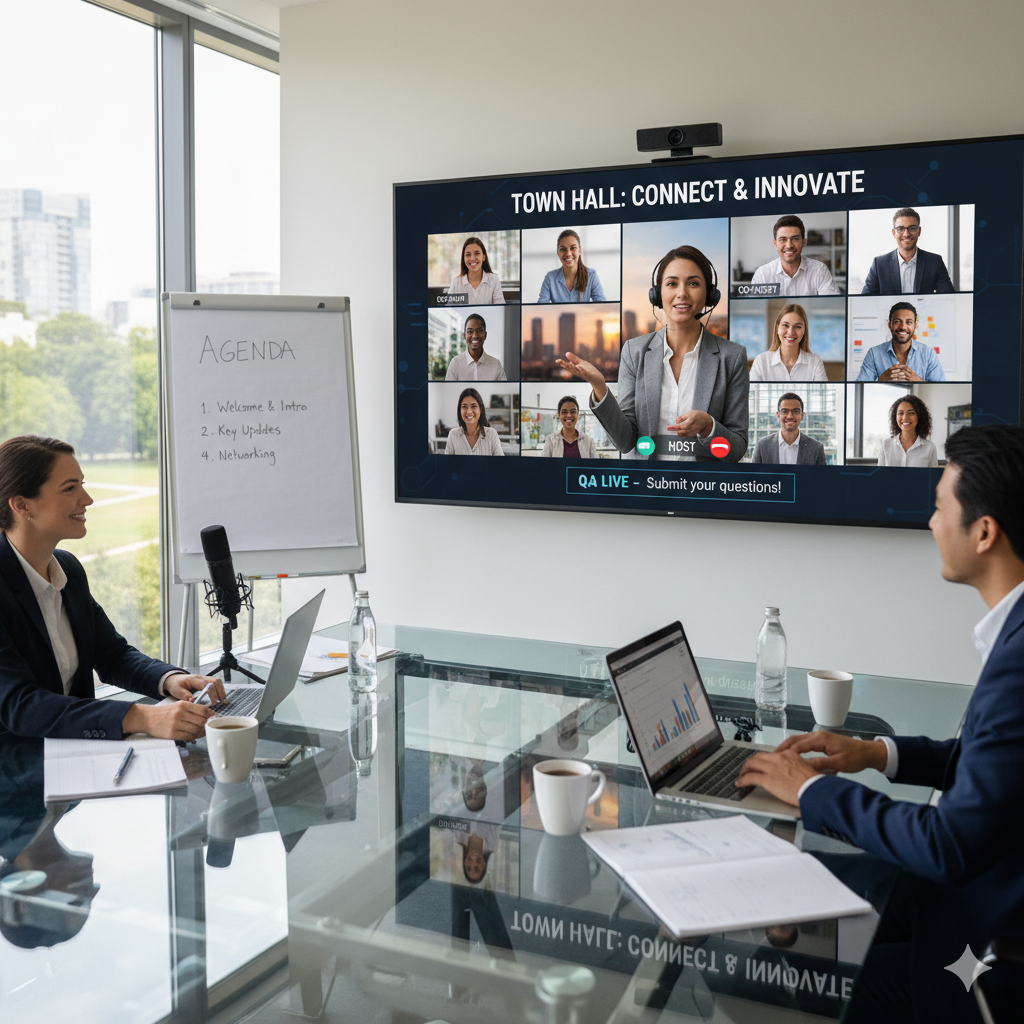
Zoom is the right platform for a corporate town hall when your audience is mostly internal, registration gating is enough security, and the visual experience doesn't need to be on-brand. For most internal all-hands and quarterly updates at mid-sized companies, that's true. Zoom Webinar handles thousands of attendees, registration is built in, Q&A and polls work well, and most employees already know how to use it.
Zoom is the wrong platform when brand experience matters (executive communications, investor updates, customer-facing moments), when you need tight content control beyond a password, or when the event needs to feel like a broadcast. In those cases you want a branded viewing page with Zoom's video feed piped in, or a different platform entirely.
For about 60% of the town halls I produce, plain Zoom Webinar is exactly right. For the other 40%, we end up with either a custom branded viewing page or a different platform in the chain.
This is the first decision and most companies get it wrong. They default to Zoom Meeting because it's what their Pro account already includes. For a 50-person team huddle, that's fine. For a 500-person town hall, it's not.
Zoom Meeting is built for interactive conversations. Everyone can speak, everyone can share, the gallery view scales. Which is exactly what you don't want in a town hall. One employee with an open mic eating a sandwich can derail the whole thing. You also cap out at 1,000 attendees on the top-tier business plan, and that's with the Large Meeting add-on.
Zoom Webinar is what you actually want. Presenters are explicit, attendees are in view-only mode by default, Q&A is structured, and you can scale to 10,000+ with the right license. Registration is built in, which doubles as your audience gate. The viewing experience is cleaner and more predictable.
The catch: Zoom Webinar is an add-on license, not included with Pro accounts. List price runs roughly $79 per month per host for 500 attendees and scales up from there to around $340 per month for 5,000 attendees. Most companies buy one Webinar license for their events team rather than rolling it out company-wide, which is the right move.
Three things, really. Everything else is overhead.
The first is familiarity. Your employees already have Zoom installed. They know how to click the link. There's no new login flow to teach, no download prompt to worry about, no IT ticket the morning of. For internal events, friction-free attendance beats a prettier viewing experience every time.
The second is registration and attendance reporting. Webinar mode gives you a clean registration page, sends automated reminder emails, and produces attendance reports afterward. If your HR or comms team needs to know who actually showed up, this reporting is the real reason to stay on Zoom. Other platforms either don't do it or charge extra for it.
The third is reliability. I've run Zoom events from hotel ballrooms in DC, conference rooms in Dallas, and recently from a venue in London. With a wired internet connection and a backup bonded cellular link, Zoom Webinar is rock-solid. The platform rarely goes down and scales predictably. That's not nothing when you've got a CEO going live to the whole company.
Three honest limitations, in the order they'll bite you.
The branding ceiling. Zoom's interface is Zoom's interface. You get a small logo spot, your panelists' names, and that's it. No custom colors, no branded intro graphics in-platform, no company-themed viewing page. For an internal all-hands, who cares. For a keynote going out to customers or investors, the generic Zoom chrome around your CEO's face is a bad look. This is the single most common reason clients outgrow Zoom as their sole platform.
The production ceiling. Zoom's built-in video handling is fine for one speaker talking at a webcam. It's not built for a multi-camera production with graphics, lower thirds, video playback, and live switching. You can sort of fake it through screen share, but the quality suffers and the experience feels choppy. Any town hall that wants to look like a TV broadcast — cuts between cameras, branded lower thirds, clean b-roll — needs a production switcher feeding a single video stream into Zoom. More on that below.
The viewing-experience ceiling. Attendees watching from the Zoom client see the Zoom client. The player is small, the interface is cluttered with chat and Q&A panels, and the experience feels like a meeting. For a big internal moment (sales kickoff, strategy reveal, annual address), that meeting feel undercuts the importance of the content. Replacing the Zoom player with a full-screen branded viewing page changes the whole tone.
For a national truck manufacturer's corporate town hall, we moved off plain Zoom and built a custom branded viewing page. The Zoom video feed still exists as the production backbone — our switcher sends a clean program feed into Zoom, and our technical director manages Q&A through Zoom's backend. But employees don't watch on Zoom. They log in to a company-branded page with their colors, their logo, and a clean full-screen video player.
The upgrade makes sense when any of these are true: the event is a high-visibility moment for the company, the audience includes external stakeholders (customers, partners, investors), brand consistency matters to the executive sponsor, or you want individual attendance tracking beyond what Zoom reports give you. Branded viewing pages typically run $450 to $875 as an add-on to the production cost. Not a trivial line item, but cheap for how much it upgrades the experience.
For most internal-only town halls, this upgrade isn't necessary. For any event with a marketing or communications budget behind it, it almost always is.
A few realities about Zoom's pricing that trip up comms teams.
Your company's existing Zoom Pro or Business account probably doesn't include Webinar. It's a separate add-on license attached to a specific user. If you're running a town hall and someone says "we have Zoom," verify they have Zoom Webinar specifically, not just Zoom Meeting.
Webinar licenses are priced by attendee capacity, not by event. A 500-capacity license runs around $79 per month, 1,000-capacity is around $340 per month, and it climbs from there. If your town halls only happen quarterly, paying annual for a monthly license is waste. You're better off either using a production company's Webinar license on an event basis, or buying a month-to-month license and canceling between events.
Simulive and recording replays cost nothing extra on Webinar plans. If you want employees who missed the live event to watch the recording on the same branded viewing page, that's typically a Vimeo or custom hosting setup — not Zoom. Zoom keeps recordings in its cloud for 90 days by default and the player is the same generic Zoom player, which brings you right back to the branding ceiling.
A Zoom meeting starts with a webcam and a laptop. A Zoom town hall production starts with real gear. The difference shows up in the first 30 seconds.
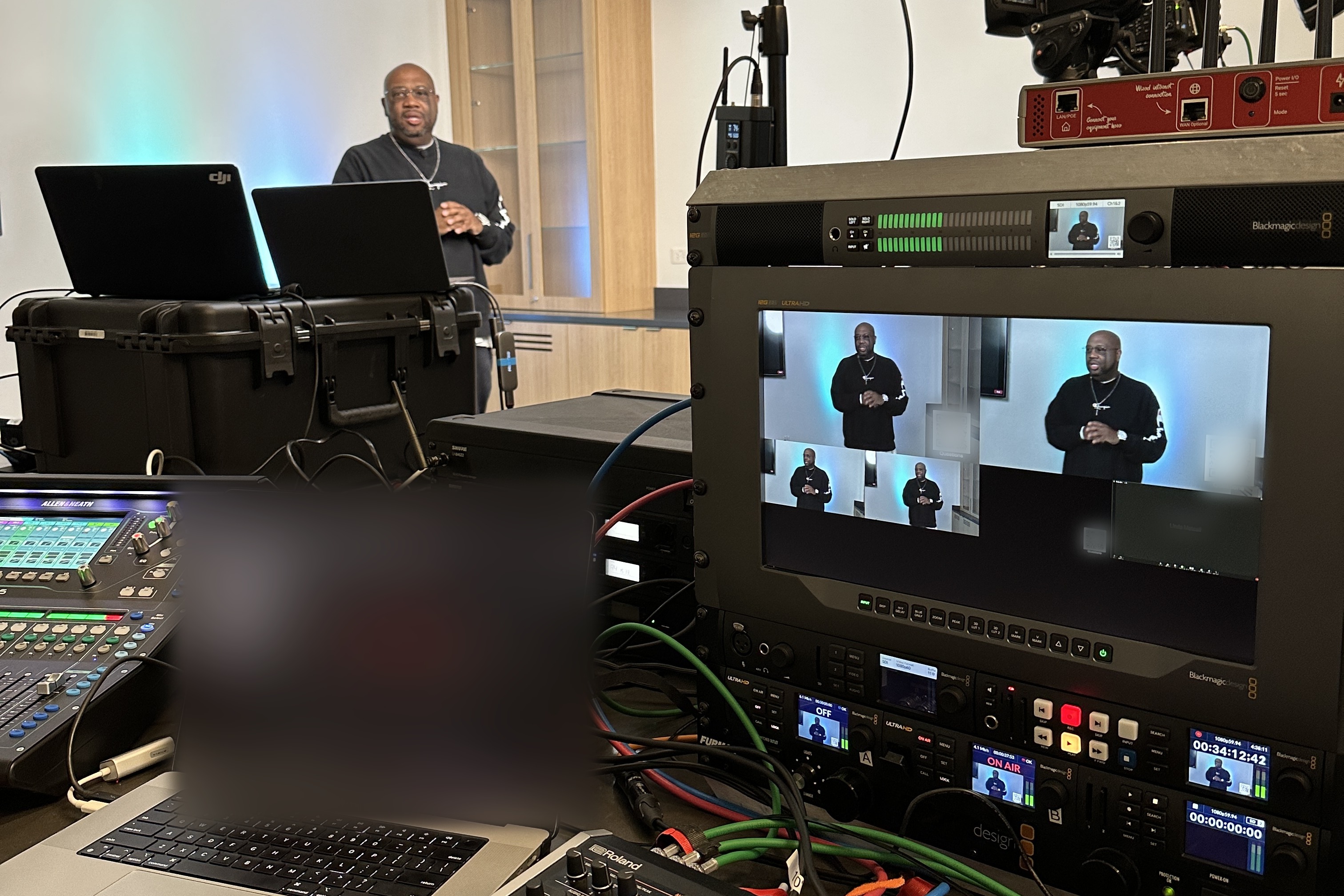
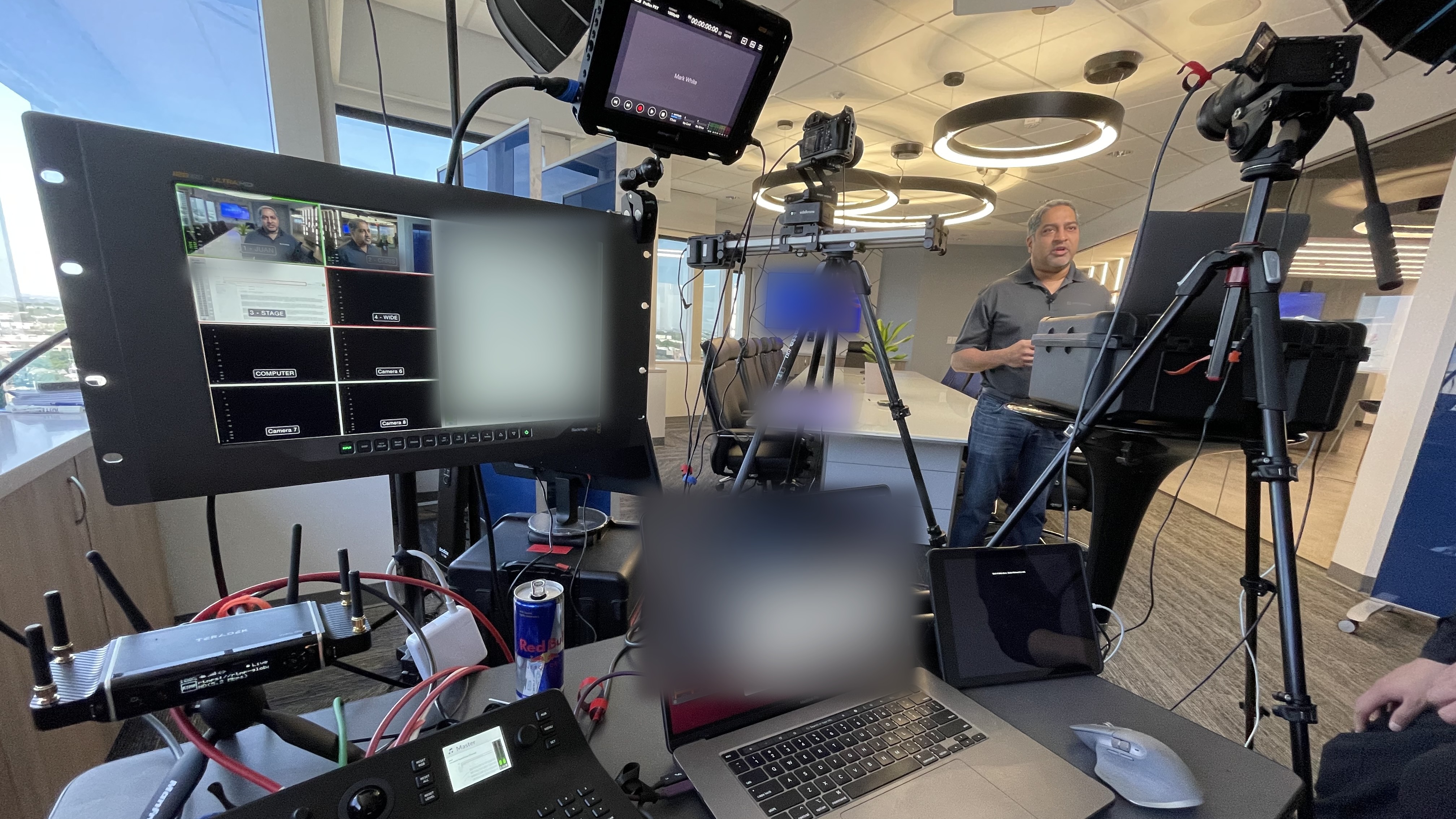
The baseline for any town hall I produce: two PTZ cameras minimum (wide and tight), a Blackmagic ATEM switcher handling live cuts and graphics, a real audio chain with wireless lavalier mics running through an Allen and Heath SQ5 mixer, a bonded internet solution like LiveU Solo Pro as backup to the venue's wired connection, and a dedicated technical director driving the switcher and managing Q&A.
That gear stack feeds a single clean video program into Zoom. Zoom sees it as one source: a perfectly lit, multi-camera, graphics-enabled broadcast with professional audio. The viewer sees what looks like a TV segment, not a Zoom meeting. It's the same Zoom platform; it's a completely different experience.
The alternative is a laptop on a table with the CEO's built-in webcam and the room's overhead fluorescents doing the work. I've seen companies spend six figures on an offsite and stream it to their employees through laptop audio. The message costs more than the production, and the production is what people remember.
These are the real ones I see over and over again.
You bought Zoom Pro, not Webinar, and the 500-attendee cap blocks half your company at the door. Confirm Webinar specifically, with the attendee tier you need, at least two weeks out.
The CEO tries to unmute for the first time live, the slides don't advance, and someone's Zoom window is visible behind the graphics. Run a full tech rehearsal 48 hours before on the actual gear you'll use live.
The presenter sounds like they're at the bottom of a well because their laptop's built-in mic is picking up HVAC noise and keyboard clicks. Wired or wireless lavalier into a real mixer, always.
The venue Wi-Fi hiccups for 30 seconds and the CEO's feed freezes at the worst possible moment. Wired internet as primary, bonded cellular as hot backup, both active at start.
Questions stack up, awkward ones get through, answered questions aren't removed, and the executive team loses track. A dedicated human (from the production team or internal comms) manages the Q&A queue and hands curated questions to the host.
I recommend Zoom Webinar when it's an internal-only event, the audience is under 5,000, the company already uses Zoom for meetings, registration and attendance reporting matter, and brand experience isn't the point. Most quarterly all-hands and internal sales kickoffs fit this profile perfectly.
I recommend Zoom as the production backbone with a branded viewing page when the audience is internal but the event is a big brand moment (annual kickoff, major strategy reveal, exec address), or when the audience includes any external stakeholders who'll judge the production quality.
I recommend Vimeo or a custom setup instead of Zoom when the event is primarily a video-on-demand asset (a training series, an investor update meant to live on after the live event), or when Zoom's interactive features aren't needed at all. In those cases Zoom is overkill and its limitations outweigh its benefits.
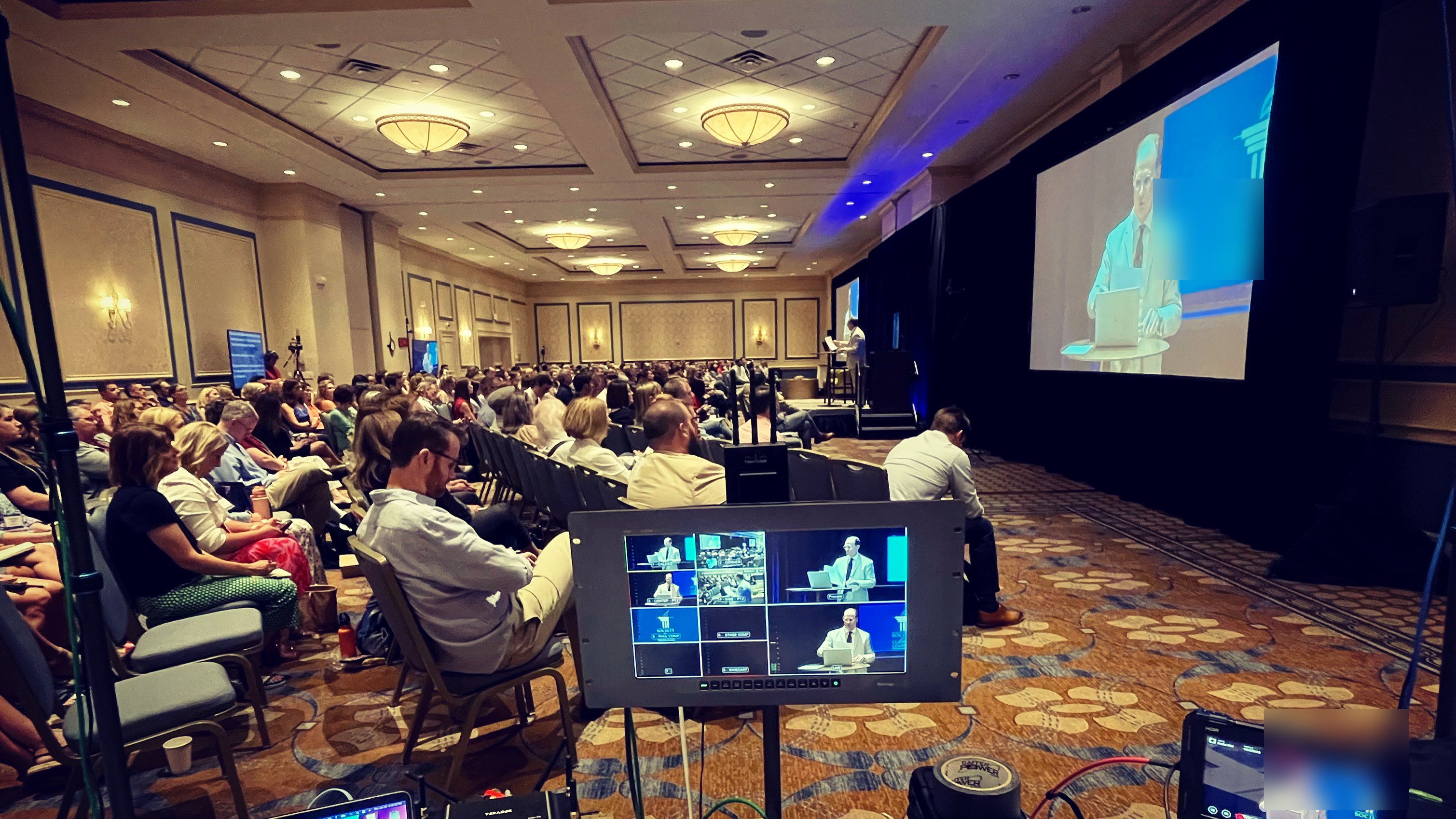
I recommend a hybrid approach — Zoom for remote attendees simulcast alongside an in-person event — for most conferences and company summits. We recently did this for a corporate client's annual sales meeting where the main session had 400 in the room and another 600 on Zoom. Same production, two destinations.
When a client asks me "should we use Zoom?" I flip it around: who's the audience and what does the event need to feel like? If the answer is "our employees, something they can click into easily," Zoom is almost always right. If the answer is "our employees plus customers, and it needs to feel like a premium brand moment," Zoom alone won't cut it. But Zoom plus a branded viewing page usually will.
The mistake isn't choosing Zoom. The mistake is choosing Zoom and stopping there, treating the platform as the whole production plan. The platform is the last 10% of what makes a town hall work. The first 90% is the gear, the people running it, and the setup decisions you make before anyone joins.
If you're planning a Zoom town hall and want to talk through the setup — or figure out whether Zoom is actually the right call for what you're doing — reach out. We do this every week and I can usually map it out with you in one short call.
Yes, but not out of the box. Plain Zoom on a webcam looks like a webcam. The way you get a broadcast feel is to run your cameras, audio, and graphics through a production switcher and feed Zoom a single clean program output. To Zoom it's just one source, but to your audience it's a multi-camera, properly lit, graphics-enabled show. Same platform, completely different experience.
Two things move the needle most: real production quality and a managed Q&A. People tune out of a static webcam fast, so cutting between cameras and adding lower thirds keeps it visually alive. And put a dedicated moderator on the Q&A queue so good questions get to the host and the conversation feels two-way instead of a one-way broadcast.
For most internal all-hands, yes. Registration gating in Zoom Webinar means people sign in to get the link, attendees are in view-only mode by default, and you control who presents. If you need tighter control than a registration gate — say the content is sensitive or the audience includes outside stakeholders — that's when a branded viewing page with its own login makes more sense than relying on Zoom alone.
Absolutely, and it's the single biggest upgrade you can make. Your switcher sends one clean video program into Zoom over a capture device, and your real audio chain — lavalier mics through a proper mixer — rides along with it. Zoom treats the whole rig as one polished source. That's the difference between a meeting and a production.
A full production with two cameras, real audio, lighting, a switcher, bonded internet, and a technical director typically starts around $4,500 for a single-location, single-hour event and scales from there based on crew, number of rooms, travel, and complexity. Adding a branded viewing page is usually $450 to $875. Full detail is in our livestream pricing guide.
Still deciding how to run the event overall? Here's the public vs. private decision framework — five questions that'll tell you which way to go.