 By Mark WhiteOwner & Executive Producer, DFW Live Stream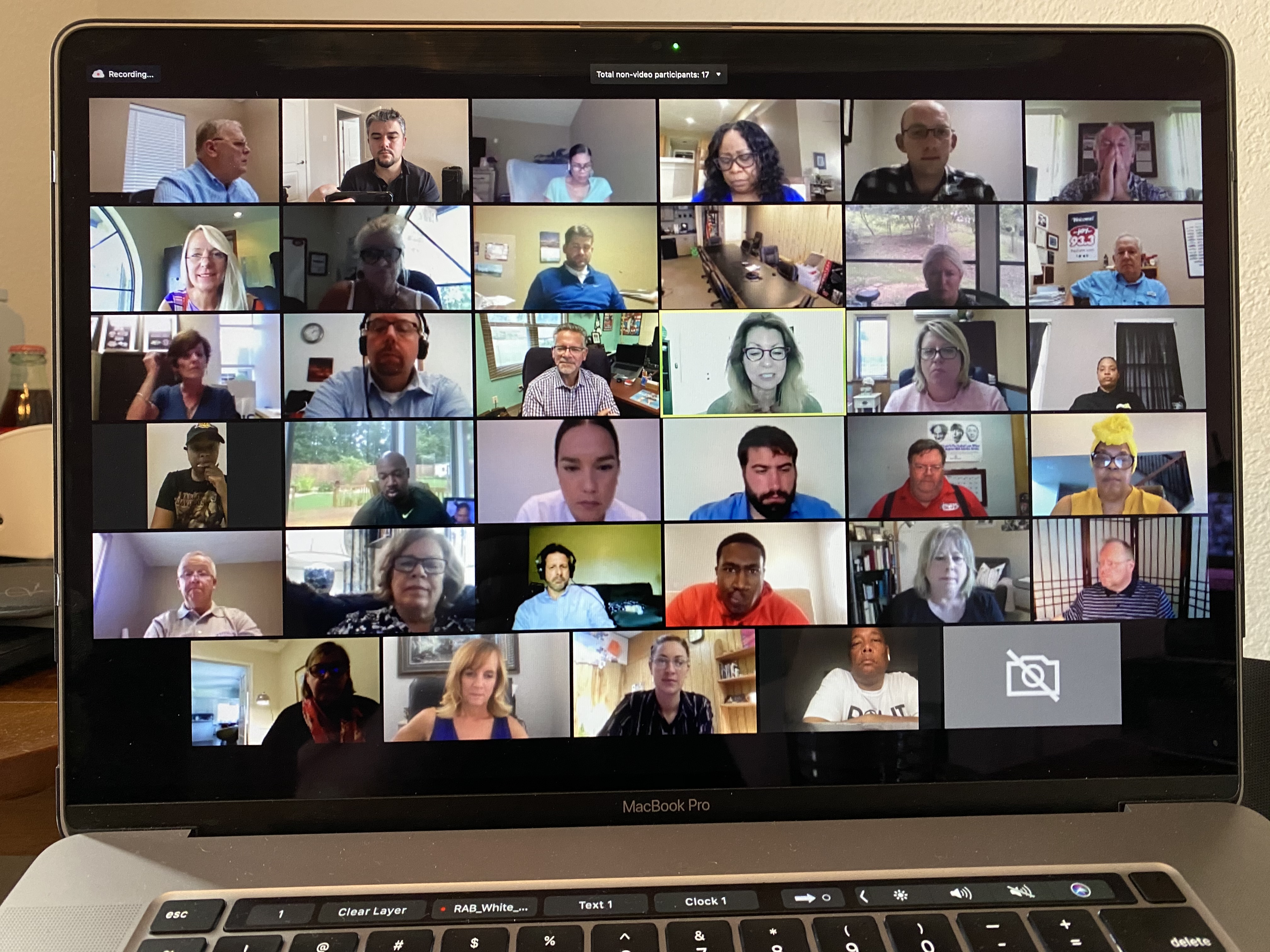
A virtual town hall is a company-wide meeting produced like a broadcast: leaders present from wherever they are, remote employees watch a clean switched program instead of a webcam grid, questions flow in live, and the entire company — every office, every time zone — sees the same show at the same time. (Updated September 7, 2026.)
The difference between one that works and one everybody multitasks through isn't the platform. It's production.
I'm Mark White, owner of DFW Live Stream. Ten years of live streaming corporate events, and the fully virtual town hall — no ballroom, no stage, presenters on laptops — has become one of the most common things we produce.
This is the honest playbook: what makes a successful virtual town hall, what it costs with real numbers, and where a producer changes the outcome.
Town hall meetings started as a room: leadership up front, employees in chairs, microphone in the aisle. In person meetings like that still happen — but they now cover a shrinking slice of the company.
Virtual town hall meetings keep the purpose — major updates, company goals, questions answered in the open, a chance to address issues before they fester — and drop the room. Everyone attends through a video conferencing platform, from headquarters or a kitchen table — and whether you should actually run your town hall on Zoom is a separate decision that deserves an honest look at Zoom for corporate town halls.
Same for the virtual all hands meeting. The names get used interchangeably; the format is the point. One meeting, the entire organization, live.
And to be clear about scope: this post is about fully virtual events. If you're streaming a physical room to remote viewers, that's a different production — I covered it in town hall live streaming. Add an in-person audience on top and you're in hybrid events territory.
This guide is about the fully remote version. If your leadership is presenting from a real room to a mix of in-person and remote employees, that's town hall live streaming, and it's priced and crewed as an on-site event. If you're committed to Zoom as the backbone, the Zoom town hall playbook covers what a producer changes inside that platform. Our town hall production service page has the short version of all three.
A few key reasons keep coming up with the business leaders we work with, and they explain how fast organizations adapt once they try the format.
Distributed teams. When a remote workforce is a fifth of the company, an in-person meeting with a webcam pointed at it treats remote employees as second-class. A virtual format puts everyone in the same seat.
Cost effectiveness. No venue, no travel, no catering. A produced virtual meeting costs a fraction of flying regional teams in — and it scales from fifty people to hundreds of participants without the price moving.
Reach. A global audience across time zones can attend live or watch the recording the same day. Nobody waits for the summary email.
And candor. Done right, a town hall builds transparency and trust: leadership answers questions in the open, including the anonymous ones they'd rather not get. That two-way communication is the whole reason the format survives.
Because they're run as big video calls instead of produced events.
The CEO shares slides from a laptop. Someone forgets to mute. The screen sharing shows a taskbar and a notification about lunch. Forty minutes in, half the audience is answering email.
Employees time is expensive. Five hundred people on a sloppy sixty-minute meeting is five hundred lost hours — that's the real cost, recorded somewhere no budget line shows it.
The fix isn't a better video conferencing tool. It's treating the meeting like a show: an agenda built for the format, a producer running it, and interactive features that make attendance feel like participation.
Here's what changes when we produce a virtual all hands instead of the company just hosting one.
One person owns the show: switching between presenters and slides, rolling video, watching audio, managing the stream. Presenters just talk.
I broke the role down in what a webinar producer actually does — a town hall is the same job with the whole company watching.
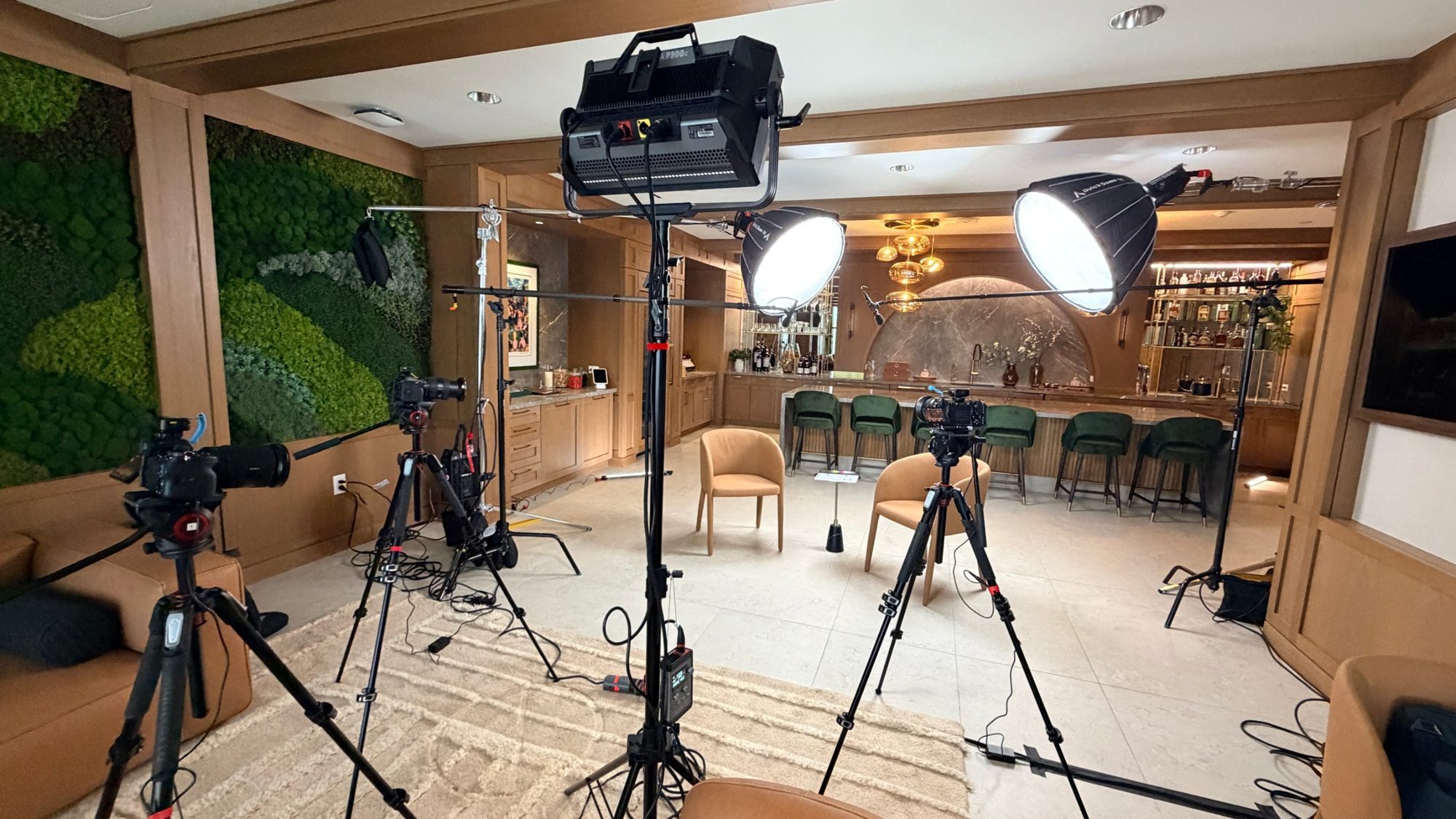
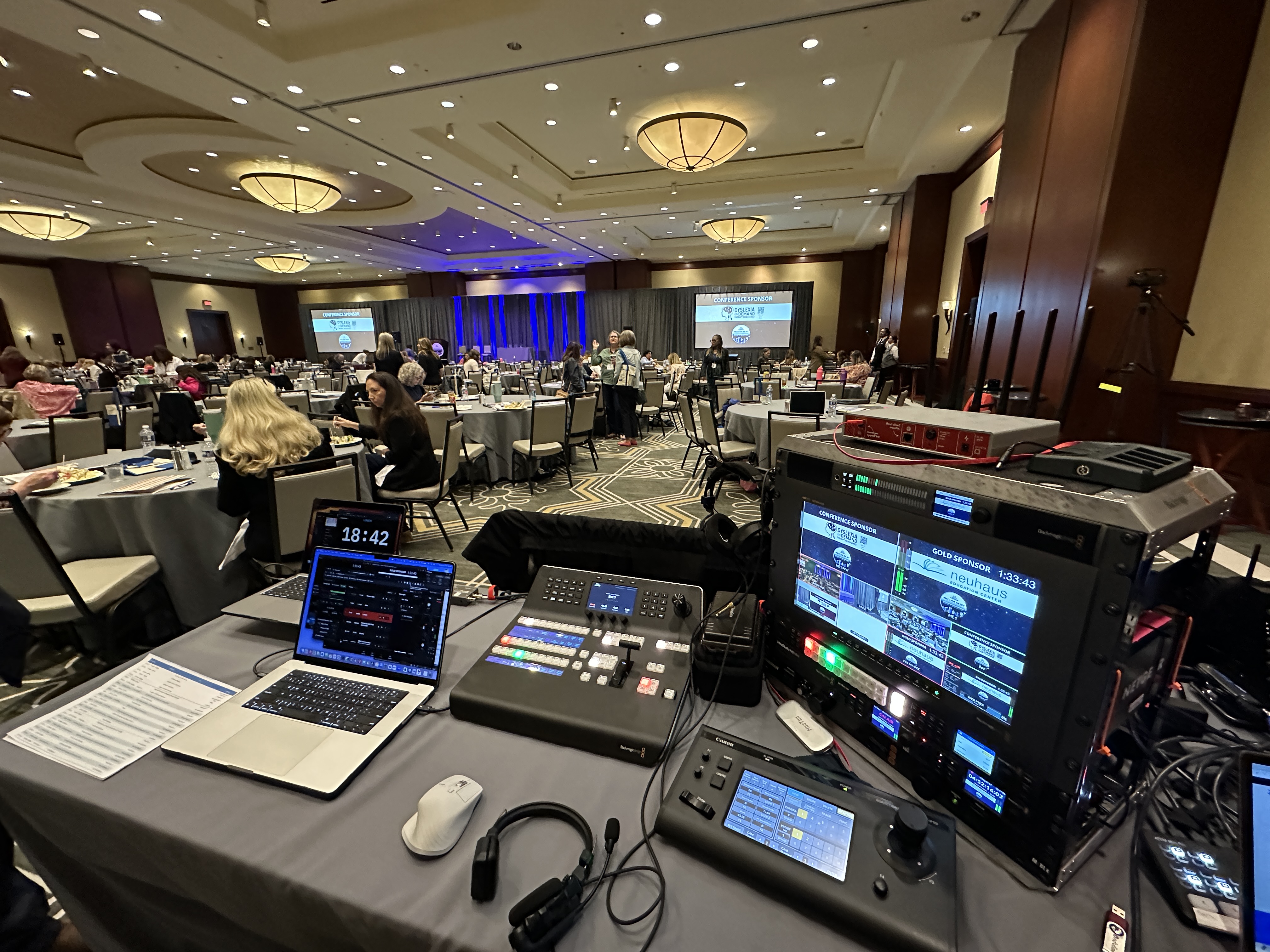
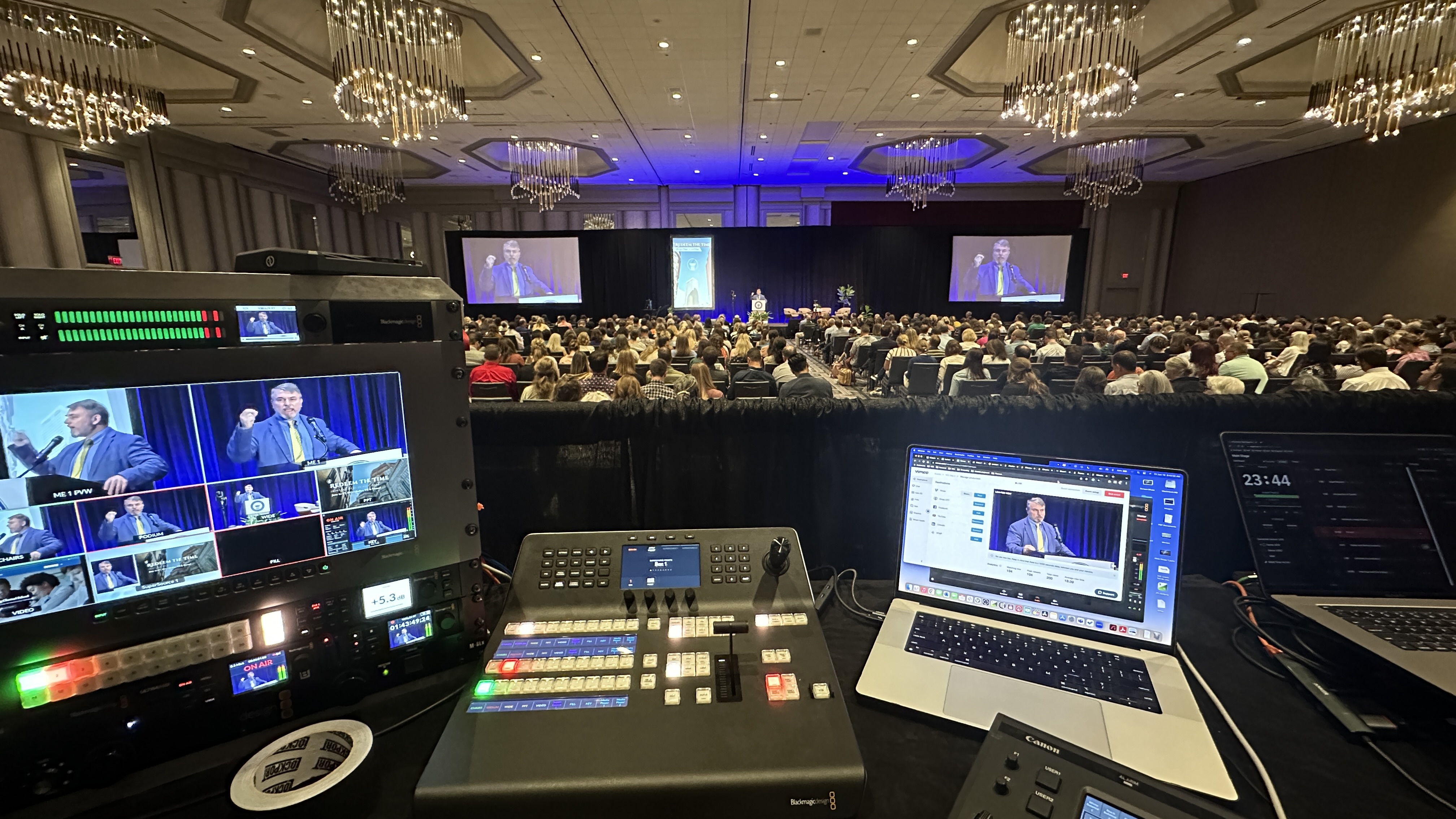
Presenters join a normal video call. On our end, real hardware — Blackmagic ATEM switchers, an Allen and Heath SQ5 when the audio mix needs it, Canon CR-N500 PTZ cameras and Sennheiser wireless if any presenter is in a studio — turns those feeds into a switched program.
Lower thirds, branded graphics, and clean screen sharing that fills the frame instead of shrinking into a corner. It reads as television, not a meeting.
We collect questions before the meeting, let employees submit questions anonymously throughout, and run moderated live Q&A. Anonymity is what makes the hard questions show up. A moderator batches themes so leadership can answer questions instead of scrolling chat.
Polls every segment or two, a pulse survey at the end, chat prompts that encourage participation, and space to celebrate wins — service anniversaries, shout-outs, team milestones.
Recognition is the cheapest employee engagement tool there is, and it lands harder on a produced screen than in a bullet point.
Whoever couldn't attend live gets the produced recording — the switched program, not a grid capture — usually within hours.
Engagement metrics come with it: attendance, watch time, poll results, question themes. That data is how you make the next one better.
A clear meeting agenda is the single highest-leverage document, and every segment should trace back to one meeting objective. Here's the step by step guide version of ours.
Open with energy: a produced cold-open or highlight reel, not two minutes of "can everyone hear me." Some teams start with an icebreaker poll — low stakes, gets thumbs on keyboards.
Leadership updates next, while attention is highest. Major updates, company goals, the numbers. Short segments, visual slides, one presenter at a time.
Then the middle matters: a customer story, a demo, a team spotlight. Something that isn't an executive with a deck. Variety is what helps people stay focused.
Celebrate wins before Q&A — it resets the room's energy. Then moderated Q&A with real time protected for it, not three minutes at the end. Close by recapping the key points and next steps: what was decided, what's coming, where to send follow-up questions.
Keep the entire meeting inside an hour. Sixty minutes is a town hall; ninety is a hostage situation.
Getting a company-wide meeting to run smoothly is logistically challenging in ways that have nothing to do with content. These are the expert tips that earn their keep.
Time zones: pick a slot that's civil for the coasts and record for everyone else — or run the actual event twice for a truly global audience.
Calendar invites go out two weeks ahead, with teaser content to create buzz and a reminder the day before. Attendance is a marketing problem before it's a production problem.
Assign roles: a host or emcee on camera, a moderator on Q&A, a producer on the show. One person cannot do all three — that's the failure mode of most team meetings scaled up.
Rehearse presenters. Ten minutes each: camera, mic, lighting, internet connections. Wired beats wifi every time, and it's the difference between a crisp segment and a robot voice apologizing.
Have a fallback for technical hiccups — a co-host who can pick up if a presenter drops, holding graphics, a phone bridge for audio of last resort. Technical issues don't ruin town halls; the thirty silent seconds while nobody handles them do.
For your presenters: a computer, a decent webcam or camera, a real microphone, and a stable wired connection. A phone or mobile device works for attending, not for presenting.
All the equipment that makes it look broadcast-quality lives on our side — switcher, audio mix, graphics, recording, stream monitoring. Presenters join through the video conferencing tools they already use. Nobody installs anything, and the attendee experience is a seamless experience: open the link, watch a show.
Platform-wise, we produce into whatever the company runs — Zoom, Teams, or a webcast platform — on your accounts, and the streaming platform you choose for a corporate event should match your access, control, and branding needs. The right platform is the one your employees already open every day.
Our pricing is published.
A single produced session up to 90 minutes — which covers almost every town hall — is $1,595, including pre-production, agenda and run-of-show help, presenter rehearsals, branded graphics, live production, and the recording.
Companies that run them on a rhythm use the monthly programs: $1,095 per month for one produced event a month, $1,995 for two. Programs longer than 90 minutes are quoted based on duration, presenter count and production complexity. All of it's on the packages and pricing page.
If your all-hands has grown breakout sessions, breakout rooms, and parallel tracks, it's crossed into virtual conference production — different machine, scoped by proposal, and it's also where more companies lean on live stream companies for their quarterly town halls instead of staffing it internally.
One more scope note: if the content is sensitive, we produce private, employee-only streams with access control and follow secure corporate live streaming practices for confidential events, because quarterly numbers don't belong on an unlisted link someone forwards.
One great virtual town hall is a nice event. A monthly one is infrastructure.
Consistency is what turns the format into culture and starts to build community: employees learn their questions get answered, remote teams see leadership regularly instead of quarterly, and company values stop being a poster because people watch them applied to real decisions in real time. Done monthly, it's also the clearest signal the company is pulling in the right direction.
The companies doing this best treat the town hall as their heartbeat meeting — same rhythm, same quality bar, company wide. That's also when production gets cheaper per event, because the graphics, format, and crew are already built.
If you've got a town hall or all hands meeting coming up and you want it produced — or you just want a straight answer about whether it needs production at all — book a short planning call at calendly.com/dfwlivestream/lets-talk. Bring your current format and I'll tell you exactly what I'd change.
A company-wide meeting held entirely online: leadership presents live to the whole organization through a video conferencing platform, with Q&A, polls, and updates — no physical venue. Produced well, it looks like a broadcast rather than a big video call.
Mostly vocabulary. Both put leadership in front of the entire company for updates and questions. "Town hall" tends to emphasize the Q&A; "all hands" the attendance. The production playbook is identical.
Our published price is $1,595 for a single produced session up to 90 minutes, including rehearsals, graphics, live production, and the recording. Monthly programs run $1,095 for one event a month or $1,995 for two.
Sixty minutes or less. Short segments, real Q&A time, and a hard stop. Attention online is scarcer than in a room, and a tight hour beats a baggy ninety minutes every time.
Collect questions ahead of the meeting, keep anonymous submission open, and run moderated live Q&A with themes batched for leadership. Anonymity matters — it's how the questions people actually have make it on screen.
A computer, webcam, decent microphone, and a wired internet connection. They join a normal video call, and everything that makes it look produced — switching, graphics, audio mix — happens on the production side.
Yes. Pick a civil live slot for most of the workforce, and deliver the produced recording the same day for everyone else. Global companies sometimes run the program twice rather than making one region attend at midnight.
If it's a small team catch-up, no. If it's the entire company, an executive on screen, and a meeting you want people to actually watch, a producer is the difference between a broadcast and a conference call — and at monthly-program pricing it usually costs less than the staff time currently spent duct-taping it together.
Mark runs DFW Live Stream and has been producing corporate livestreams, conferences, town halls and webinars across Dallas–Fort Worth and around the country since 2017. He writes these from the production desk, not a marketing department, and uses AI tools to help draft and structure them. Every post is read, fact-checked and edited by him before it goes live.