 By Mark WhiteOwner & Executive Producer, DFW Live Stream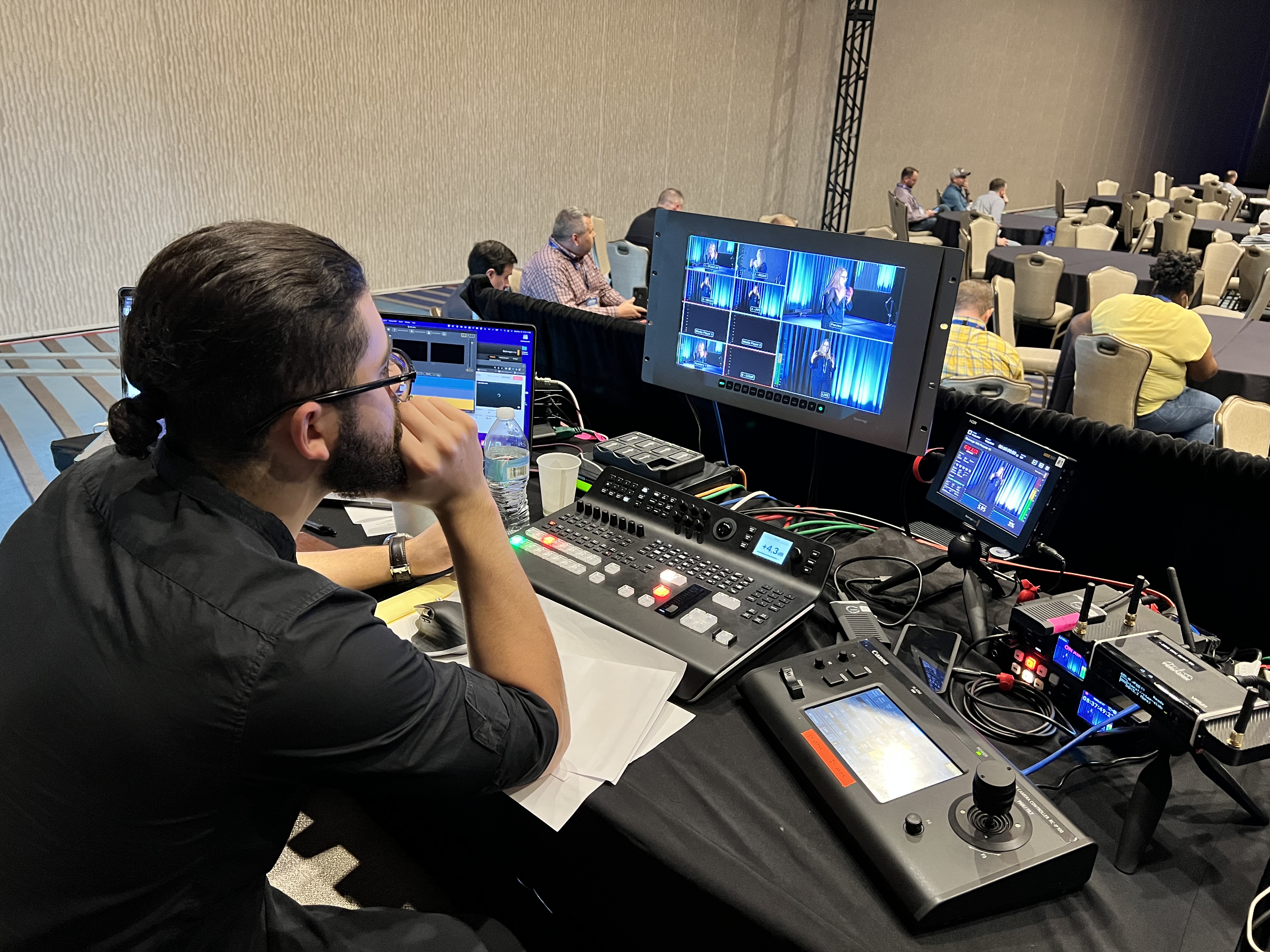
Virtual conference production is the discipline of running a multi-session online event — parallel tracks, breakout rooms, a dozen speakers in different cities — so it feels like one coherent broadcast instead of a stack of video calls. A production team plans every session, rehearses every speaker, switches every feed live, and keeps the whole day on schedule while the audience just watches a clean show.
I'm Mark White, owner of DFW Live Stream. Ten years producing live streaming for corporate events, and the fastest-growing slice of that work never touches a venue.
Webinars are a solved problem. Virtual conferences are where event planners get hurt, so here's what production involves at that scale, what it costs, and how to keep multiple days of sessions from becoming chaos.
Take everything one produced session needs, multiply it by every track, and compress the margin for error to zero.
One dedicated producer can run one live session. The moment your agenda has two concurrent sessions, you need two people at two switchers.
This is the piece most virtual event production services underexplain — and it's the first question to ask any virtual event production company. Breakout rooms don't run themselves; each concurrent room needs someone watching audio, slides, and speaker cues, or one quietly falls apart while everyone's attention is on the keynote.
Production planning for virtual conferences lives or dies on the run of show — a minute-by-minute document covering every session, every transition, every video roll, and who's on camera when.
All the details live in that one document: segment timing, speaker cues, holding slides, contingency plans for when a session runs long. When a speaker no-shows or a demo breaks, the run of show is what turns a crisis into a thirty-second adjustment.
Every presenter gets a tech check — camera, microphone, internet, screen share — and a rehearsal window with a technical support contact. That's where technical expertise pays for itself: problems get found on Tuesday, not live on Thursday.
For a single webinar that's a nice-to-have. For a virtual conference with fifteen speakers, rehearsals are non-negotiable — every presentation and transition gets tested before it goes live, and every presenter needs a stable wired internet connection. One unprepared speaker can put an entire track behind schedule.
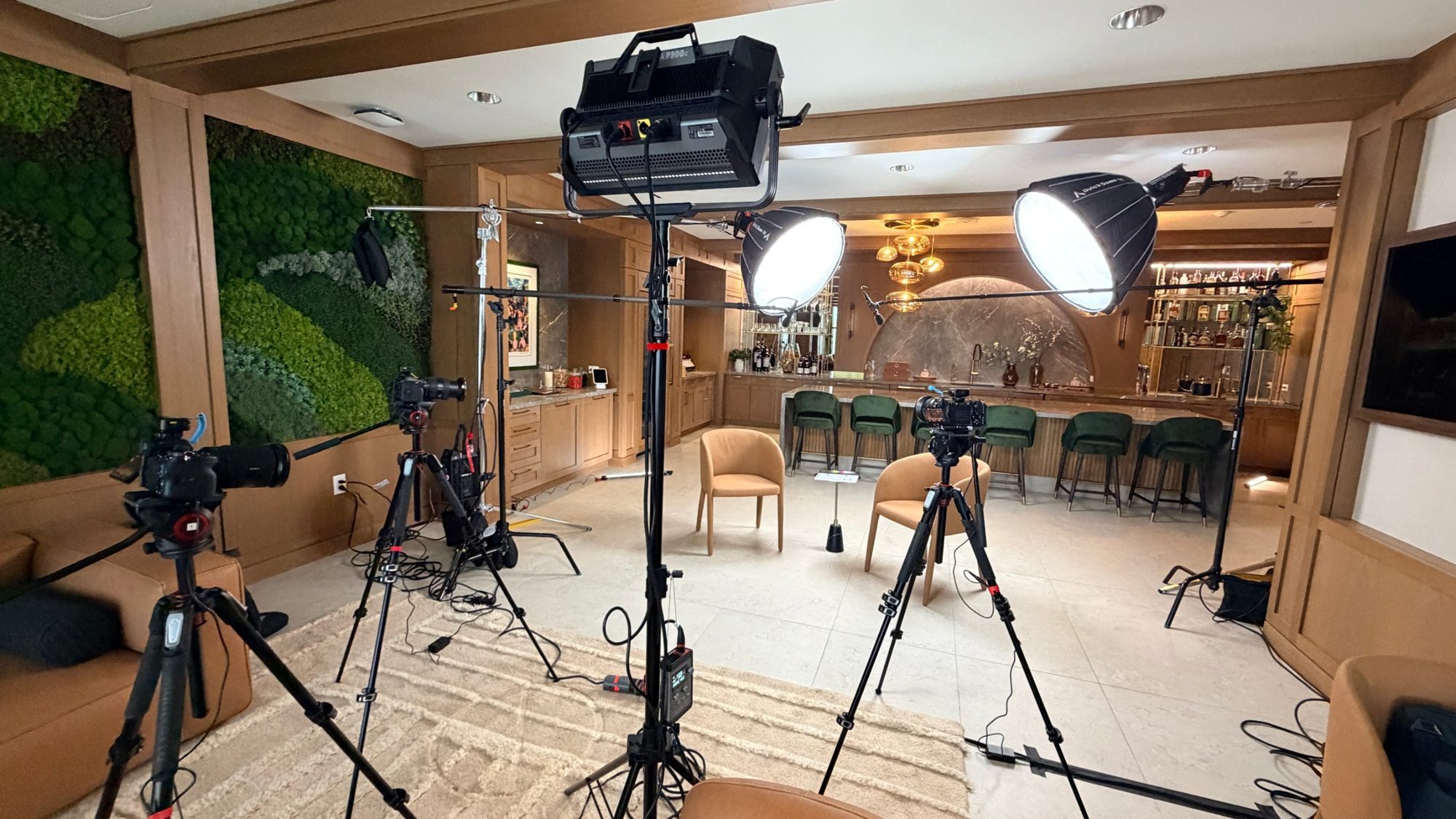
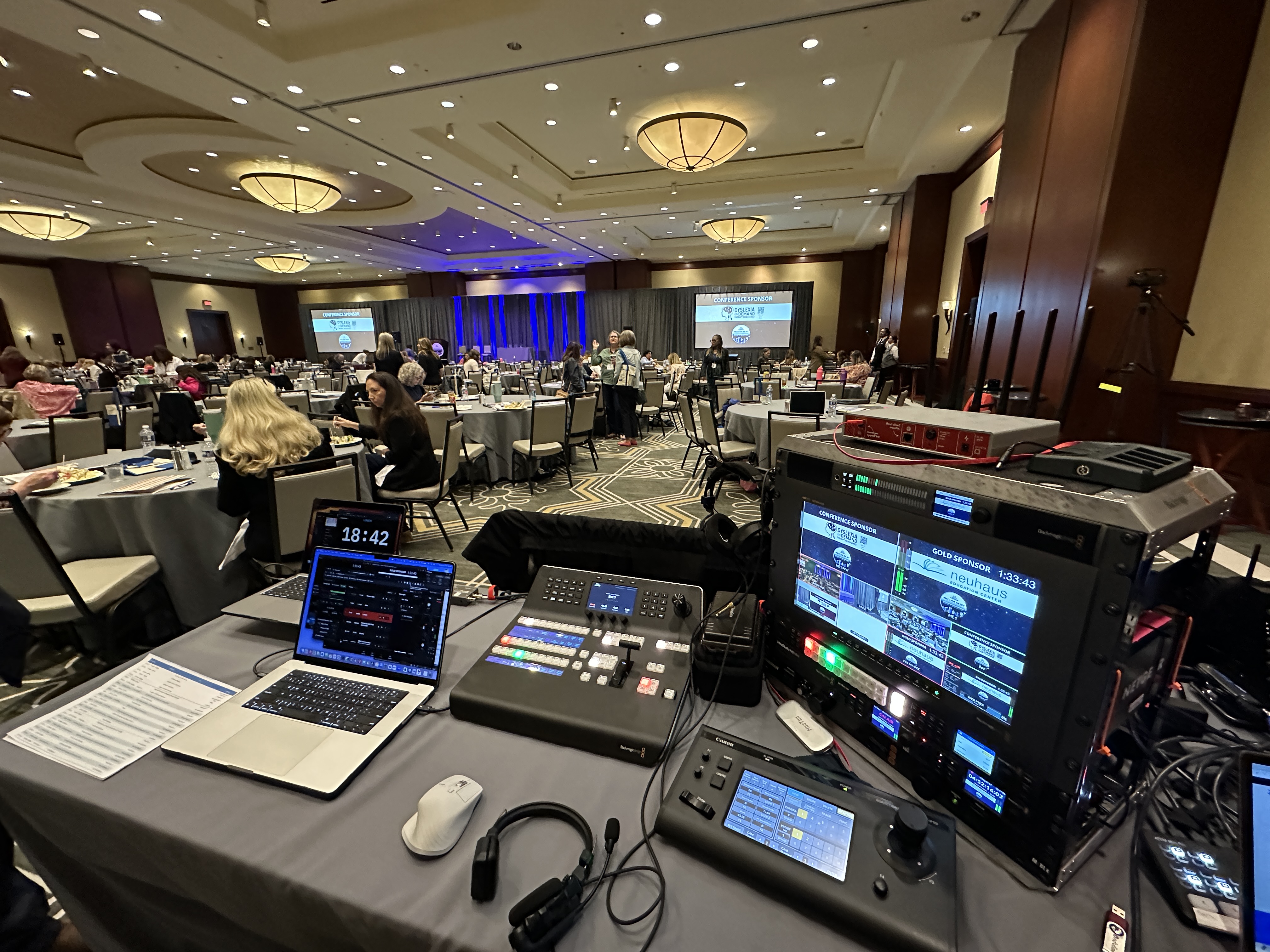
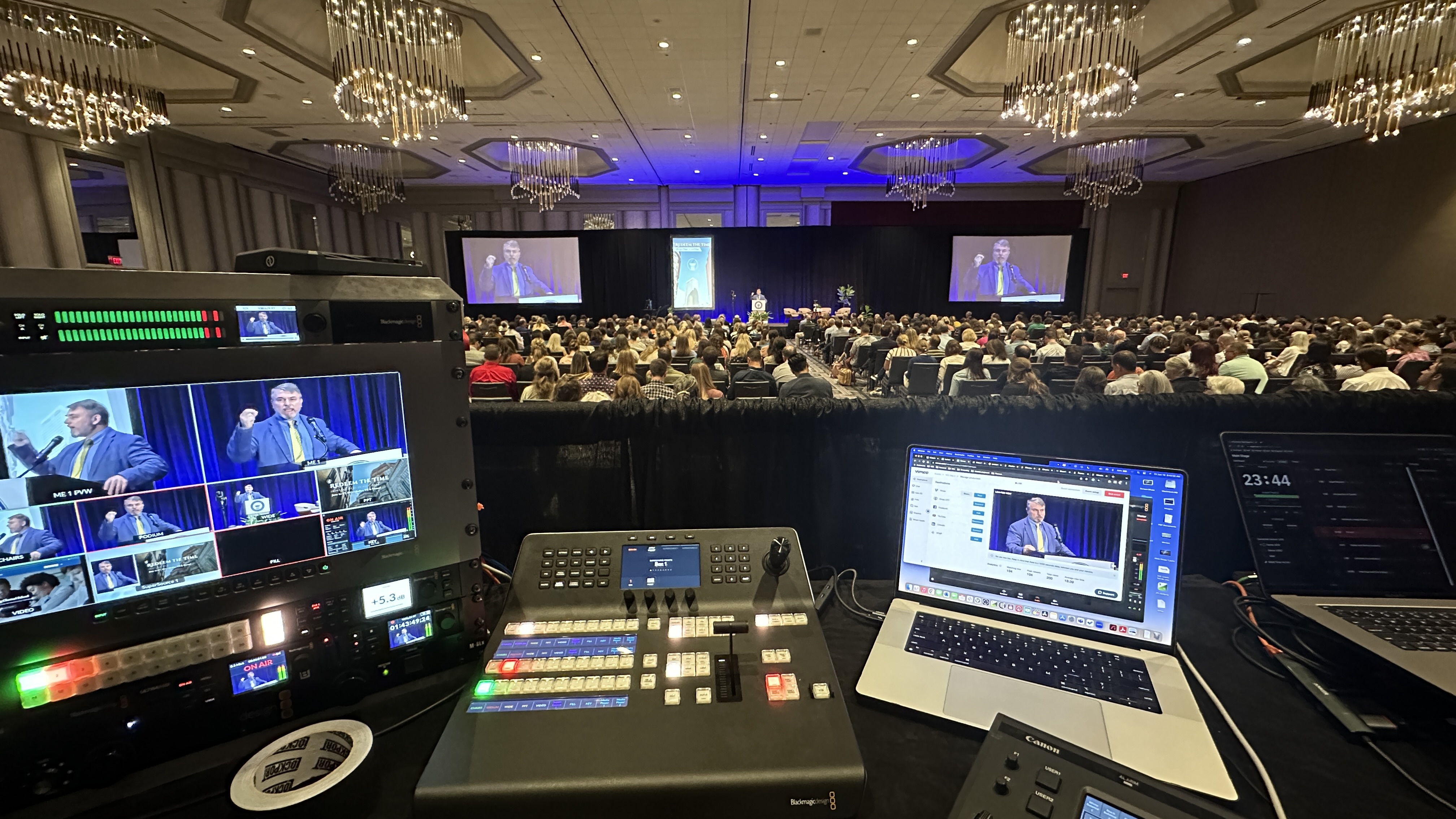
The live streaming layer runs on real broadcast hardware on our end — Blackmagic ATEM switchers, Canon CR-N500 PTZ cameras when anyone's in a studio, Sennheiser wireless, an Allen and Heath SQ5 when the audio mix gets serious.
Platform expertise matters just as much as gear. Zoom events, Teams, or purpose-built virtual event platforms — we're platform-agnostic and produce on your accounts, so registration data stays yours. The right streaming platform for corporate events depends on audience size and features, not on what a vendor prefers to sell.
A successful virtual conference is designed as an experience, not treated as a long video call. Attention is the whole game — virtual attendees are one browser tab away from leaving, and they don't owe you the benefit of the doubt that in person events get.
Interactive elements can't be an afterthought bolted onto the Q&A. We build engagement into the agenda itself — a live poll roughly every 15 to 20 minutes, moderated chat, questions pulled on screen while the speaker's still talking.
That rhythm of interaction is what separates interactive online experiences from a webcam grid people abandon at the first break. Light gamification — session streaks, leaderboard points for questions — works surprisingly well for multi-day agendas.
Breakout rooms give remote attendees the networking opportunities an in-person conference gets for free. Small-group sessions, sponsor rooms, topic tables — virtual networking works when it's produced and scheduled, and dies when it's an empty "networking lounge" nobody enters.
What works in a ballroom doesn't work on a screen. Our rule of thumb: keynotes around 30 minutes, workshops around 45, with real breaks between blocks. Shorter sessions, more of them, better retention.
A webinar is one session, one track, usually under two hours. A virtual conference is multiple sessions — sometimes multiple days — hosted online with registration, an agenda, and often concurrent tracks.
Hybrid events add an in-person audience and a venue on top, which changes both the crew and the budget. And plenty of corporate events sit in between: a half-day summit is closer to an extended webinar, while a three-track annual meeting is a full production — and that's often where teams debate in-house vs. outsourced webinar production for the different parts of the program.
If your event is one session, you likely want webinar production services instead — same craft, smaller machine, published price, and a good reason to consider a professional webinar production company instead of trying to DIY a high-stakes broadcast.
By event day, the production team has already rehearsed the show. Set up means every producer at their switcher an hour early, every speaker in a green room fifteen minutes before their slot, branded holding graphics up — your brand identity cohesive across every visual asset, not the platform's template — and the program feed recording in high definition from minute one.
During sessions, someone is always watching the actual stream the way an attendee sees it. Dedicated technical support handles individual attendee issues so the producers never leave the show.
When something breaks — and across enough sessions, something always does — the audience sees a seamless experience, not the scramble behind it. That's the whole test of a broadcast quality experience: nobody watching can tell which parts were hard.
Our single-session pricing is published: a produced session up to 90 minutes is $1,595, and longer programs are quoted based on duration, presenter count and production complexity. Those numbers are on the packages and pricing page.
Multi-session virtual conferences get scoped by proposal, because the honest answer is "it depends on the shape of your agenda." What moves the number: how many concurrent tracks (each needs its own producer and switcher), how many speakers need prep and rehearsal, how many days you run, and how much content is pre-recorded versus live.
What barely moves it: attendee count. Producing for 200 registrants costs the same as producing for 2,000.
I'd rather give you a real number against a real agenda than publish a fake "starting at" figure for an event I haven't seen. The single-session prices give you an honest floor to reason from.
Event goals should drive the production design, not the other way around. Event objectives like lead generation need registration, session analytics, and follow-up assets. Corporate meetings tailored to internal audiences or stakeholders need privacy and clean recordings. A product launch needs one flawless experience for its flagship hour more than it needs six tracks. And accessibility — captions, readable slides — belongs in the planning stage, not bolted on after.
Event organizers who start with business goals — pipeline, training, retention — end up with an agenda worth producing and high impact results they can point to. The ones who start with "we need three tracks because last year had three tracks" pay for sessions nobody attends.
After the last session ends, you should walk away with two things.
Post event analytics: attendance per session, watch time, poll and Q&A engagement — the data that tells you what actually worked and gives you measurable results to justify next year. Close the loop with attendees too: a thank-you email with session materials and the replay link keeps engagement alive after the event ends.
And the recordings: every session captured in high definition from the program feed, ready to become an on-demand library, sales enablement, or a quarter's worth of marketing clips.
The virtual conferences we produce through our conference streaming services are mostly annual member conferences for associations, multi-track training summits, national kickoffs, and town halls that outgrew a single session. Product launches with breakout demos fit too. If that sounds like your next virtual event, the format scales in both directions.
If your event is really a big single-session town hall or all-hands, that's its own playbook — different format, simpler machine, and honestly a better fit for most companies than a full conference.
If you've got a virtual conference coming up — or an agenda you're not sure qualifies as one — book a short planning call at calendly.com/dfwlivestream/lets-talk. Bring your draft agenda and I'll tell you what it takes to produce, what it should cost, and where you can simplify without the audience noticing.
The planning and live execution of a multi-session online event: run of show, speaker rehearsals, branded graphics, live switching on every track, breakout rooms, stream delivery, attendee support, and session recordings — handled by a production team so the event feels like a broadcast, not a video call.
Multi-session conferences are scoped by proposal based on tracks, speakers, days, and pre-recorded content. Our published single-session price — $1,595 for up to 90 minutes — is an honest floor for reasoning about budget, with longer programs quoted by scope.
Scale and structure. A webinar is one session and one track. A virtual conference has multiple sessions, often concurrent tracks and breakout rooms, registration, and an agenda that can span multiple days — which is why it needs more producers, not just more hours.
At minimum, one per concurrent track, plus someone on attendee support. Two tracks running at once means two switchers with two operators — a single producer physically cannot direct two live sessions at the same time.
The one that matches your audience size and feature needs — Zoom Events, Teams, or a dedicated virtual event platform all work. We're platform-agnostic and produce on your accounts, so your registration data and recordings stay yours.
Shorter than in-person. We push keynotes toward 30 minutes and workshops toward 45, with real breaks between blocks. Online attention doesn't survive a 90-minute panel the way a captive ballroom audience does.
Six to eight weeks for a multi-session conference — enough time for production planning, graphics, platform configuration, and a rehearsal pass with every speaker. Single sessions can move much faster.
No. Attendees join through a normal browser or the platform you already use, and speakers join through a standard video call — no downloads, no drivers. Everything that makes it look produced happens on our end.
Mark runs DFW Live Stream and has been producing corporate livestreams, conferences, town halls and webinars across Dallas–Fort Worth and around the country since 2017. He writes these from the production desk, not a marketing department, and uses AI tools to help draft and structure them. Every post is read, fact-checked and edited by him before it goes live.