 By Mark WhiteOwner & Executive Producer, DFW Live Stream
A sales kickoff is the one meeting a year where leadership is trying to change how people feel, not just what they know. That's what makes livestreaming one hard. When half your sales team is in a Dallas ballroom and the other half is watching from home offices in four time zones, it's really easy for the remote reps to end up with a muted recording of a party they weren't invited to.
I've produced a lot of corporate meetings over the years, and an SKO runs a lot like town hall live streaming with the volume turned up: more energy, more stage moments, more sensitive numbers, and a much less forgiving audience. Here's what it takes to get it right.
A livestreamed sales kickoff works when you plan for two audiences on purpose. The room gets the show, and the remote reps get a produced broadcast with their own host, their own interaction, and the same big moments at the same time.
In practice that means at least two or three cameras, audio fed straight from the house board instead of a room mic, a private and access-controlled stream (your numbers and comp plans don't belong on a public link), and someone whose only job is the remote audience. A single-day in-person livestream with us typically starts around $3,900, multi-camera and hybrid SKOs generally land between $5,000 and $15,000, and a full multi-day kickoff with breakouts runs $11,000 to $30,000+. Book it in the fall. January fills up fast.
A normal corporate meeting is mostly information. An SKO is mostly energy, and energy doesn't come through a laptop camera on its own.
Think about what's actually on the agenda: a CEO keynote with walk-up music, a big reveal of this year's targets, an awards segment, a motivational outside speaker, maybe a band or a DJ at the reception. Every one of those moments was designed for people in the room. If you just point a camera at the stage, remote reps get a wide shot of tiny people and a room full of applause they can't hear well. They check out by the second session and they feel like second-class members of the team. That's the exact opposite of what you spent the budget on.
The room and the stream need different things, so we plan them as separate experiences that share one stage. The room needs big screens and loud audio. The stream needs tight camera shots, a clean mix, and a reason to stay.
For the remote side, the single biggest upgrade is a dedicated remote host. That's a person (often someone from your sales enablement team) who talks to the virtual audience during transitions, reads chat, calls out regions by name, and makes the remote reps feel seen. We give them a camera position and a mic, and we cut to them between sessions instead of showing a holding slide. It costs almost nothing and it changes everything about how the stream feels. The same thinking runs through our guide to hybrid event best practices.
You need enough angles to make the stream feel live, and audio good enough that remote reps hear the room react. Those two things do more for energy than any graphics package.
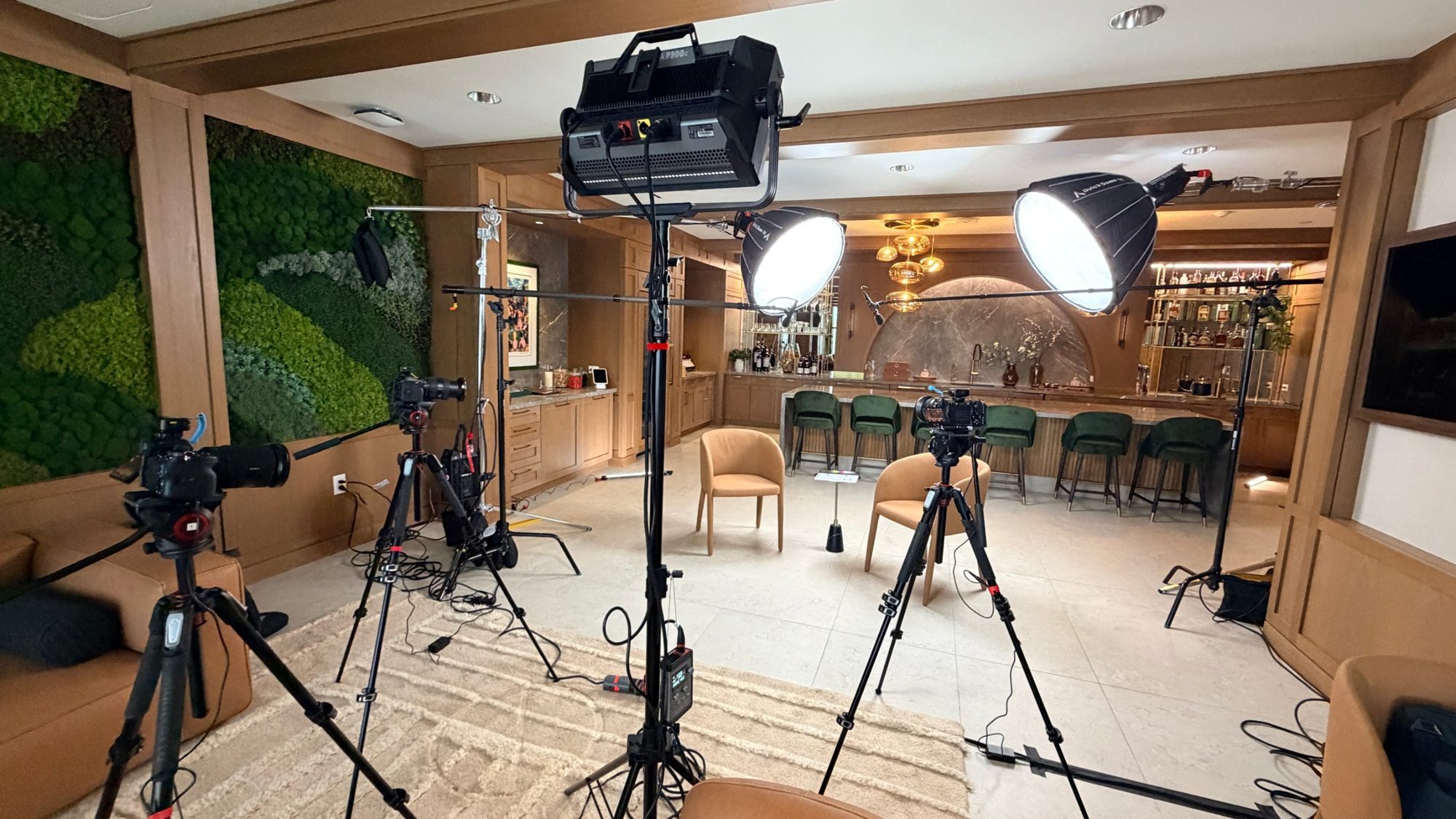
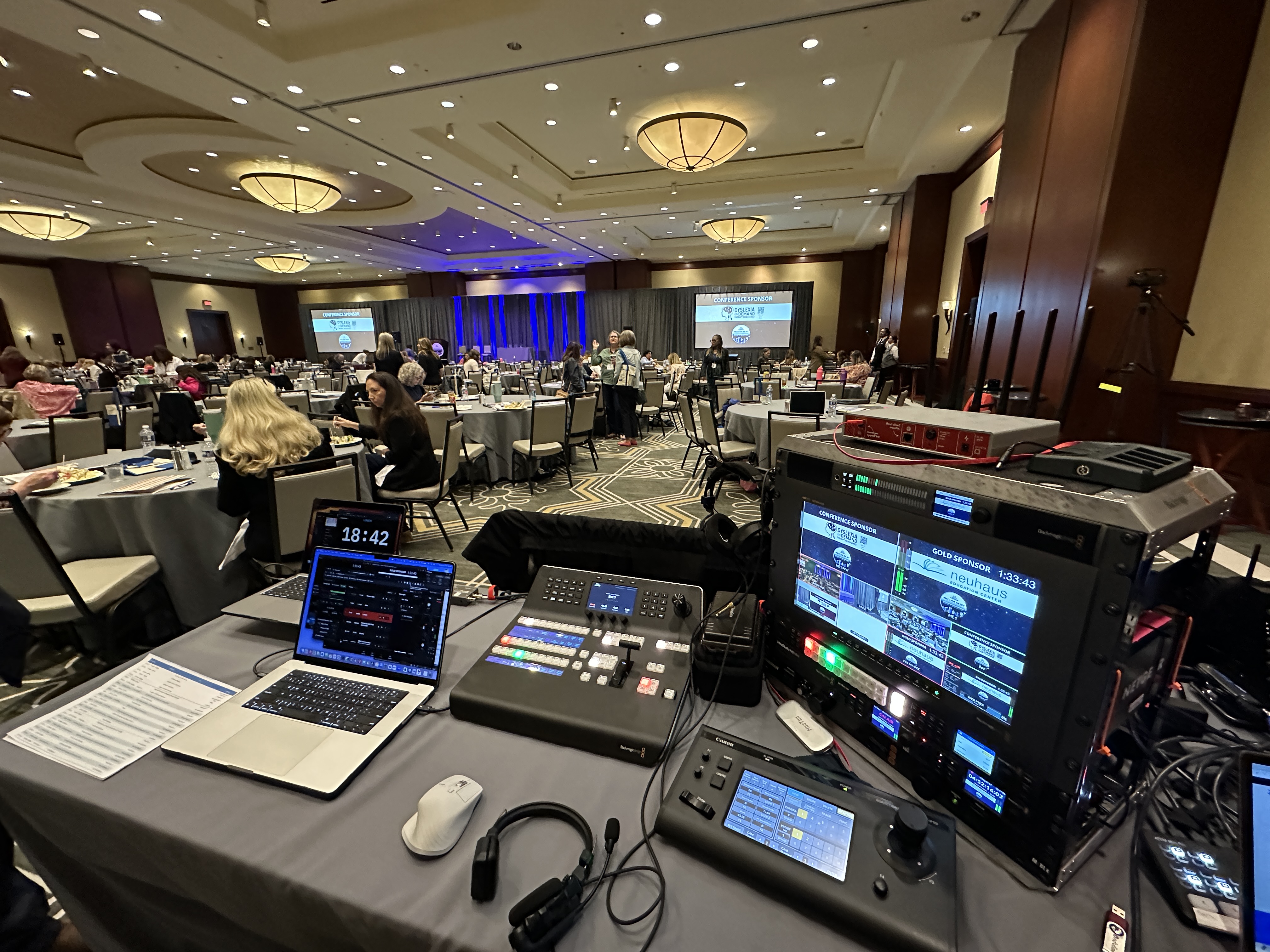
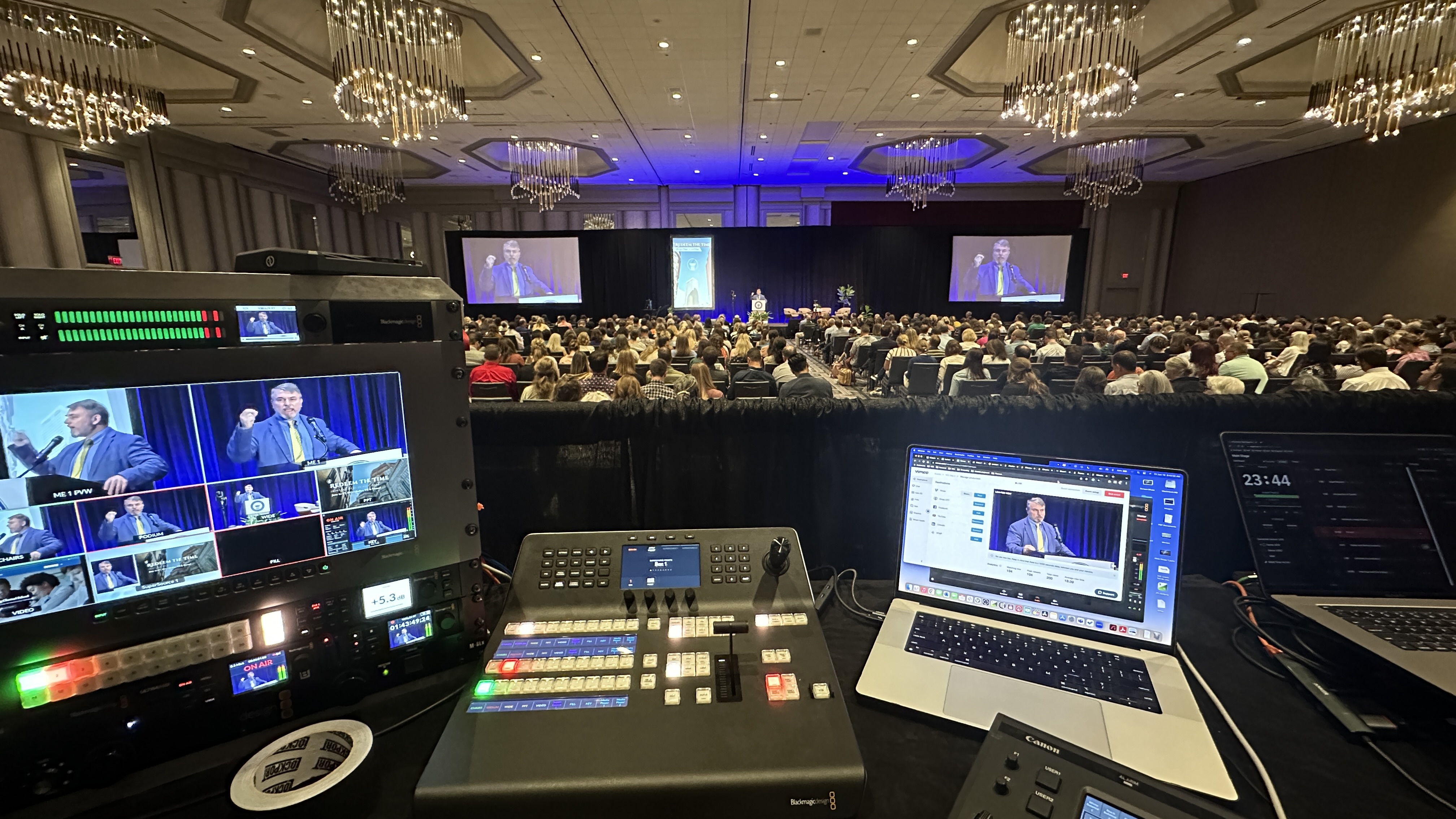
For most SKOs I'm running two or three Canon CR-N500 PTZ cameras: a tight shot on the presenter, a wide of the stage, and an audience angle so remote viewers see the room standing up for the award winners. We switch it live on a Blackmagic ATEM. Presenters wear Sennheiser wireless mics, and we pull a feed from the house audio board into our Allen & Heath SQ5 so we can build a separate stream mix. That separate mix matters. We add a couple of audience mics so the applause and laughter actually come through, which is what makes a remote rep feel like they're part of it instead of eavesdropping.
For the internet side, we bring a LiveU Solo Pro that bonds cellular with the venue connection. Hotel Wi-Fi during a 600-person kickoff, with every attendee on their phone, is not something I'm willing to bet your CEO's keynote on.
SKO content is usually some of the most sensitive material a company shares all year: revenue targets, territory changes, comp plans, product roadmaps. It should never go out on a public link.
We stream SKOs to a private, access-controlled page: password protection, a restricted link, or sign-in through your company's SSO, depending on what your IT team wants. We can also run the stream so the recording doesn't automatically land anywhere public afterward. If you want the details, I wrote a whole guide on running a private livestream for employee-only events.
One quick heads up: copyrighted walk-up music and pop songs over the awards montage can trigger muting or takedowns on public platforms. On a private stream the risk is much lower, but it's still worth using licensed tracks if you can. Tell us early and we'll plan around it.
The moments that matter most at an SKO are the ones built for an emotional reaction, and those are exactly the ones a lazy stream ruins. They need to be planned shot by shot.
When the President's Club winners are called up, the remote audience should see the winner's face, the walk to the stage, and the room going nuts. That means the camera operator knows the run order ahead of time and the graphics (names, regions, titles) are built and checked before the show. Same thing for the big target reveal: we time the slide, the camera cut, and the music hit together. All of this lives in the show's run of show, and if you've never built one, here's how to build an event run of show.
If some of your award winners are remote, plan a live call-in. A remote winner on the big screen, reacting in real time with the room cheering, is usually the best moment of the whole kickoff.
A lot of kickoffs run two or three days with a general session in the morning and product or regional breakouts in the afternoon. Each stream you add is its own production.
The general session gets the full multi-camera treatment. Breakouts are usually a single camera and a clean audio feed each, streamed to their own private links or recorded for on-demand viewing later. The decision that drives your budget is how many breakouts need to be live versus recorded. Recorded is cheaper and often fine for training content. Live makes sense when there's Q&A the remote reps need to be part of. For a multi-day show, we also usually do a setup and testing day the day before, which runs $2,250 to $3,750 depending on the size of the room. If you need us outside DFW, domestic travel generally adds $3,800 to $4,600.
If your sales team is spread across the country or overseas, some of them are going to watch on replay no matter what you do. Plan for it instead of treating it as an afterthought.
We record the program feed in full quality so you have a clean on-demand version up the same day or the next morning. We can also pull short clips: the CEO's key message, the award moments, the outside speaker's best five minutes. Sales enablement teams use those for months, in onboarding, in team meetings, and in the internal newsletter. Ask about clips when you book, because it's much easier to plan for them than to dig them out of eight hours of footage later.
Most companies run their kickoff in January or early February. That makes the first six weeks of the year the busiest stretch on our calendar, and the good dates go in the fall.
If your SKO is in January, I'd start the conversation in October or November. That gives us time to walk the venue, talk to the hotel's in-house AV team about audio feeds and patch fees, build graphics, and plan the remote audience experience instead of rushing it. If you're comparing options, our event livestream cost guide breaks down what drives the price up or down.
If you've got a kickoff on the calendar and want a second set of eyes on the plan, grab 20 minutes with me. No pitch. We'll talk through your agenda, your remote audience, and what it'll actually take.
A single-day in-person livestream typically starts around $3,900. Multi-camera and hybrid SKOs, which is most of them, generally run $5,000 to $15,000, and a full multi-day kickoff with breakouts runs $11,000 to $30,000+. The biggest drivers are the number of days, the number of live breakouts, and whether you need a setup day.
Give them a dedicated remote host, live chat that someone actually reads and responds to, polls, and Q&A that goes to the stage. Then make sure they see the same big moments as the room, with tight camera shots and audience audio so they can feel the reaction.
Yes, and you should. We stream SKOs to password-protected or SSO-restricted pages so only your employees can watch, which matters when you're sharing targets, comp plans, and roadmaps.
Two or three for the general session is the sweet spot for most companies: a tight presenter shot, a wide stage shot, and an audience angle for awards and reactions. Breakouts usually need just one camera each.
Yes. We bring remote winners in on a live call so they show up on the room's big screens and in the stream at the same time. It's often the most memorable moment of the kickoff.
Not necessarily. Training-style breakouts often work fine as recordings people watch later, which keeps the budget down. Stream a breakout live when the remote reps need to ask questions or participate in real time.
For a January or February kickoff, start in October or November. Kickoff season is the busiest stretch of the year for corporate production crews, and earlier booking leaves time for a venue walkthrough and real planning.
All the time. We coordinate with in-house AV ahead of the show so we get a clean audio feed from their board and a solid connection to their screens, and we ask about any patch or feed fees up front so there are no surprises.
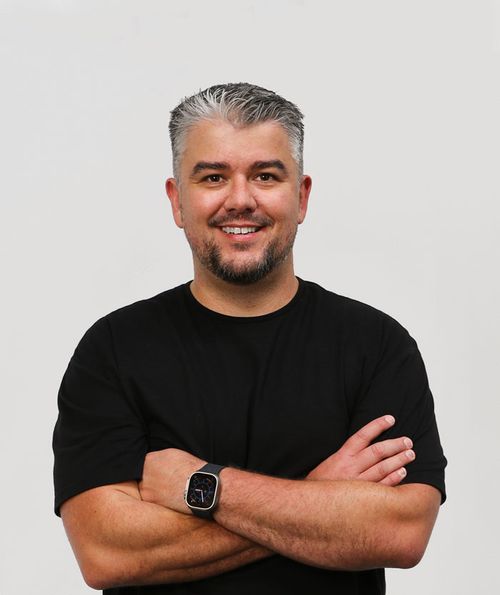
Mark runs DFW Live Stream and has been producing corporate livestreams, conferences, town halls and webinars across Dallas–Fort Worth and around the country since 2017. He writes these from the production desk, not a marketing department, and uses AI tools to help draft and structure them. Every post is read, fact-checked and edited by him before it goes live.