 By Mark WhiteOwner & Executive Producer, DFW Live Stream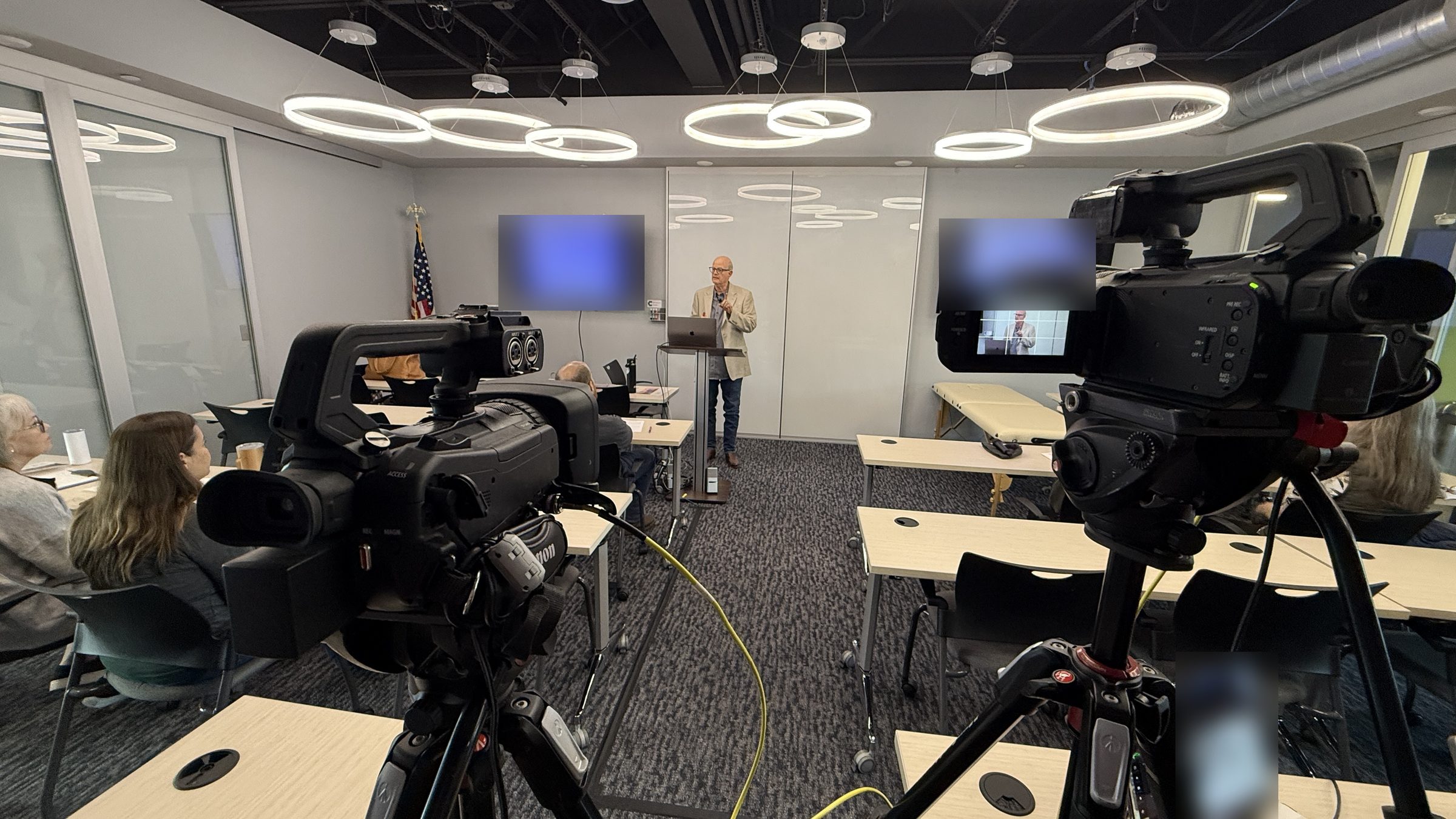
A hybrid event is a single live program with two audiences at once: people attending in person at a venue, and people attending remotely over a livestream or event platform. Both audiences are designed for from the start, both see and hear the same program, and in a well-run hybrid both can participate. That last part is the whole distinction. If the remote side is just a camera pointed at the stage as an afterthought, it's an in-person event with a stream, not a hybrid event.
I get asked this question in a lot of first calls, usually because someone's been told to “make it hybrid” and wants to know what they've just signed up for. Here's the plain-language version I give them, plus what it changes for planning, budget, and the vendor you hire.
A hybrid event combines an in-person event and a virtual event into one program that runs at the same time for both audiences. The in-person audience gets the room: the stage, the networking, the coffee. The remote audience gets a produced broadcast of that same program, with clean audio, readable slides, and usually some way to ask questions or respond to polls.
What makes it hybrid rather than “streamed” is intent. The remote audience is treated as a real audience, with its own experience, its own engagement path, and its own success metric. The program is planned to serve both from day one instead of bolting a feed onto a room event the week before.
Four formats get mixed up constantly, and the mix-up shows up in budgets. Each one is optimized for a different audience, and the production scope follows the audience.
An in-person event has one audience, in the room. The venue's AV handles screens and sound. A virtual event has one audience, online. Presenters join remotely or from a studio, and the whole thing is produced for the screen; our virtual event production services post covers that model. A streamed event is an in-person event with a camera feed going out, where the online viewer is a bonus. And a hybrid event is an in-person event and a virtual event happening simultaneously, produced so both audiences get a complete experience.
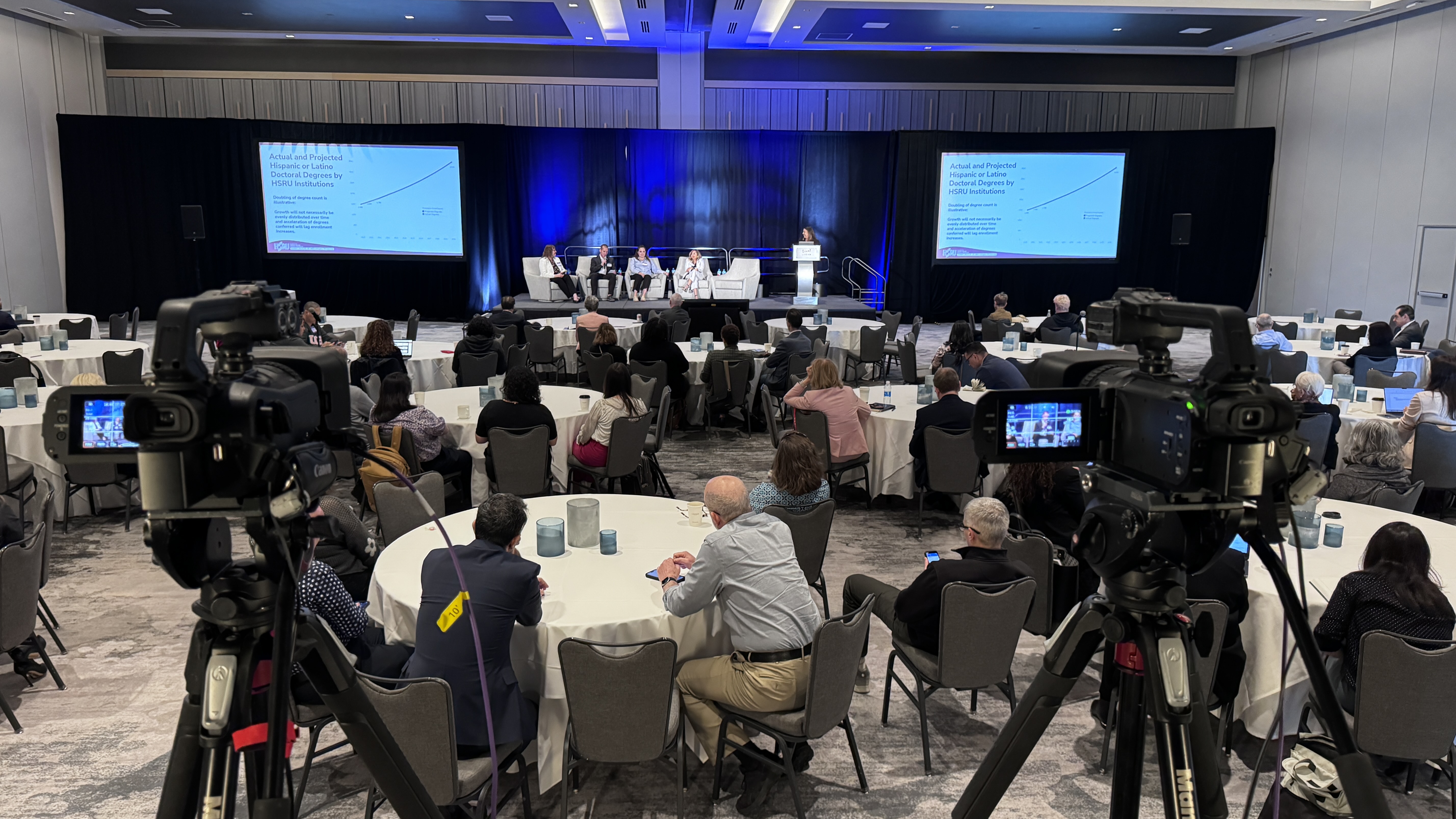
The reason the distinction matters: a streamed event can be a single camera and an encoder. A hybrid event needs multi-camera coverage so remote viewers aren't staring at one wide shot for three hours, a separate stream audio mix, slide integration, and a way for questions from the remote side to reach the stage. That's the difference between a $3,900 production day and a $4,500 to $7,500 one. Current starting prices are on our pricing page.
Most hybrid events in the corporate world fall into a few familiar shapes. The format is the same; the scale and the stakes vary.
A company town hall or all-hands where leadership is in a ballroom or HQ and remote employees join live from other offices and home. A customer or industry conference where in-person attendees pay for the full experience and a larger remote audience buys a virtual pass. A training or certification session with a small in-room cohort and a bigger remote one. An investor or shareholder meeting where the room is small and the remote audience is the one that matters legally. An awards program or product launch where the stream is the reach multiplier. We produce all of these across Dallas–Fort Worth; the hybrid event production in Dallas page covers the local version.
Adding a remote audience changes five things about the production, and each of them is a line on the quote. Knowing them in advance keeps the scope honest.
Cameras: a remote audience needs at least two angles, usually three, so the program has a tight shot of the speaker, a wide of the stage, and a way to cut to slides or the audience. Audio: the room mix and the stream mix are different jobs. What sounds fine on house speakers often sounds hollow or distant online, so the stream gets its own mix from a dedicated mixer. Engagement: remote Q&A, polls, and chat need a path back to the stage, and someone managing that path. Redundancy: the room can survive a hiccup; the stream can't, so hybrid programs get a backup internet path, often a bonded cellular encoder. Direction: someone has to be calling the show for the remote audience while the room runs on its own rhythm. That role is the biggest difference between a hybrid that works and one that doesn't.
The full production scope is spelled out in hybrid event production: what it actually takes, and the deliverables in what hybrid event production services include.
Hybrid makes sense when both audiences matter to the outcome. It doesn't make sense when one of them is a courtesy.
Go hybrid when a meaningful share of your audience can't be in the room and you still need them to participate, not just watch. Go hybrid when the recording will be reused for training, marketing, or compliance, because the production that serves remote viewers is the same production that makes a great recording. Go hybrid when there are sponsors, executives, or investors evaluating the program from a screen. Skip hybrid, and just stream, when the remote viewers are a small “nice to have” and nobody will rewatch. Skip in-person entirely when almost everyone is remote; a produced virtual program is cheaper and often better than a half-empty ballroom with a camera in it.
Hybrid pricing is driven by cameras, crew, and days, not audience size. As a general guide from our quoting, single-day hybrid programs typically run $5,500 to $9,500 depending on camera count, crew, and how much integration with the venue's AV is involved. Multi-day hybrid conferences generally land at $9,850 per day and up, with multi-room programs at $40,000 or more once breakout rooms are added. A setup and testing day, which I recommend for any large ballroom, is quoted as a separate line.
Those numbers cover the production layer: cameras, switching, stream audio, graphics, encoding, direction, and the recording. Staging, screens, and house sound are usually the venue's or a staging vendor's scope and are quoted separately. The breakdown of what moves the number is in how much it costs to livestream an event.
The most common failure I see is designing the in-person event completely, then asking a vendor to “add the stream” a couple of weeks out. By then the agenda, the room layout, the mic plan, and the speaker prep are all built for the room, and the remote audience inherits whatever's left.
The fix is simple: decide the event is hybrid before the agenda is locked, and bring the production company into planning early enough to shape camera positions, audio, and the Q&A path. Speakers need to know there's a remote audience and be coached to address it. Someone needs to own remote engagement during the show. If you want the tactical list, hybrid event best practices covers the day-of details and keeping remote attendees engaged covers the audience side.
If you're trying to figure out whether your next event should be hybrid, streamed, or fully virtual, that's a 20-minute conversation, not a proposal. Grab 20 minutes with me and I'll tell you which format fits, even if the answer is the cheaper one.
A hybrid event is a live program with an in-person audience at a venue and a remote audience joining over a livestream or event platform at the same time. Both audiences are planned for from the start, and both can see, hear, and usually participate in the same program.
A livestreamed event is an in-person event with a camera feed going out; the remote viewer is secondary. A hybrid event treats the remote audience as a full audience, with multi-camera coverage, a dedicated stream audio mix, and a path for remote questions and polls to reach the stage.
A virtual event has one audience, online, and presenters join remotely or from a studio. A hybrid event has two audiences, one in a room and one online, running simultaneously. Virtual is usually less expensive because there's no venue and no room-side production.
Company town halls with remote employees, conferences with a virtual pass, training sessions with an in-room cohort and remote learners, investor meetings, product launches, and awards programs are the most common corporate formats.
Single-day hybrid programs generally run $5,500 to $9,500 for the production layer, and multi-day hybrid conferences $9,850 per day and up, with multi-room programs at $40,000 or more. Cameras, crew, and days on site drive the number more than audience size.
At minimum: two or three cameras, a video switcher, a dedicated audio mixer for the stream, an encoder with a backup internet path, and a way to bring slides and remote questions into the program. The specific gear matters less than having someone directing the remote audience's experience.
Not always. Many corporate hybrids stream to a private page, Zoom, Teams, or YouTube. A dedicated event platform adds registration, analytics, and networking tools, which matter for paid conferences and matter less for internal meetings.
When a meaningful part of your audience can't be in the room but still needs to participate, when the recording will be reused, or when people evaluating the program will be watching from a screen. If remote viewers are a courtesy, a simpler stream is usually enough.
Mark runs DFW Live Stream and has been producing corporate livestreams, conferences, town halls and webinars across Dallas–Fort Worth and around the country since 2017. He writes these from the production desk, not a marketing department, and uses AI tools to help draft and structure them. Every post is read, fact-checked and edited by him before it goes live.