 By Mark WhiteOwner & Executive Producer, DFW Live Stream
A private livestream is one your employees can watch and nobody else can. Getting there takes two decisions: how locked-down the stream needs to be, and what platform enforces that lock. For most companies, an unlisted link is not enough. If the content is genuinely sensitive, you want password protection at minimum, and single sign-on if you already run everything through Microsoft or Google. The production side looks exactly like any other corporate stream. The privacy layer is a platform and planning decision, and it costs far less to get right up front than to fix after a leak.
Here's the longer answer, based on the internal meetings, all-hands, and town halls we produce across DFW every month.
When a client tells me they need a private stream, my first question is always the same: private from whom? The answer determines the whole setup, and the three levels are very different animals.
Level one is an unlisted link. The stream doesn't appear in search or on your channel, but anyone holding the URL can watch. That's fine for a product training you'd rather not advertise. It is not fine for anything involving financials, layoffs, legal matters, or strategy, because links get forwarded. Every time.
Level two is password or registration protection. Viewers enter a shared password or register with an email before the player loads. This stops casual forwarding and gives you a viewer list. It's the sweet spot for most employee-only events.
Level three is single sign-on. The stream only plays for someone logged into your company's Microsoft 365, Google Workspace, or identity provider. Nobody outside your directory gets in, period. If your legal or comms team is nervous about the content, this is the level they're actually asking for, even if they don't know the term.
You don't need an exotic platform to run a private livestream. You need the right one of four, matched to your audience size and security level.
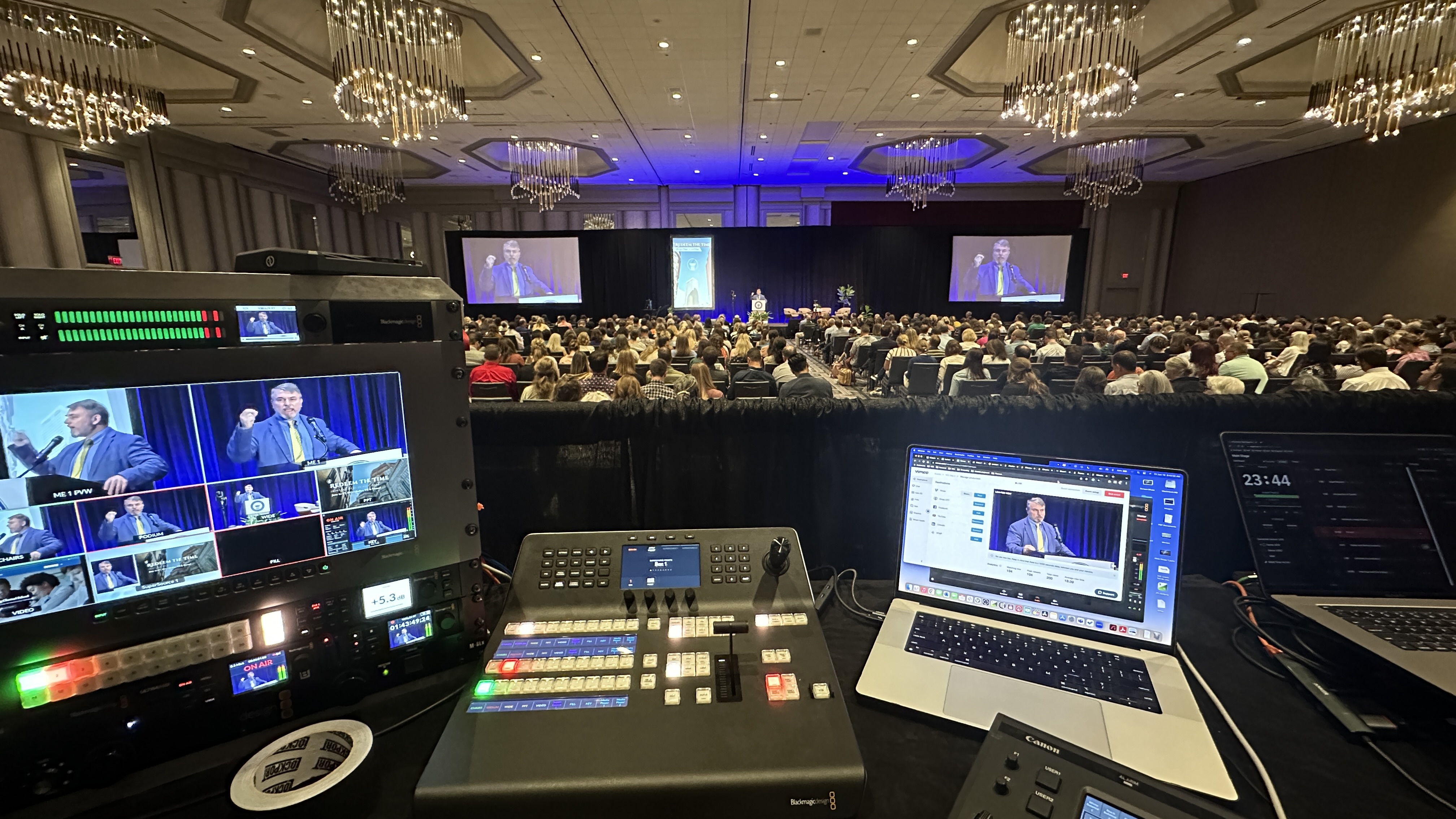
Teams or Zoom events. If your whole company already lives in Microsoft Teams or Zoom, a town hall or webinar event inside that ecosystem gives you SSO-level privacy for free. The tradeoff is video quality caps and clunky production control. We solve that by running a full multi-camera production through a Blackmagic ATEM switcher and feeding the program into Teams or Zoom as a single polished source. Your employees join the way they always do; what they see looks like broadcast television instead of a webcam grid.
Unlisted YouTube. Free, reliable, and the weakest privacy of the bunch. I only recommend it for internal content that would be merely awkward, not damaging, in public.
Private streaming platforms. Vimeo and similar services offer password protection, domain-locked embeds, and clean branded players at a modest subscription cost. This is my default recommendation for level-two events.
An embedded player behind your intranet. A stream embedded on an internal page that already sits behind your company login. Strong security, familiar destination for employees, and it makes the replay easy to find later.
If your event also has an in-room audience, the platform choice doesn't change, but the production does. Our hybrid event guide covers how to serve both audiences without shortchanging either.
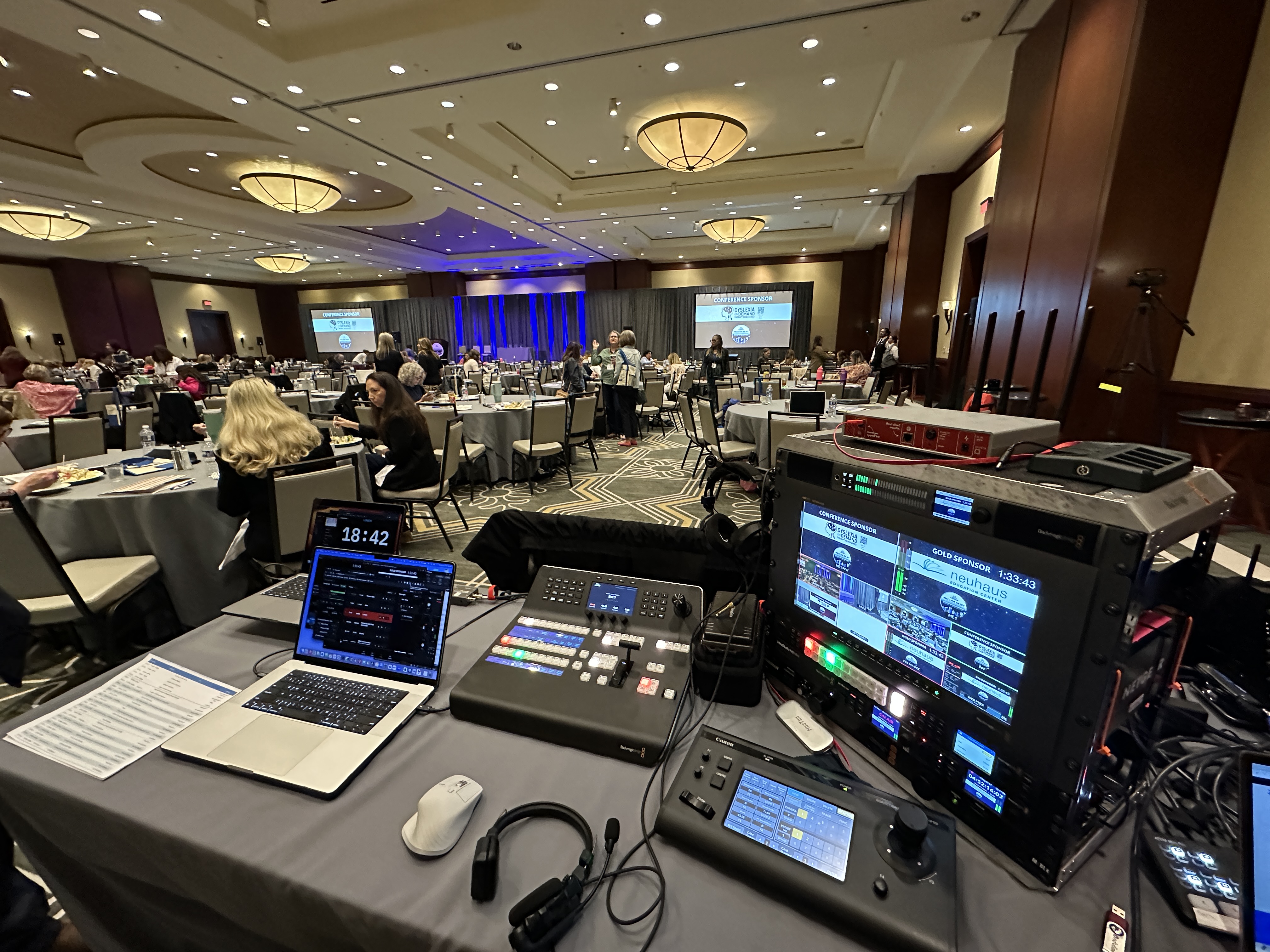
Here's the part that surprises people: the privacy requirement barely touches the production. A private all-hands gets the same treatment as a public keynote. For a typical employee-only event we bring two to three Canon CR-N500 PTZ cameras, Sennheiser wireless microphones for presenters and audience questions, a switcher for live cuts between cameras and slides, and a LiveU Solo Pro bonded cellular encoder as a backup path so the stream survives even if the venue internet doesn't.
The one production difference worth knowing about: we test the actual viewer experience before doors open. With a private stream there are more ways for a viewer to get stuck — wrong login, expired password, a registration page that fights the company VPN. We log in as a test viewer the same way your employees will, from outside the building's network. A stream your people can't get into is worse than no stream at all, and it's the most preventable failure in this category. We wrote about the other preventable ones in why corporate livestreams fail.
Privacy itself adds very little to the bill. The platform layer is either free (Teams, Zoom, YouTube) or a modest subscription your company may already carry. What you're really pricing is the production underneath it.
A fully virtual employee event with a single operator generally starts around $1,595. An in-person event with a crew on site typically starts around $3,900. A multi-camera production for a large all-hands or town hall generally lands in the $5,000 to $15,000 range depending on cameras, crew, and runtime. For a detailed breakdown of what drives those numbers, see our livestream cost guide and what's included in a corporate livestream package.
Three failure patterns come up again and again, and all three are avoidable.
The link leaks. Someone posts the "private" URL in a group chat with a contractor in it. If the content matters, use level two or three so a leaked link is useless on its own.
Employees can't get in. The security that keeps outsiders out also locks out the VP joining from a hotel on her phone. The fix is a tested backup access path and a named person fielding access issues during the first ten minutes.
The replay is forgotten. Half your viewership for an internal event often comes after the live moment. Decide before the event where the recording lives, who can see it, and when it expires. A private stream with a public replay is not a private stream.
If your event is a company-wide meeting specifically, our town hall livestreaming guide goes deeper on format and engagement.
Planning an employee-only event and not sure which privacy level or platform fits? Grab 20 minutes with me and I'll talk you through it — no pitch, just a straight answer for your specific situation.
Yes. The cleanest way is streaming into a platform your company already secures, like Microsoft Teams or Zoom, or using a password-protected player from a service like Vimeo. For the highest security, single sign-on restricts viewing to people logged into your company directory.
Usually not. Unlisted only means the stream isn't searchable — anyone with the link can watch, and links get forwarded. For anything involving financials, personnel, or strategy, use password protection or SSO instead.
Barely. The production is priced the same — generally starting around $1,595 for fully virtual and $3,900 for in-person events. The privacy layer is a platform setting, not a production line item.
Yes. Inside Teams or Zoom you get native Q&A and chat. On embedded players we add a moderated Q&A tool so remote employees participate without unmuting into the meeting.
Decide before the event where the replay lives and who controls access — behind your intranet login, in a permission-controlled drive, or on a password-protected player. Set an expiration date if the content is time-sensitive.
We run a bonded cellular encoder like the LiveU Solo Pro as a backup path on every internal event. If the building connection drops, the stream keeps going over cellular and most viewers never notice.
Two to four weeks is comfortable for most single-session internal events. That leaves time to test viewer access from outside your network, which is the step that saves private streams from their most common failure.
Mark runs DFW Live Stream and has been producing corporate livestreams, conferences, town halls and webinars across Dallas–Fort Worth and around the country since 2017. He writes these from the production desk, not a marketing department, and uses AI tools to help draft and structure them. Every post is read, fact-checked and edited by him before it goes live.