If you're budgeting corporate event video production for the first time, here's the short version: professionally crewed single-camera coverage typically starts around $3,900, multi-camera coverage with live switching generally runs $5,000 to $15,000, and multi-day conferences land somewhere between $11,000 and $30,000+. What moves you inside those ranges is almost never the gear. It's how many cameras the room needs, how many crew it takes to run them, how many hours you're on the clock, and what you want to walk away with when the event is over.
I've been producing corporate event video across Dallas-Fort Worth for a long time, and the same three questions come up on nearly every planning call: what does it cost, what do I actually get, and how do I know the quote covers what I think it covers. This post answers all three. If you're still working out what kind of vendor you need, my guide to what an event video production company actually does is the place to start, and this post picks up where that one leaves off.
Corporate event video production is the planned, crewed capture of a business event — a conference, a sales kickoff, an awards dinner, a leadership summit — turned into finished video assets your company can use afterward. It's a different job from a livestream, though the two are often bought together.
The distinction matters for your budget. A livestream is about the audience watching right now; the product is the live broadcast. Event video production is about the audience watching later; the product is the edited session recordings, the highlight reel, the testimonial clips, the internal-comms cut that HR sends to people who couldn't attend. Same cameras, sometimes the same crew, very different deliverables and very different post-production hours.
When a planner asks me for "video of the conference," the first thing I do is find out which of those they mean, because it changes the quote by thousands of dollars. Most corporate events I work on end up wanting some of both, and a good vendor will scope them together so you're not paying for two separate setups.
Every corporate event video quote, mine included, is built from four inputs: camera count, crew, hours, and deliverables. Get clear on those four and you can read any vendor's quote in about two minutes.
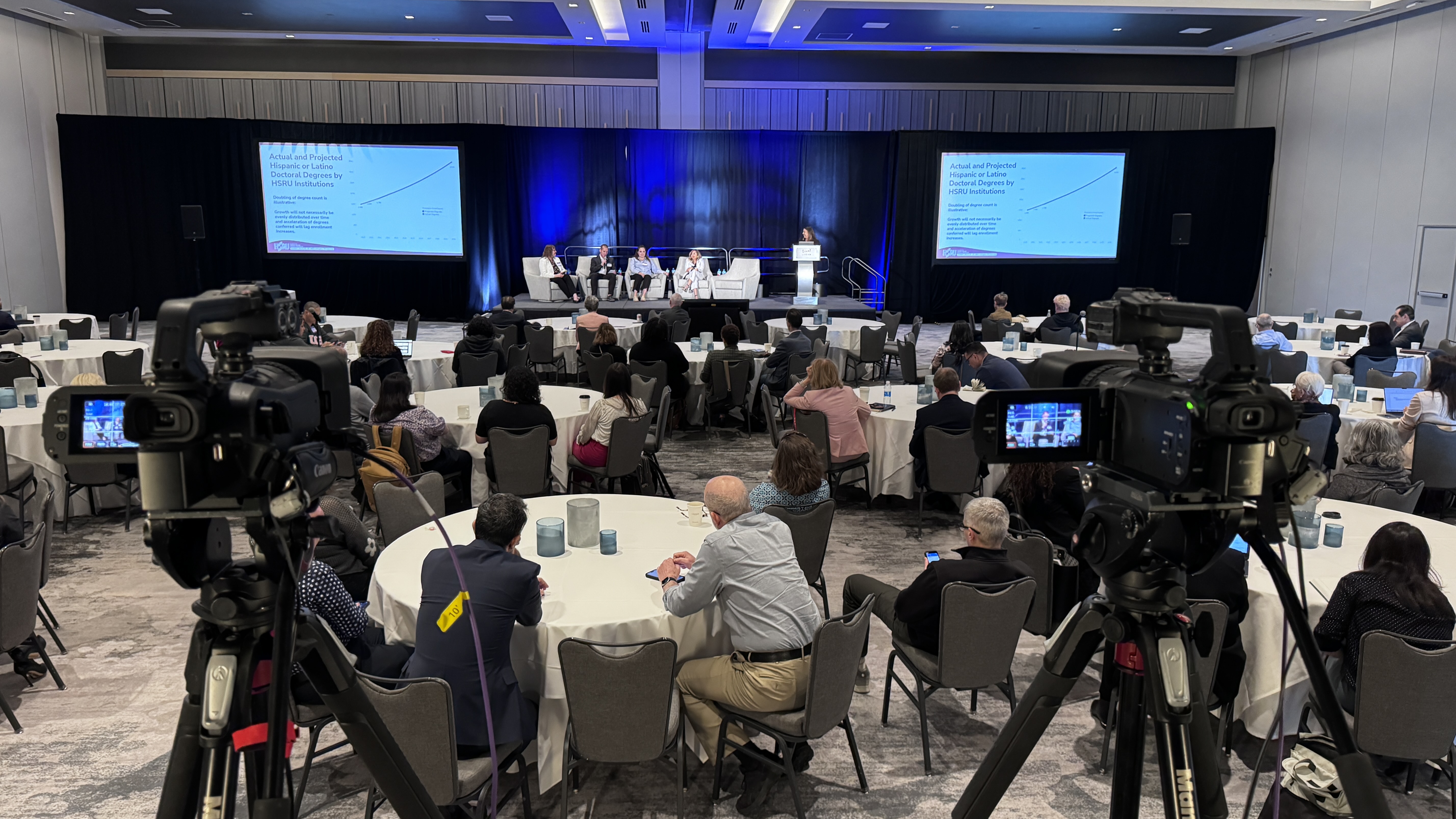
Camera count. One camera on a tripod covers a single presenter at a podium. It does not cover a panel, a walking keynote speaker, audience reactions, or a stage with two screens of slides. Most conference general sessions want two or three cameras so the editor has something to cut to. Each additional camera adds gear and, usually, an operator.
Crew. A single-camera engagement is one person. A three-camera general session with live switching is typically three operators plus a technical director at the switcher, and if you're also streaming, someone watching the encoder. Crew is the biggest line in most event budgets, and it's the one you should be least tempted to cut. An unattended camera is the number one reason I get sent footage from other productions that "somehow" missed the moment that mattered.
Hours. Vendors price in days or half-days, and the clock includes load-in, setup, testing, the event, and strike. A one-hour awards presentation with a 6 a.m. load-in and a 10 p.m. teardown is a full day, not an hour.
Deliverables. Raw footage handed over on a drive is cheap. A dozen cleanly edited session recordings with lower thirds, slides composited in, and audio sweetened is not. A two-minute sizzle reel with licensed music is somewhere in the middle. Post-production is where two quotes that look identical on event day diverge by a lot.
I don't publish a rate card because no two events are the same, but I'm happy to share the ranges I see across DFW and the events we travel to. Use these to sanity-check any quote you get, from us or anyone else.
Single-camera coverage with a professional operator typically starts around $3,900. That's a keynote, a product announcement, a town hall in a single room, or a straightforward panel where one well-placed camera and clean audio are enough. It usually includes a basic edit of the session.
Multi-camera production — the standard for conferences, galas, and anything with a stage — generally runs $5,000 to $15,000 for a single day. Where you land depends on camera count (two versus four), whether you want live switching so the program feed is finished in real time, whether you need IMAG on big screens, and how much editing happens afterward. If you also want the event streamed, this is usually the tier where it makes sense to fold it in.
Multi-day conferences typically run $11,000 to $30,000+, because you're multiplying crew days and often covering breakouts in parallel rooms. A two-day conference with a general session and three breakout tracks is really five or six "productions" running simultaneously.
Add-ons that show up often: a dedicated setup and testing day for high-stakes events usually adds $2,250 to $3,750, and domestic travel outside the DFW area generally adds $3,800 to $4,600 to the budget. If the quote you're looking at doesn't mention either and your event needs them, ask before you sign.
For a deeper look at the livestream side of these numbers specifically, I've broken those down in how much it costs to livestream an event.
The fastest way to compare vendors is to check whether each quote covers the whole job or just the part that's easy to price. A complete corporate event video production quote covers pre-production, the shoot itself, and post-production, and it says so in writing.
Pre-production should include a planning call, a site visit or venue walkthrough (in person or on video), a shot list built from your run of show, coordination with the venue's AV team about power, audio feeds, and camera positions, and a written technical plan. If a vendor's first contact with your venue is on event morning, that's a red flag.
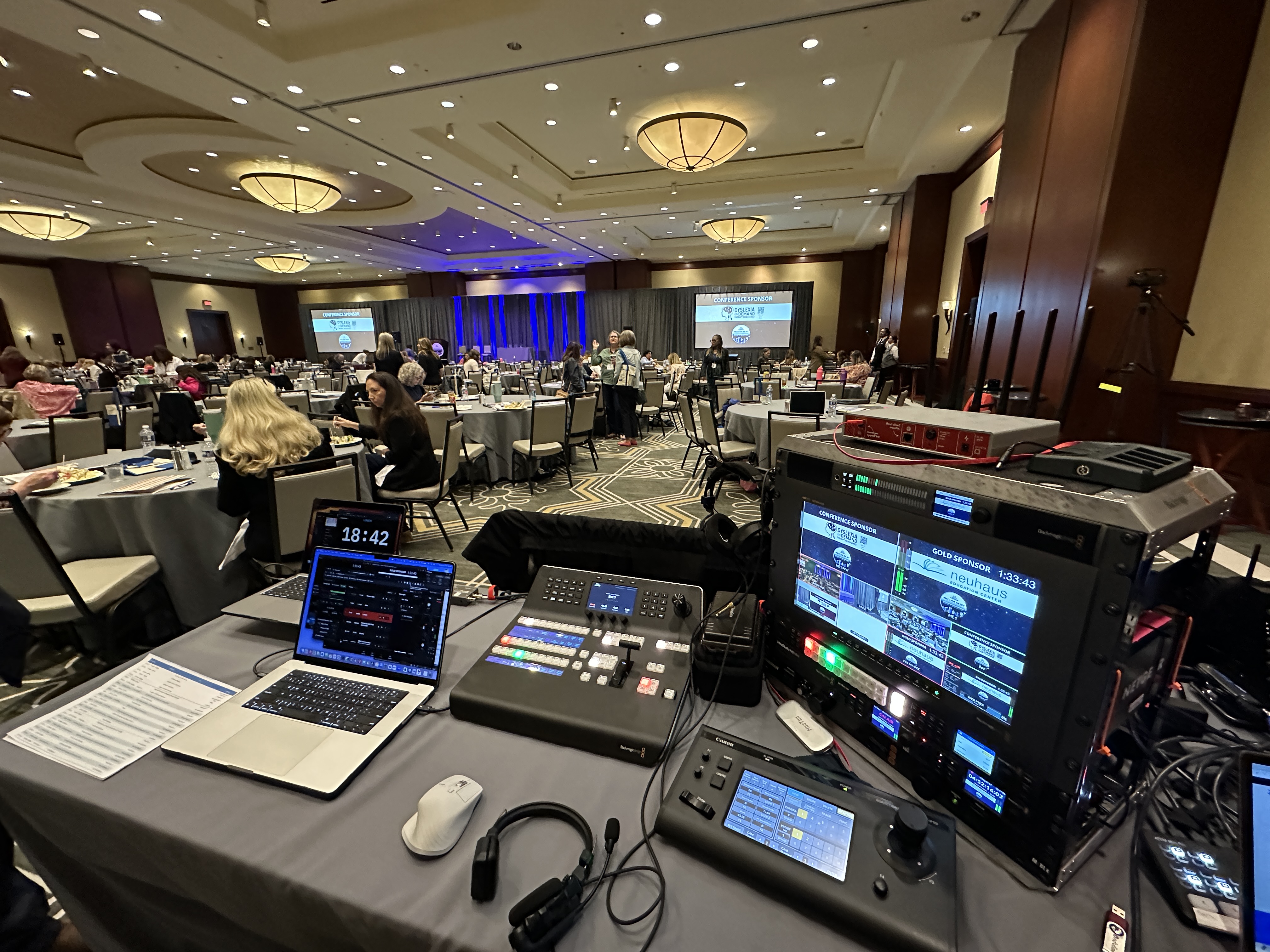
The shoot should specify camera count and models, crew count and roles, hours on site, audio capture method (a direct feed from the house mixer plus our own backup, ideally), backup recording, and who is responsible for what if something breaks. Our standard rig is Canon CR-N500 PTZ cameras and a Blackmagic ATEM switcher, with Sennheiser wireless mics and an Allen & Heath SQ5 mixer when we're running audio — but the point isn't the brand names, it's that the quote names what's coming and who's operating it.
Post-production should list every deliverable by name, its approximate length, the turnaround, the number of revision rounds, and whether music licensing and captions are included. "Edited video" is not a deliverable. "Twelve session recordings up to 60 minutes each, slides composited in, lower thirds for each speaker, delivered within 10 business days, one round of revisions" is a deliverable.
If you're hiring a single operator rather than a production company, my guide to hiring a corporate videographer walks through the same checklist at a smaller scale.
Most corporate event video budgets get spent on four or five kinds of output, and knowing which ones you actually need is the biggest lever on cost. Here's how I'd think about each.
Full session recordings are the workhorse. They go on your intranet, your LMS, or a gated page for attendees, and they're what makes a conference worth something after the last coffee break. Budget for these if any content at the event is educational or compliance-related.
The highlight or sizzle reel is the two- to three-minute cut your marketing team uses to sell next year's event and your recruiters use to show the culture. It needs B-roll, audience shots, and clean audio of the best speaker moments, so it has to be planned before the event, not assembled from leftovers.
Speaker and testimonial clips are short interviews shot in a quiet corner during breaks. They're inexpensive to add if the crew is already there and surprisingly expensive to fake later.
Social cuts are 30- to 90-second vertical or square edits pulled from the sessions and the reel. If you want these, say so up front so the crew frames shots that survive a vertical crop.
The internal-comms version is a trimmed general-session cut for employees who weren't there. Often it's the most-watched thing produced at the entire event.
You rarely need all five. A leadership summit might only need the session recordings and the internal cut. An annual awards gala might only need the reel and the social clips. Tell your vendor what the video is for and let them scope backward from that.
Different corporate events want different coverage, and matching the setup to the format is where an experienced producer earns their fee. These are the patterns I see most often.
Conferences and summits want multi-camera coverage of the general session, at least single-camera coverage of breakouts you care about, and a highlight reel. Slides matter here, so plan for a clean feed from the presentation laptop rather than filming the screen.
Sales kickoffs and all-hands lean toward session recordings and an internal cut, often with a livestream for remote offices. Energy in the room matters, so audience cameras earn their keep.
Awards dinners and galas want the reel and the moments — winners walking up, reactions at tables, the keynote toast. I covered the specifics in livestreaming an awards ceremony or gala, and most of that applies whether you're streaming or just recording.
Product launches and press events want a polished program feed, often streamed, plus a fast-turnaround reel, sometimes same-day. Same-day editing is a real line item — say so early.
Training and leadership offsites are usually single- or two-camera, recording-focused, and priced at the lower end. The value is in clean, well-organized recordings, not cinematic B-roll.
Most overspending on corporate event video isn't a vendor overcharging. It's buying coverage that doesn't match what the video is for. The two mistakes I see most: paying for four cameras when nobody will ever watch anything but the highlight reel, and paying for one camera when the whole point was session recordings people could actually learn from.
The third mistake is skipping audio. Bad video with good audio is watchable. Good video with bad audio is unusable. If a quote treats audio as an afterthought, ask how the crew is capturing it. The right answer involves a direct feed from the house system and their own backup, not a mic on top of the camera.
The fourth is not planning post-production up front. Deciding after the event that you want twelve edited sessions instead of raw footage means the crew didn't capture slides cleanly, didn't grab clean speaker intros, and didn't shoot the B-roll the editor now needs. Scope the deliverables first, then the shoot.
If your event is in the Dallas area and includes a brand or marketing video component beyond the event itself, my overview of corporate video production in Dallas covers how those projects are scoped and priced differently.
You don't need to be a video expert to hire well. You need to ask five or six specific questions and listen for specific answers.
How many cameras, and who is operating each one? Is audio captured from the house feed with a backup? What happens if a camera or recorder fails mid-session? What exactly is delivered, when, and with how many revisions? Are music licensing and captions included? Is there a site visit or technical call with the venue before event day? And, if you're streaming too, is the stream and the recording one integrated production or two crews competing for the same stage?
A confident vendor answers those without hesitation and probably has a few questions for you in return, mostly about what the video is for. That back-and-forth is a good sign. A quote that lands in your inbox with no questions asked usually means the vendor is pricing a generic day rate, not your event.
If it would help to talk through your event before you collect quotes, grab 20 minutes with me. No pitch — I'll tell you what coverage actually fits what you're trying to do, even if that turns out to be less than you expected.
Professionally crewed single-camera coverage typically starts around $3,900. Multi-camera production for conferences, galas, and staged events generally runs $5,000 to $15,000 per day, and multi-day conferences typically land between $11,000 and $30,000+. Post-production scope and crew count move the number more than anything else.
Livestreaming delivers the event to a remote audience in real time. Event video production delivers edited assets after the event: session recordings, a highlight reel, testimonial clips, and social cuts. Many corporate events want both, and it's usually cheaper to scope them as one integrated production than to hire two crews.
One camera covers a single presenter in one spot. Panels, walking keynotes, and anything with audience reaction shots typically want two or three. Multi-camera coverage costs more but gives the editor real options and makes the highlight reel look like a highlight reel instead of a lecture recording.
Common deliverables are full session recordings, a two- to three-minute highlight reel, short speaker or testimonial clips, social-media cuts, and an internal-communications version of the general session. You rarely need all of them, so tell the vendor what the video is for and let them scope from there.
For a single-day corporate event, four to six weeks is comfortable. For a multi-day conference or anything during peak season, eight to twelve weeks is safer, because the good crews and the setup day you'll want both get booked out. Last-minute is possible but limits your options.
Usually not. In-house AV teams handle screens, sound, and lighting for the room. They rarely provide multi-camera capture, an editor, or finished deliverables. Ask them directly; most will tell you to bring in a production company and will happily provide an audio feed and coordinate positions.
A complete quote names each deliverable, its length, the turnaround time, the number of revision rounds, and whether music licensing and captions are included. If any of those are missing from the quote, ask before you sign rather than after delivery.
Yes, and when both are needed we scope them as one production using the same cameras, crew, and audio chain. That's typically the most cost-effective way to get a live program feed and finished post-event assets from a single event day.