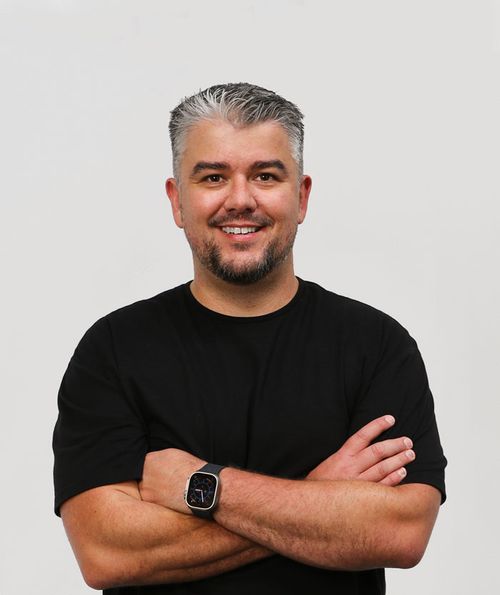
 By Mark WhiteOwner & Executive Producer, DFW Live Stream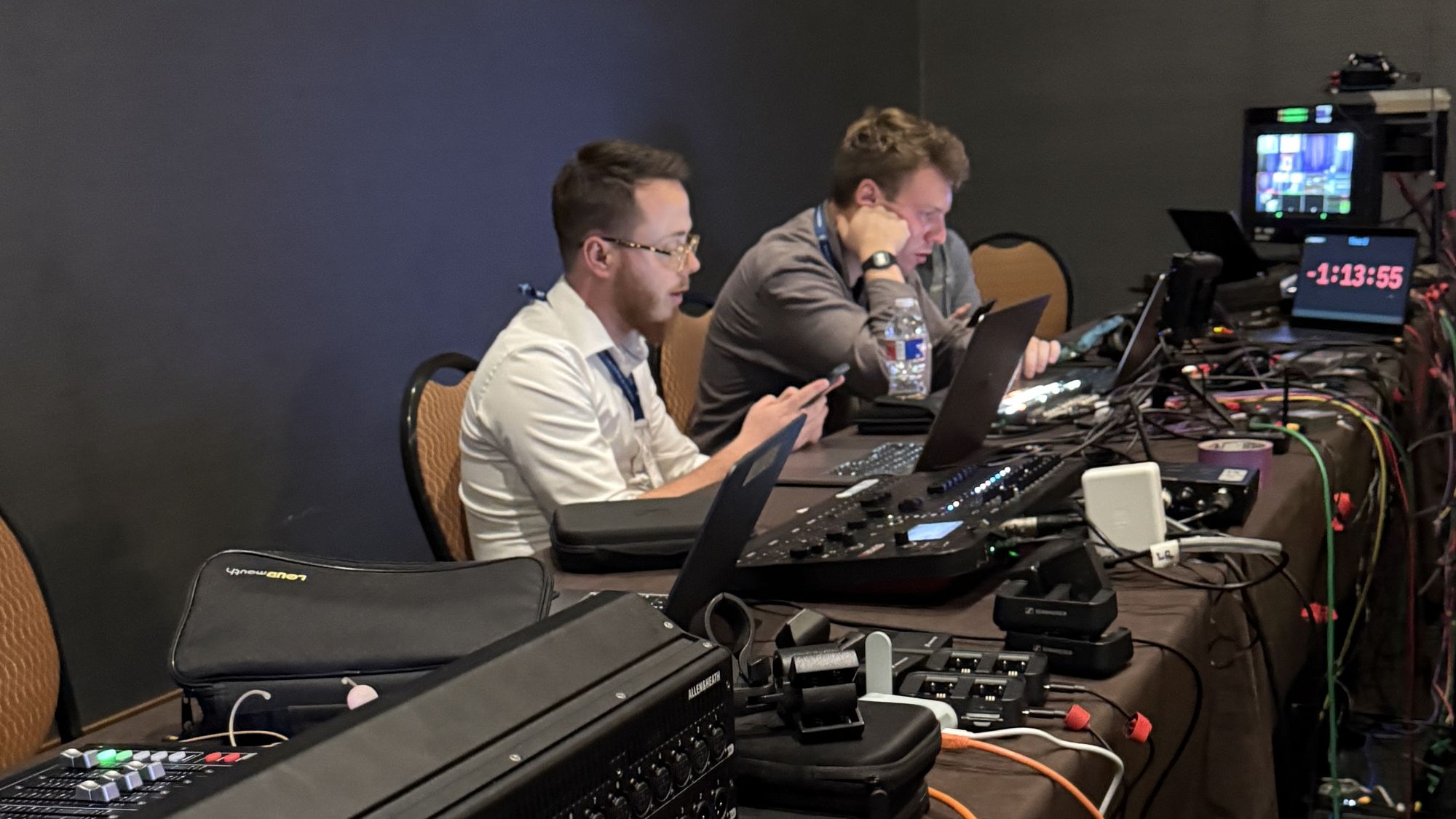
Livestream crew roles come down to five jobs: a producer who runs the plan, a technical director who switches the show, camera operators, an audio engineer, and someone watching the stream itself. On a small event one or two people cover all of that. On a big one, each role gets its own person.
If you're hiring a livestream company, the crew is the part of the quote that matters most and gets explained least. So here's who actually runs your livestream, what each person is responsible for, and how to tell whether a vendor is sending the right team.
A livestream crew is the group of people who capture, mix, switch, and deliver your event to a remote audience in real time. The roles stay the same from event to event; what changes is how many hats one person wears.
The five jobs are producer, technical director (the person at the switcher), camera operators, audio engineer, and stream monitor. A solo operator can do a simple one-camera event. Once you add multiple cameras, remote presenters, or a big room, you need more hands, because every one of these jobs happens at the same time during the show.
The producer is the one who talks to you before the event, builds the plan, and makes the calls when something changes. They're the reason your speakers know when to walk on and your remote audience doesn't sit through dead air.
On our jobs this is usually me or Eli. The producer reads your run of show, coordinates with the venue's AV team, and keeps everyone on the same page. If a vendor can't tell you who the producer is, nobody is. That's a problem, because a stream with no owner is a stream where problems get noticed by your audience first.
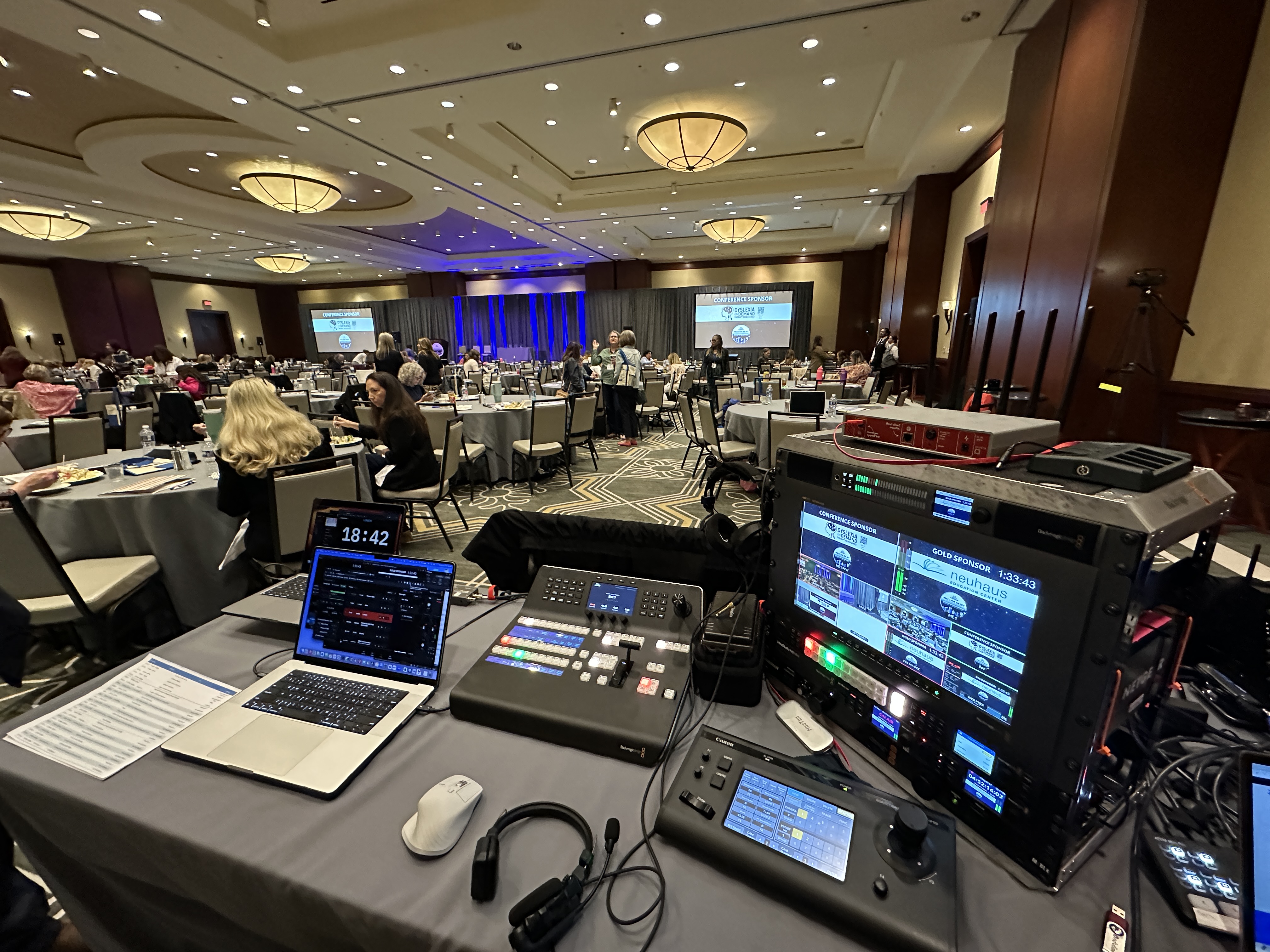
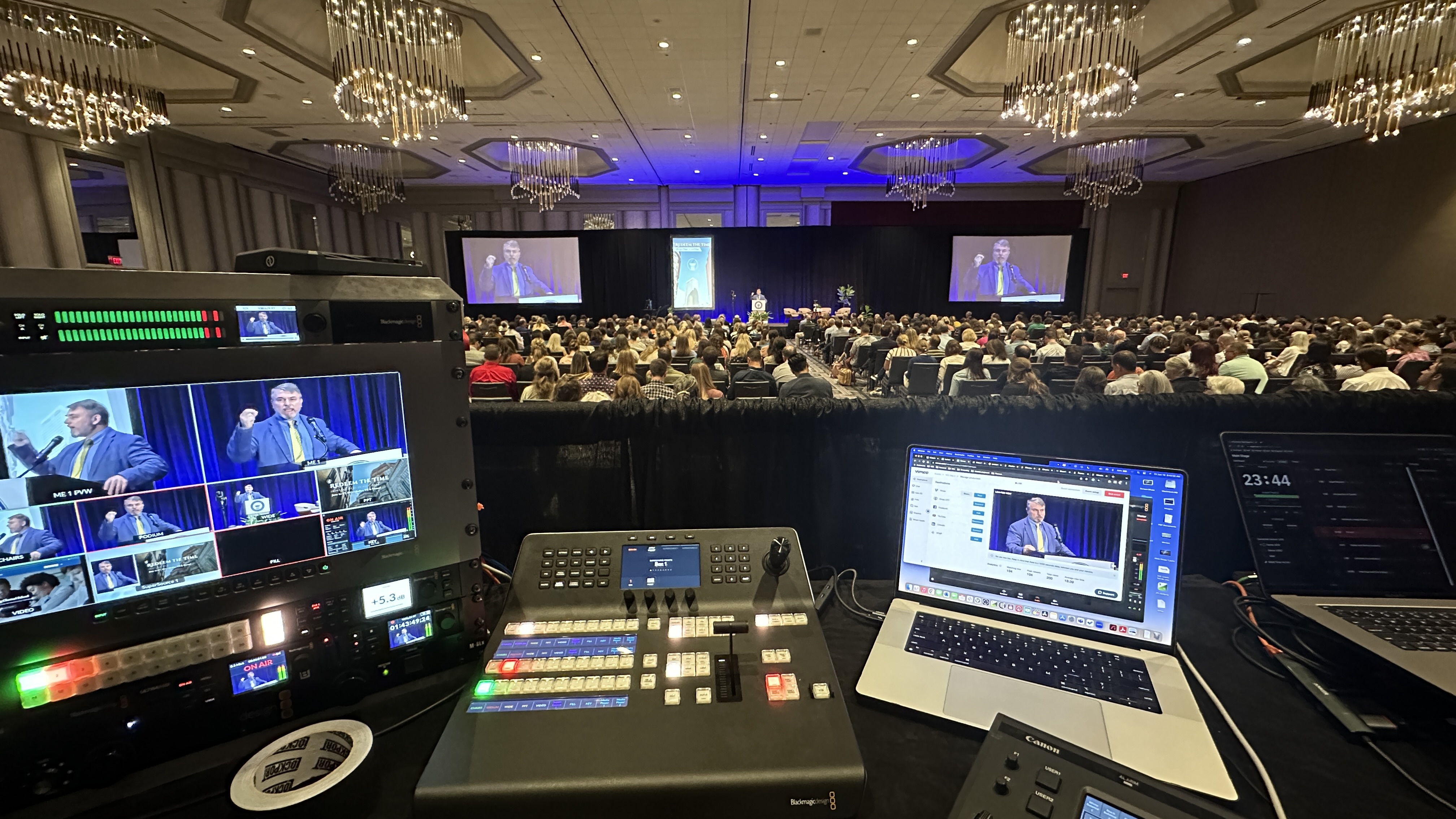
The technical director, or TD, sits at the video switcher and decides what your remote viewers see at every moment. Wide shot, speaker close-up, slides, a remote presenter, a lower-third graphic. All of that is one person's hands on a switcher.
We run Blackmagic ATEM switchers, and the skill isn't pushing buttons. It's anticipating. A good TD knows the speaker is about to turn to the screen and is already on the right shot. This is the role people confuse with a camera operator, and it's the one that makes a stream feel like a broadcast instead of a recording of a room.
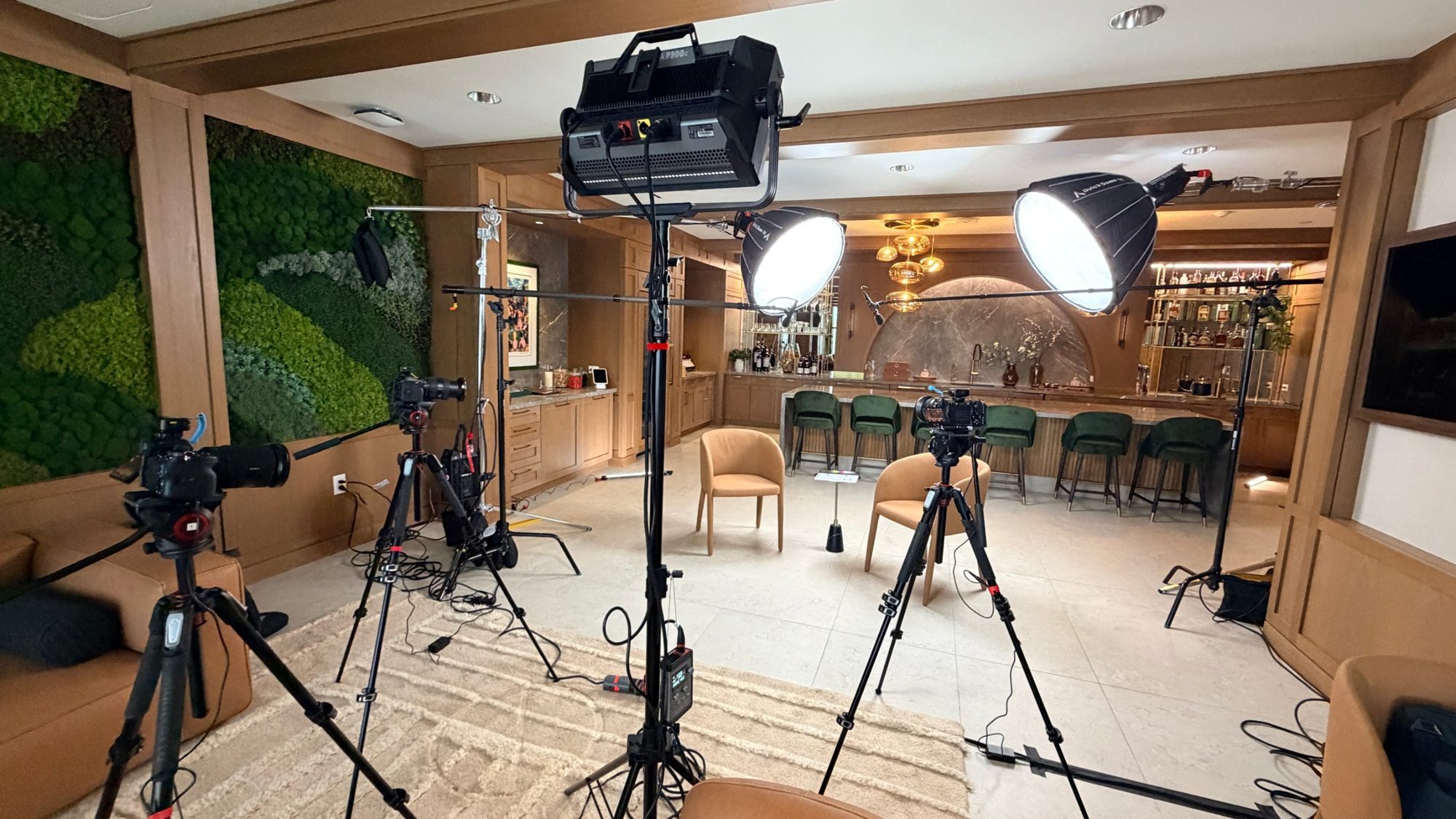
Camera operators frame the shots the TD cuts between. On many of our events the cameras are Canon CR-N500 PTZ units, which can be moved and re-framed remotely, so one person can manage several angles from the production desk.
That's a big reason a multi-camera setup doesn't always mean a camera person standing behind every tripod. Some events want a roaming operator for energy and close-ups, and others work fine with remote-controlled cameras. The right answer depends on your room and your speakers, and a vendor should be able to explain why they chose it.
Bad video gets forgiven. Bad audio makes people leave. The audio engineer handles wireless mics, mixes the room, and sends a clean feed to the stream. We use Sennheiser wireless systems and an Allen & Heath SQ5 mixer, and that person's whole job is making sure every presenter is clear and the levels don't jump.
If your event has a live room and a remote audience, audio gets harder, not easier, because the two audiences need different mixes. I wrote more about that in why livestream audio deserves more attention than it gets. On smaller jobs, the TD or producer might cover audio. On anything with multiple speakers, a panel, or a venue sound system to tie into, I want that role covered by a dedicated person.
Someone has to watch the actual outgoing stream, not the production desk. That person checks that the feed is live, the picture and sound match what we intended, and the connection is holding. We use a LiveU Solo Pro bonded cellular encoder as a backup path, so if venue internet drops, the stream can keep going.
This role is easy to skip on a quote, and it's the one that catches problems before your audience does. If a vendor tells you the TD will "keep an eye on it" while also cutting a live show, ask what happens when they get busy.
It depends on the event, and I'd be wary of anyone who gives you a number without asking about your room. A single-speaker webinar-style stream is a very different job from a conference with a general session and breakouts.
As a rough guide, a simple one-room stream can run with a small crew, while multi-camera, hybrid, or multi-day events need more people and a clearer split of roles. Pricing follows that. In-person livestreams typically start around $3,900, and multi-camera or hybrid productions are generally $5,000 to $15,000, because you're paying for people and preparation, not just gear. For the full breakdown, see how much it costs to livestream an event.
These are the questions that separate a real team from a name on a website. Ask who specifically will be on site and what each person is responsible for. Ask whether they're employees or day-of subcontractors you've never met. Ask who the producer is and how you reach them during the event. Ask what happens if one crew member gets sick the morning of.
Then ask what they do when something fails live. Vague answers are your answer. For more on what a good engagement looks like from start to finish, here's what to expect when you hire a livestream company.
If you want to talk through what crew your event really needs, grab 20 minutes with me. No pressure, no pitch. We'll look at your room, your speakers, and your audience and figure out the right size team.
It ranges from one or two people on a simple single-room stream to a larger team on multi-camera, hybrid, or multi-day events. The number matters less than whether each job has an owner. Ask a vendor to name who covers production, switching, audio, and stream monitoring.
The technical director runs the video switcher and decides what viewers see at each moment: camera angles, slides, remote presenters, and graphics. It's the live editing job. A good one makes the stream feel like a broadcast instead of a camera pointed at a stage.
For anything with multiple speakers, a panel, or a venue sound system to connect to, yes. Audio is the thing viewers punish fastest. On a simple one-speaker stream, another crew member can sometimes cover it.
For simple events, yes. Eli can run events solo when the scope fits. But a solo operator has no fallback if something goes wrong, so I'd only do it when the stakes and complexity are low.
The producer. They should be the one who builds your plan, reviews your run of show, and is reachable on event day. If you can't find out who that is before you sign, treat it as a red flag.
No. Camera operators frame shots, and the technical director chooses which shot goes out to viewers. On smaller productions one person may do both, but they're separate skills.
Because people are the biggest part of the cost. More cameras, speakers, rooms, and remote presenters need more hands and more preparation. A quote that only lists equipment is hiding the part that decides how your event goes.
Ask who the replacement is and whether they know your event. A vendor with a real team has a named backup. One who relies on whoever is available that day will be learning your show on your dime.
Mark runs DFW Live Stream and has been producing corporate livestreams, conferences, town halls and webinars across Dallas–Fort Worth and around the country since 2017. He writes these from the production desk, not a marketing department, and uses AI tools to help draft and structure them. Every post is read, fact-checked and edited by him before it goes live.