 By Mark WhiteOwner & Executive Producer, DFW Live Stream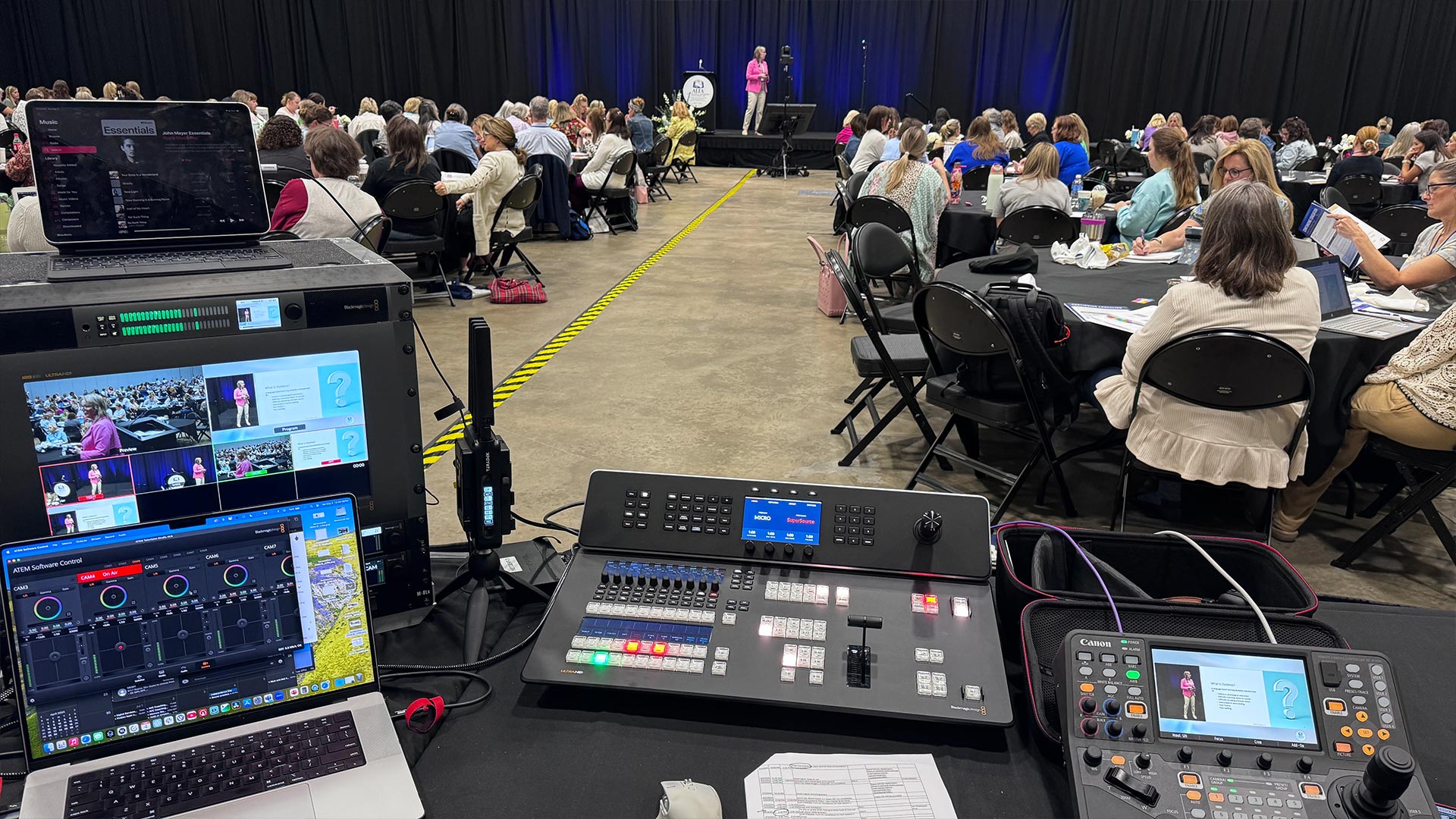
When it comes to livestreaming, the quality of your audio can make or break your broadcast. While video is important, it's the audio that keeps your audience engaged and ensures they can follow along with the content.
First and foremost, it's crucial to invest in good equipment. This means choosing a microphone that is appropriate for your needs, whether that's a lavalier mic, a shotgun mic, or a handheld mic. You'll also need to make sure your equipment is set up correctly and that you have the right cables and accessories to ensure a clear sound.
In addition to the technical aspects, it's important to pay attention to the environment in which you're recording. Try to minimize background noise and ensure that you're in a quiet room, away from any potential distractions. You may also need to adjust the volume levels as you go, especially if you're bringing on guests or switching between different types of content.
Another key consideration is your audience. Remember that your livestream will likely be watched by people with different levels of hearing ability, so it's important to make sure your audio is clear and easy to understand. You may want to consider adding subtitles or captions to help viewers follow along, especially if you're discussing complex or technical topics.
Overall, getting your audio right is essential if you want to create a professional, engaging livestream. With the right equipment, preparation, and attention to detail, you can ensure that your audience stays tuned in and gets the most out of your content.
Honestly, people will forgive a soft or slightly grainy picture. They won't stick around if they can't hear what's being said. When the audio drops out or sounds muddy, viewers leave within seconds. Clean, clear sound is what keeps an audience locked in, so it's the first thing I dial in on every job, not the last.
It depends on the situation. For a single presenter who needs to move around, I'll usually go with a lavalier or a wireless setup like a Sennheiser system so they're not tethered to anything. For a fixed podium or panel, a handheld or a shotgun mic pointed at the talker works great. There's no one right answer here. I pick the mic that fits how the person is actually going to present.
Your mic picks up everything, not just the voice you want. HVAC hum, chatter in the hallway, a buzzing light. All of it sneaks into the feed and makes the talker harder to follow. Whenever I can, I get into a controlled space and kill the obvious noise sources before we ever go live. A quiet room does half the work for you.
This trips a lot of people up. What the in-person crowd hears through the PA and what your online audience hears are two separate mixes. I run the stream off its own feed, usually through a dedicated mixer like an Allen & Heath SQ5, so I can balance mics, control levels, and ride the broadcast independently. If you just grab a mic off the room, the online folks get a mess.
The usual suspects are a dead wireless battery mid-session, a mic gained too hot so it clips and distorts, and background noise nobody caught in soundcheck. They're all avoidable. I run fresh batteries, set levels with headroom to spare, and actually listen to the broadcast feed before doors open. A real soundcheck catches almost all of it.
Mark runs DFW Live Stream and has been producing corporate livestreams, conferences, town halls and webinars across Dallas–Fort Worth and around the country since 2017. He writes these from the production desk, not a marketing department, and uses AI tools to help draft and structure them. Every post is read, fact-checked and edited by him before it goes live.