 By Mark WhiteOwner & Executive Producer, DFW Live Stream
If you've never hired a live streaming company before, the whole thing can feel like a black box. You sign off on a quote, a crew shows up with a pile of gear, and somehow your event ends up online. I get asked "so what actually happens?" on almost every first call, so I want to walk you through it the way I'd explain it to a friend.
Here's the short version: a good livestream company takes you from a first conversation to a finished, recorded broadcast in six predictable steps. A discovery call to understand your event, a clear quote, a planning phase where we build a run of show together, a setup day, the live show itself, and then delivery of your recording and analytics afterward. The whole point is that you should never be guessing what comes next. If you are, that's usually a sign something's off.
I'm Mark. I own DFW Live Stream, and either I or my lead operator Eli is personally on every single event we run. We've been producing corporate live streams across Dallas-Fort Worth for over ten years, with nearly 50 five-star Google reviews to show for it. So everything below is how we actually run a job, not a generic checklist. (Updated September 7, 2026.)
Most corporate streaming projects follow the same arc, whether it's a one-camera town hall or a three-day hybrid conference. Knowing the stages ahead of time makes you a sharper buyer and makes the event run smoother for everyone.
The first conversation is about your event, not our gear. I want to know what you're putting on, who's watching, and what "success" looks like to you. Is this an internal town hall where 300 employees watch from home? A ticketed conference where the recording becomes a product later? An investor meeting that has to stay private? Those answers change everything about how we'd build it.
A good vendor asks more questions than they answer on that first call. If someone quotes you a price before they understand your event, be careful. The questions I always ask: how many people are in the room versus watching online, where the stream needs to live afterward, whether any presenters are remote, and what your run of show looks like. If you're still deciding whether to even hire a pro, my honest breakdown of a live stream company versus DIY streaming lays out when each one makes sense.
After the discovery call, you should get a quote that ties to your actual event, not a number pulled out of the air. Ours is package-based: crew, equipment, and production all bundled into a clear scope so you're not trying to decode a line item for every cable. We don't publish a rate card for on-site events because every one is different (our produced webinars are the exception, and that pricing is public), but I'm always upfront about what things cost and why.
As a rough guide, a single-operator corporate stream typically starts around $3,900, and multi-day or multi-camera productions generally run higher from there. I broke the full picture down in how much it costs to livestream an event, including what drives the number up or down. The thing to watch for in any quote is whether backups are included. Redundant internet, a second encoder, spare cameras. If a quote is suspiciously cheap, that's usually what got cut.
Once you book, the planning phase kicks in. This is where we build your run of show together, a minute-by-minute map of who's speaking, when slides change, when a video rolls, and when we cut to which camera. You don't need to arrive with this finished. Part of what you're paying for is someone who's done it a hundred times helping you build it.
This is also when we sort out the details that quietly make or break a stream: where the recording will live afterward (we usually recommend a private Vimeo page or a password-protected viewing page), whether we're adding your logo and lower-third name graphics, and how remote presenters will join if your event is hybrid. Hybrid is the single most common concern I hear, and for good reason. Industry data shows hybrid events draw about 40% higher attendance than in-person-only events, and 41% of virtual attendees say they wouldn't have traveled to be there in person, so the remote audience usually matters as much as the room. If that's your situation, our guide to hybrid event production covers what it actually takes to run one well.
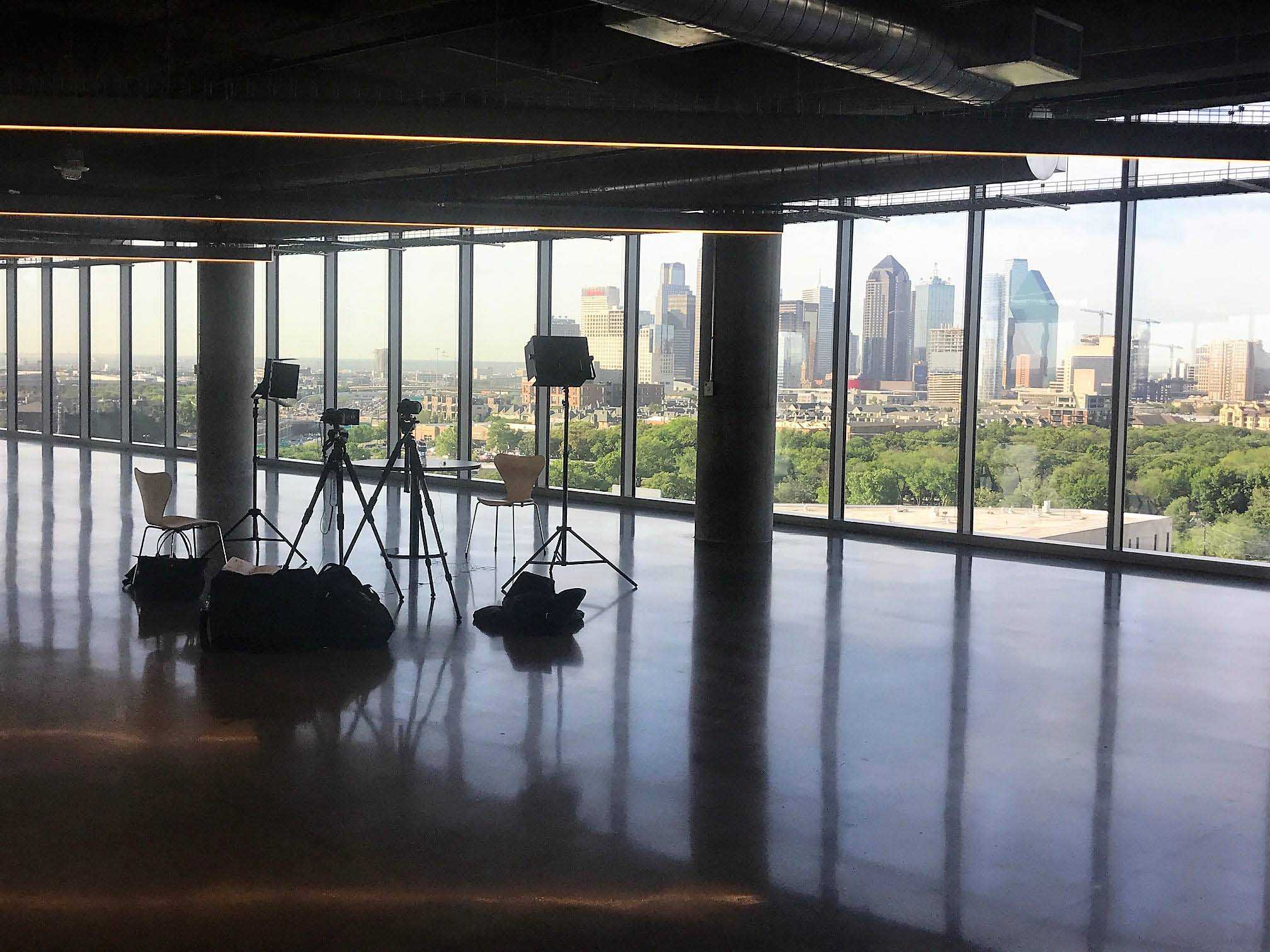
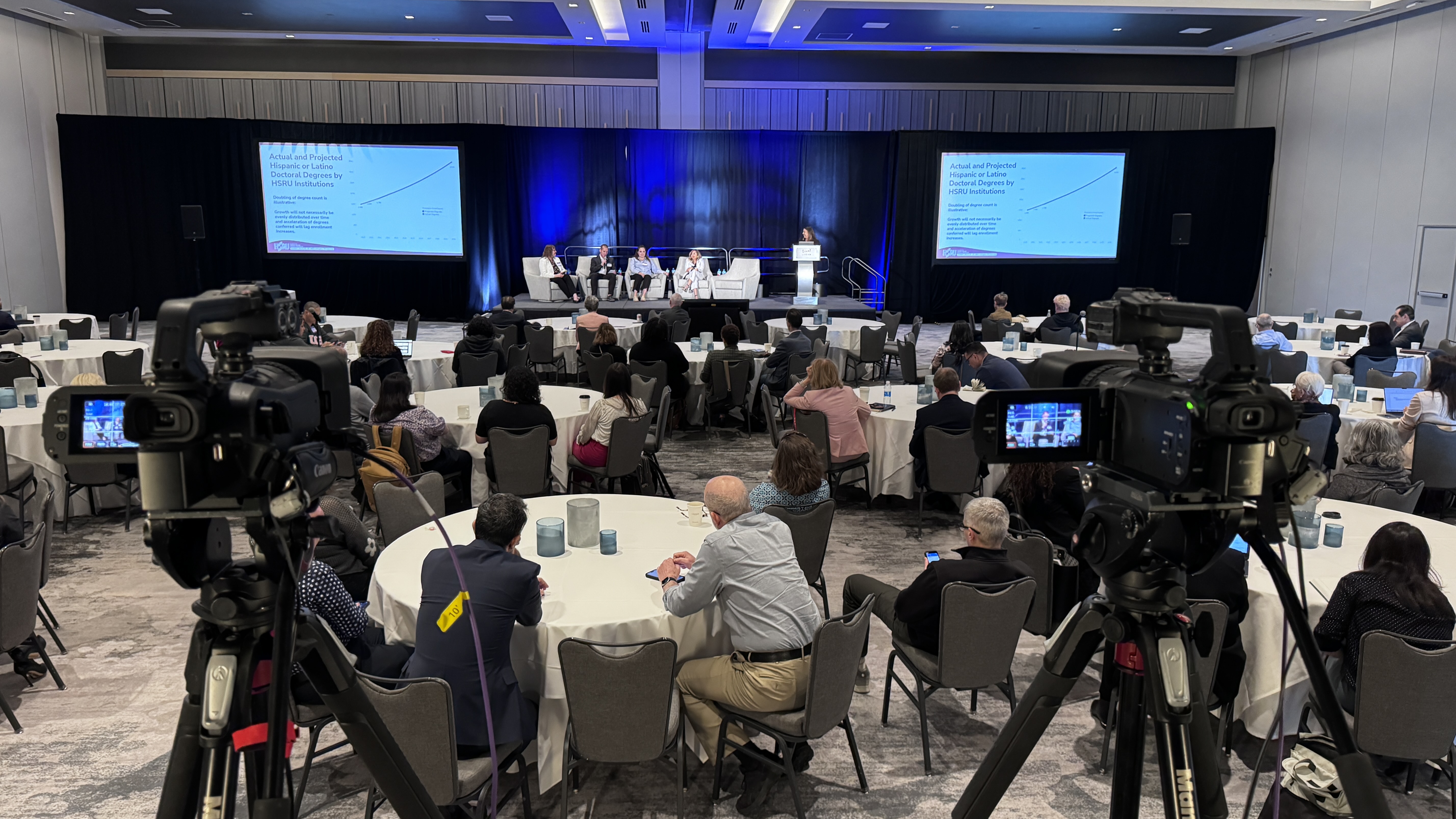
On show day (or the day before, for bigger events) the crew arrives early to load in. For a typical multi-camera corporate event that means setting up Canon CRN500 PTZ cameras, running everything into a Blackmagic ATEM switcher, dialing in audio on an Allen and Heath SQ5 mixer, and getting wireless Sennheiser mics on your speakers. Then we test. Then we test again.
The part you won't see is the redundancy. I always bring extra equipment, just in case. For the stream itself we run a LiveU Solo Pro encoder that bonds 4G, LTE, WiFi, and hardwired Ethernet at the same time, so if the venue internet hiccups, the broadcast doesn't drop. That bonded backup is the difference between a small hiccup and a disaster. If audio is what keeps you up at night, here's why getting your livestream audio right matters more than the cameras.
During the event, the crew is heads-down running the broadcast: switching camera angles, mixing audio, dropping in lower thirds and holding slides, and watching the stream health the whole time. A good operator is invisible to the room and obsessive about the feed. You should be free to run your event, not babysit the production.
Here's a real one. We ran an investor meeting for a national truck-manufacturing company at their Dallas headquarters on a password-protected viewing page with PTZ cameras, and the feedback was simple: zero technical problems. That's the bar. Compare that to a financial services company that called me after their annual town hall fell apart. They'd hired a freelancer for $1,500 who used a consumer webcam and the venue WiFi with no backup. The stream dropped 30 minutes into the CEO's keynote and never came back. Their remote employees missed the whole thing. The coordinator told me later, "the cheap option cost us way more than your quote." If you want help spotting that kind of risk before you sign, how to find and evaluate a local live streaming company walks through the questions to ask.
The job isn't done when the stream ends. After the event you should expect a clean recording delivered to wherever it needs to live, whether that's an on-demand viewing page, a file for your team, or short clips you can repurpose. For events with a registered audience, you'll also get analytics: how many people watched, for how long, and when they dropped off. That data tells you whether the event actually landed. We get into how to read it in measuring live streaming ROI.
Beyond the gear and the steps, a few things separate a partner you'll rehire from a vendor you'll regret. First, redundancy as a default, not an upsell. Backup internet, backup encoding, and spare cameras should already be in the plan. Second, a real human you can reach. With us, either I'm there, Eli is there, or we're both there, so you're never handed off to a stranger on event day.
Third, turnkey ownership. You should be able to say "handle everything" and trust that the venue coordination, the AV integration, the recording, and the branding all get covered. We've done exactly that for returning clients like a 1,500-person conference at the Gaylord in Grapevine and a three-day hybrid continuing-education conference in Frisco with a general session plus three breakout rooms. The reason they keep calling back is they don't have to think about the production. That's the whole idea.
You'll get a better result if you bring a few things to the table too. Share your run of show and presenter list as early as you can. Tell us about the venue, or better yet, connect us with the venue's AV contact so we can coordinate directly. Be clear about your privacy needs up front, especially for internal or investor events. And loop us in on branding early so your logo, colors, and graphics are ready before show day, not scrambled together that morning. If your event is a town hall or all-hands specifically, our guide to live streaming corporate town halls covers the format in depth.
The sooner the better, but two to four weeks gives us comfortable runway for a standard event. For multi-camera conferences or anything during our busy seasons (Q3, Q4, and spring conference season), book earlier, because those calendar slots fill up. Even a few days' notice can work for a simple stream, but more lead time always means a smoother run of show.
Mainly your run of show, your presenter and slide details, venue access and a power and internet rundown, and any branding assets like logos and lower-third names. You don't need any technical knowledge. Walking you through the rest is literally the job you're hiring for.
Yes. Bringing in remote speakers is one of the most common things we set up, and it's the heart of any hybrid event. We can integrate platforms like Zoom directly into the broadcast so a presenter dialing in from another city looks and sounds like part of the show.
Almost always, yes. We deliver a clean recording to wherever you need it, most often a private or password-protected viewing page, and we can also cut short clips for training or social. Just tell us your privacy and hosting needs during planning so we set it up right from the start.
This is the question worth asking every vendor you talk to. For us, the answer is bonded redundancy: our LiveU Solo Pro encoder combines multiple connections (4G, LTE, WiFi, and Ethernet) at once, so if one drops, the stream keeps running. Backup internet should be standard, not an add-on. If a vendor can't clearly explain their failover plan, keep looking.
Every event is different, so pricing is built to scope rather than a fixed menu. As a general guide, a single-operator corporate stream typically starts around $3,900, with multi-camera and multi-day productions running higher. The full breakdown of what drives the number is in our livestream cost guide.
If you've got an event coming up and you want a straight answer on what it'd take to stream it well, reach out. I'll ask the right questions, give you an honest quote, and tell you exactly what to expect at every step. No surprises is kind of the whole point.
Mark runs DFW Live Stream and has been producing corporate livestreams, conferences, town halls and webinars across Dallas–Fort Worth and around the country since 2017. He writes these from the production desk, not a marketing department, and uses AI tools to help draft and structure them. Every post is read, fact-checked and edited by him before it goes live.