 By Mark WhiteOwner & Executive Producer, DFW Live Stream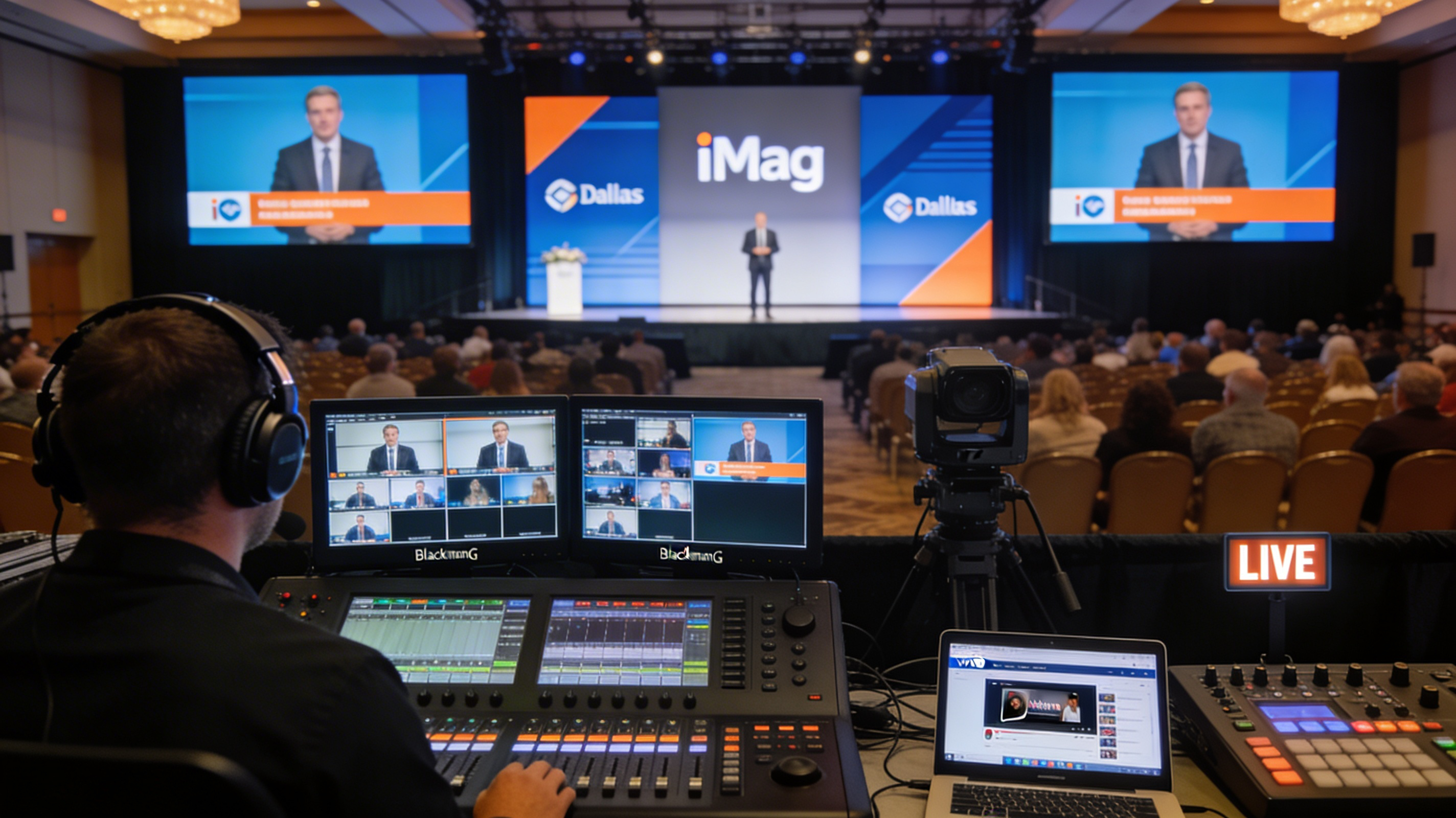
Conference videography looks simple from the audience seat. You see a few cameras, some screens, and everything runs smooth. Behind that is a producer making dozens of calls a minute — camera angles, audio levels, graphics, stream health — and every one of them decides whether your sessions come out looking like a broadcast or like a security recording. (Updated August 29, 2026.)
Here's the short version of what conference videography in Dallas actually takes: multi-camera coverage so the footage isn't flat, rock-solid audio across a big room, branded graphics and lower thirds, a stable live stream (often to multiple breakout rooms at once), and an editing pass afterward that turns the day into clips your team can use for months. I'm Mark White — I've run DFW Live Stream for over ten years, and either I or my producer Eli is on site for every conference we cover.
Below is how a professional conference production comes together, what separates good coverage from forgettable coverage, and what it costs.
A conference isn't one stage for one hour. It's general sessions, breakouts running at the same time, panels, sometimes live music, and a remote audience watching all of it. The video is what extends that day: people who missed a session catch up on demand, remote attendees get the whole experience, and your marketing team gets months of clips. Done well, it multiplies the return on everything you spent producing the event. Done poorly — bad audio, static footage, no graphics — it reflects on your organization in a way that's hard to undo.
That's why the videography shouldn't be the thing you figure out last. It's the part that lives on after everyone goes home.
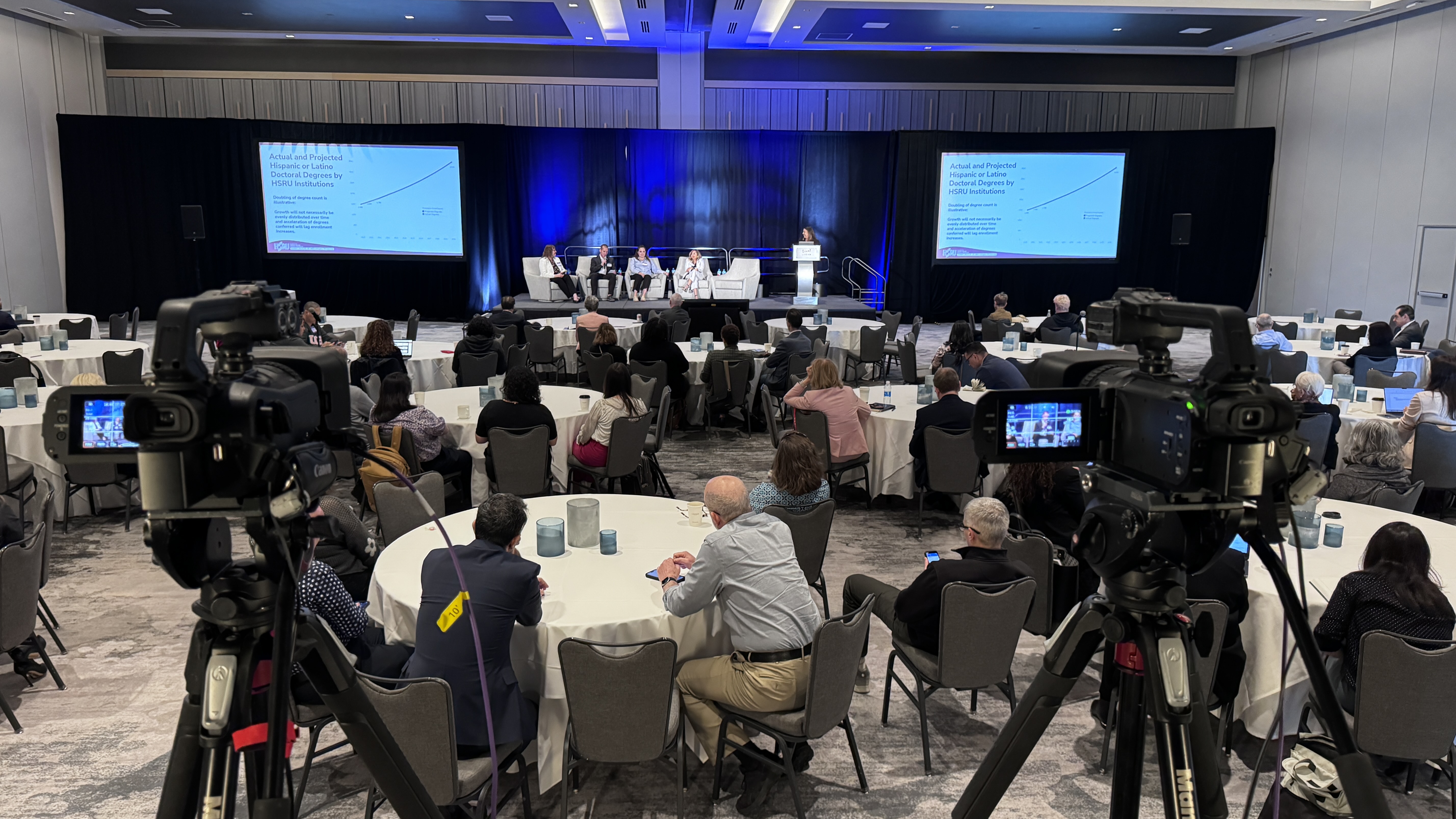
Single-camera footage of a conference looks flat and static. Multi-camera lets us cut between a wide shot of the stage, a tight shot on the speaker, audience reactions, and the slides. We run Canon CRN500 PTZ cameras controlled remotely from the back of the room, so we get broadcast-quality angles without operators crowding the aisles, and we cut between them live on a Blackmagic ATEM switcher. For bigger rooms we add positions for Q&A and panel coverage. If you want the deeper version of how that works, here's our breakdown of multi-camera live production.
Audio is the single biggest factor in whether your conference recording is usable. You can survive slightly imperfect video; you can't survive a speaker who sounds like they're in a tin can. We run Sennheiser wireless mics — handhelds, lavaliers, podium mics depending on the format — through an Allen and Heath SQ5 mixer. For a panel that can mean four or five mics live at once; for an event with live music it gets more involved, with the room covered by Bose line arrays so every seat hears it clean.
A professional production is more than raw footage. We pull your presentation slides straight into the video feed, add lower thirds with each speaker's name and title, run countdown timers between sessions, and brand the whole thing in your colors. For larger rooms we also drive IMAG (image magnification, the big screens in the room) off a separate switcher so the in-person audience and the stream both look right.
Most conferences now stream. That might be a full hybrid event with hundreds of remote viewers or a simple internal feed for people who couldn't travel. We stream to Vimeo, YouTube, or a private destination, and when there are breakouts we give each room its own camera setup and its own stream so attendees watch the specific session they want instead of one giant jumbled feed. If your event leans hybrid, our guide to hybrid event production covers what it takes to do that well.
A few real examples, by type, so you can see what this looks like in practice.
This annual conference has been our project for five straight years, and they've already booked year six. We provide everything: full-venue audio, multi-camera video with remote PTZ cameras, separate switchers for the live stream and the in-room IMAG, graphics, lower thirds, and a full recording of every session. The production challenges go past standard conference work — we've run a full choir performance with five dedicated microphones and zero feedback in the room, and pulled cable across an enormous ballroom to reach camera positions. They come back every year because the quality is consistent and the production just works.
Nearly a thousand people in person, plus a real online audience, over three days. The general session was the hub — multi-camera, slide integration, live music, lower thirds, countdown timers — streamed to its own Vimeo link and recorded. On top of that we ran three separate breakout rooms, each with its own camera setup and its own stream for overflow rooms and online viewers. We also cut a recap video overnight on day one and played it first thing on day two, which set the energy for the rest of the event. The event keeps growing every year, and they keep bringing us back.
Here we partnered with the venue's AV crew — they handled audio and projection, we handled all the video. We took a clean audio feed from their system, set two PTZ cameras mid-room for wide and tight shots, and sent a feed back to their system for IMAG. We're heading into our fourth year with them. The video quality, the audio clarity, and the reliability are what keep them re-booking.
If you're evaluating conference videographers in Dallas, four things actually matter.
First, redundancy. What happens if a camera fails or the venue internet drops mid-stream? A serious team has backup gear on site and a plan for every failure point — we bring extra equipment to every event specifically so a surprise never reaches the audience. Our LiveU Solo Pro encoders bond cellular, WiFi, and hardwired internet so the stream doesn't depend on any single connection.
Second, who's actually on site. Some companies send contractors who've never worked together. With us it's hands-on — either I'm running it or Eli is, with a crew that knows the gear and each other and can adapt when a live conference inevitably changes.
Third, post-production. Do you get the recordings? Will they trim and edit individual sessions, or cut a recap for social and internal use? Footage is only worth something if it becomes something usable afterward.
Fourth, venue experience. A team that's worked the major DFW venues already knows where the power drops are, how the room sounds, and which internet is reliable. We've been working venues across Dallas-Fort Worth for over ten years, and that familiarity prevents problems before they start. For the broader picture of hiring a production partner, see what to expect when you hire a live streaming company and our corporate live streaming in Dallas overview.
Every conference is different, so we price to the actual scope rather than a fixed menu. A single-stage event with basic coverage sits at one end; a multi-day, multi-room, live-streamed production with breakout coverage and post-production sits at the other. What moves the number is the number of cameras and rooms, how many days, crew size, whether you're streaming and to how many destinations, and what post-event deliverables you need. We'll always give you a detailed quote before you commit, so there are no surprises. If you want a sense of the ranges first, here's how much it costs to livestream an event.
It depends on the room and the format. A straightforward single-stage session can work with two angles — a wide and a tight. Larger general sessions, panels, and rooms with Q&A do better with three or more so we can cover reactions and the stage at once. We'll recommend a setup based on your room and run of show.
Yes. Each breakout room gets its own camera setup and its own stream destination, so attendees and online viewers watch the specific session they want instead of one combined feed. We've run a general session plus three simultaneous breakouts at a single conference.
Yes. We deliver clean recordings of every session, and our editing team can trim individual sessions, cut social clips, and produce a highlight or recap video — we've turned a recap around overnight to play the next morning. One conference can produce dozens of usable pieces of content.
Earlier is always better, especially for multi-day or multi-room conferences. Q3, Q4, and spring conference season fill up fast, so if you have a date, reach out early to lock it in. We can sometimes handle shorter notice, but more lead time means a tighter run of show.
Yes. We integrate remote speakers through Zoom or Teams directly into the broadcast so they appear alongside your in-person presenters — which is the heart of any hybrid conference.
The best time to bring in your videography team is early, while you're still mapping the room and the schedule. We can advise on layout for camera angles, coordinate with your venue's AV team, and build a plan that fits your budget and goals. If you've got a conference coming up in Dallas-Fort Worth, reach out — we'll walk through your event, answer every question, and make it look as good on screen as it does in the room.
Mark runs DFW Live Stream and has been producing corporate livestreams, conferences, town halls and webinars across Dallas–Fort Worth and around the country since 2017. He writes these from the production desk, not a marketing department, and uses AI tools to help draft and structure them. Every post is read, fact-checked and edited by him before it goes live.