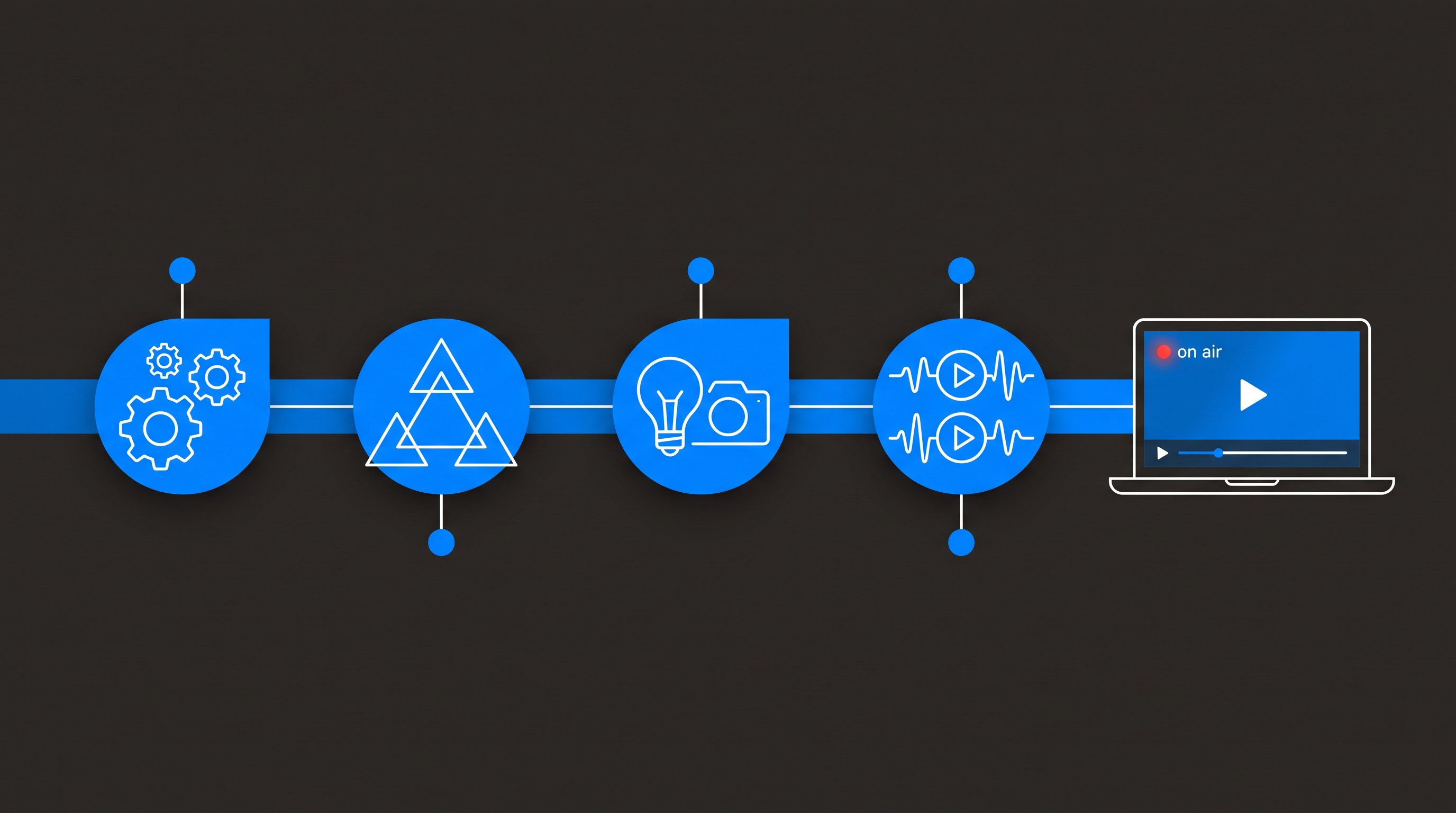
Here's the short version: live event video production is the craft of capturing an event as it happens — multiple cameras, live switching, professional audio, direction — and turning it into a finished program in real time. Livestreaming is one way to deliver that program. They're not the same thing, and knowing the difference will save you money on some events and save the event itself on others.
I run a production company in Dallas–Fort Worth, and the single most common confusion I untangle on first calls is this one. So let's take it apart properly: what live event video production includes, how it relates to streaming, and when you need one, the other, or both.
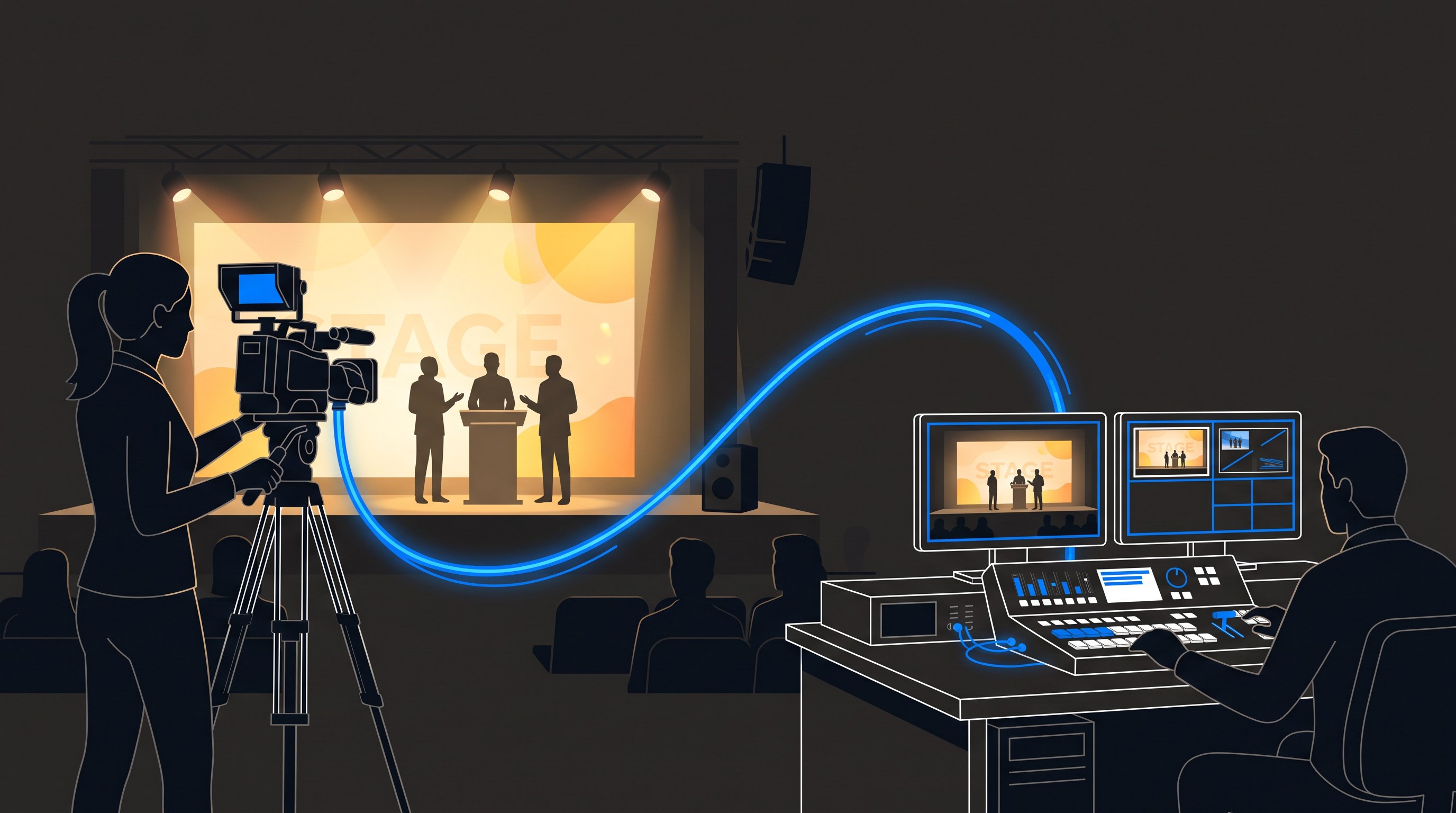
Live event video production means the program is built while the event happens, not assembled in an edit bay afterward. A director switches between cameras, audio is mixed live, and graphics land in real time — what comes out the back of the system is a finished show.
That's the fundamental difference from standard event videography, where someone records footage and edits it later. In live production, every decision — which camera, which moment, which graphic — happens once, in the moment. It's closer to broadcast television than to filmmaking, which is why the crew roles and gear look like a TV truck squeezed into a ballroom.
Think of it this way: production creates the program, and streaming is one of several places that program can go. The stream your remote audience watches is only ever as good as the production feeding it.
That switched, mixed, directed output can be sent to a livestream, recorded for later, projected onto screens in the room, or all three at once. When a livestream looks bad, the problem is almost never "the stream" — it's the production behind it: one static camera, untreated audio, no director. This is why I push back when someone asks for "just a stream." The stream is the easy part. The program is the product.
A real live production package covers cameras, switching, audio, graphics, recording, and the crew to run all of it. If a quote only mentions a camera and an encoder, you're buying a webcast, not a production.
Concretely, that means multiple camera positions — a mix of operated cameras and PTZ units — feeding a video switcher run by a director, professional audio that's either mixed on site or taken as a clean feed from the house console, lower thirds and graphics, and a program recording. Depending on the event it can also mean confidence monitors, IMAG, and a dedicated stream operator. I've broken down the package-level detail in what's included in a corporate livestream package, and the case for multiple cameras specifically in multi-camera live production.
Plenty of events need a professionally produced program and no livestream at all. If nobody outside the room needs to watch in real time, don't pay to stream — put that budget into the capture.
The common cases: conference sessions being captured for an on-demand library, internal meetings recorded for employees in other time zones who'll watch later, award galas that want a polished archive, and training content that will be clipped and reused. In all of these, live-switched multi-camera production still matters enormously — a switched program with clean audio is watchable for years, while a single locked-off camera at the back of the room is something nobody opens twice. You get the broadcast quality without the delivery cost.
The moment part of your audience isn't in the room and needs to see it live, streaming joins the picture. Town halls, hybrid conferences, product launches, and investor meetings are the classic cases.
Here the production quality does double duty: it feeds the screens in the room and the remote audience simultaneously. The remote viewer is actually the more demanding customer — they're one boring minute from checking email — which is why the events that stream well are the ones produced well. If you're deciding whether remote attendance matters enough to stream, that's exactly the kind of question worth twenty minutes of honest conversation before you spend anything.
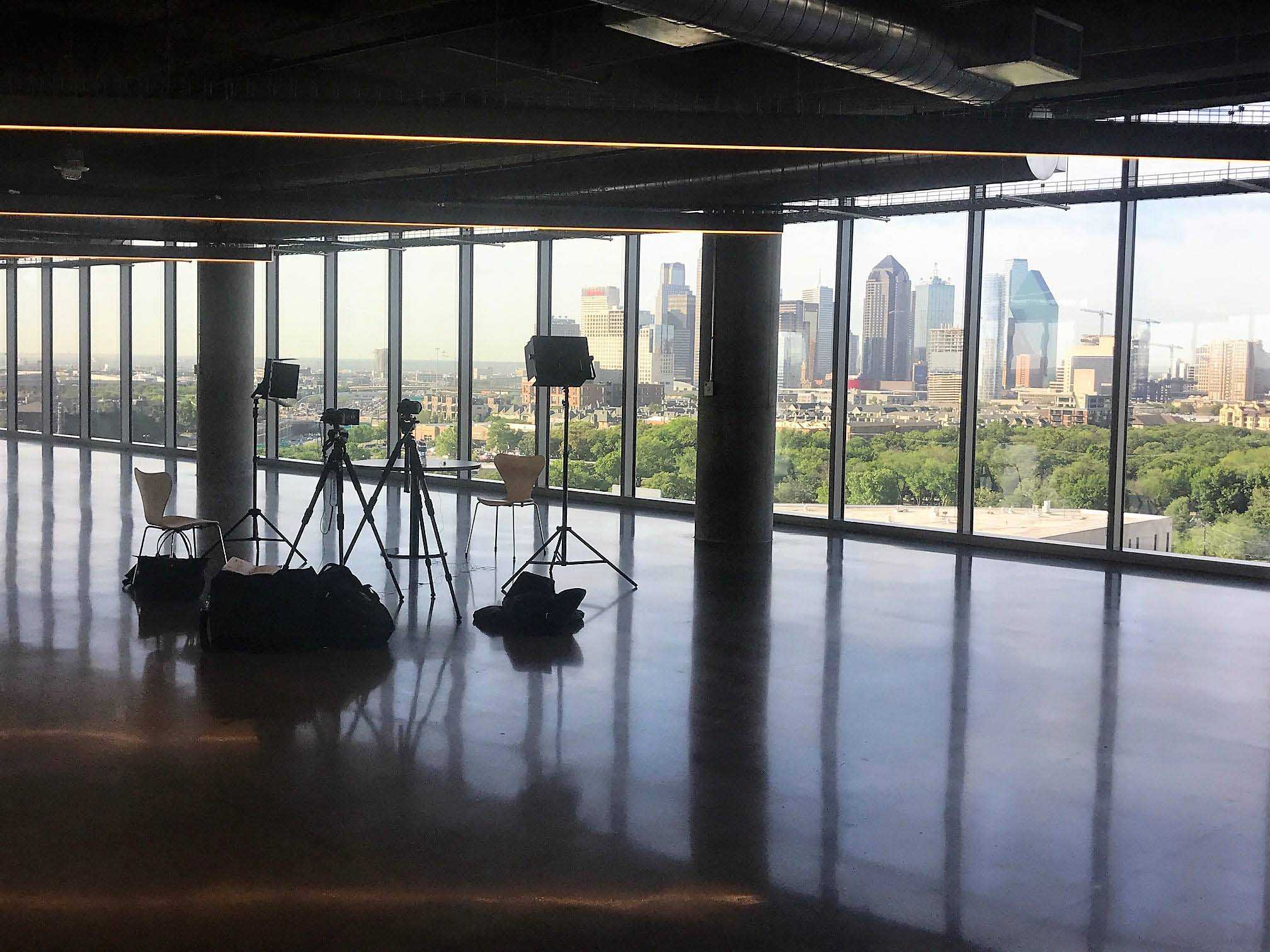
A typical corporate setup from our side: two to four cameras — operated cameras on sticks plus Canon CR-N500 PTZ units where a quiet, remote-controlled angle makes sense — feeding a Blackmagic ATEM switcher at a production desk, usually at the back of the room.
Audio comes from Sennheiser wireless mics into an Allen & Heath SQ5 or as a feed from the venue's console. The switched program goes to the recording, to any screens in the room, and — if we're streaming — out through a bonded cellular encoder like a LiveU Solo Pro when venue internet isn't trustworthy. The footprint is a table or two and some cable runs taped before your guests arrive. It's less invasive than most planners expect, and a good crew is functionally invisible once doors open.
If your event is in a ballroom for a few hundred people, the camera feed often serves the in-room audience too — that's IMAG, image magnification, putting the live camera shot on big screens beside the stage.
IMAG raises the stakes on production quality because the room sees every cut the moment it happens, with zero latency tolerance. It's also one of the best arguments for hiring a production team rather than pointing a camera at the stage: the same switched program serves the screens, the stream, and the recording at once. I've covered when it's worth it in do you need big screens at your event.
These three get used interchangeably and they shouldn't be. The AV company makes the room work — screens, sound, lighting. A videographer records footage to edit later. A live production company builds the finished program in real time.
Big events often need two of the three working together, and the coordination between your AV vendor and your production team is worth sorting early — who owns audio, who owns screens, who feeds whom. I've laid out the full comparison in livestream company vs. AV company, and what to look for in a vendor in what an event video production company actually does.
For planning purposes: professionally produced single-room corporate events generally start around $3,900 per day. Multi-camera and hybrid productions typically land in the $5,000–$15,000 range depending on camera count, crew, and audience setup.
Multi-day conferences generally run $11,000–$30,000+, and complex events often add a setup and testing day, typically $2,250–$3,750. Whether you stream or only record moves the number less than people expect — most of the cost is in the capture: cameras, crew, and switching. The full cost breakdown with what drives each tier is in how much it costs to livestream an event.
The best predictor of a good outcome is whether your vendor asks about your event before quoting it. Camera count, audio ownership, room layout, and what happens to the recording afterward should all come up before a number does.
Ask to see a full program recording from a comparable event — not a highlight reel, which hides live-switching skill entirely. Ask who directs, how many crew are included, and what happens if the venue internet fails. Vague answers on any of those are the warning sign. A real production partner will also tell you when you're over-buying — if one camera and a recording genuinely serves your event, you should hear that.
If you're planning an event and trying to figure out whether you need production, streaming, or both, that's a conversation I have every week and I'm happy to have it with you. Grab 20 minutes with me — bring your agenda and your room, and I'll tell you straight what your event actually needs.
It's capturing an event with multiple cameras, live switching, professional audio, and real-time direction so a finished program exists the moment the event ends. Unlike standard videography, the program is built live rather than edited afterward.
Production creates the program — cameras, switching, audio, direction. Streaming is one way to deliver that program to people outside the room. You can produce without streaming, but a stream without real production behind it is just a webcast.
No. If nobody needs to watch remotely in real time, skip the stream and put the budget into capture quality. A live-switched multi-camera recording gives you broadcast-quality content for on-demand use without the delivery cost.
Most corporate events land between two and four. Two covers a speaker and a wide shot; a third adds audience reactions and panel coverage. Past four, you're usually producing a large conference or something broadcast-grade.
It should. We either mix audio ourselves with wireless mics and a dedicated console or take a clean feed from the venue's system — but someone has to own it explicitly. Audio is the most common failure point when it's left ambiguous between vendors.
Produced single-room corporate events generally start around $3,900 per day. Multi-camera and hybrid productions typically run $5,000–$15,000, and multi-day conferences generally land at $11,000–$30,000+ depending on scope.
Yes — that's one of the main efficiencies of doing it properly. The switched program can drive IMAG screens, the livestream, and the recording simultaneously, so one production serves the in-room and remote audiences at once.
If you only need edited footage after the fact, possibly. But if anyone watches live — in the room on screens or remotely — you need live production: switching, mixed audio, and direction happening in real time. That's a different service than recording and editing.