 By Mark WhiteOwner & Executive Producer, DFW Live Stream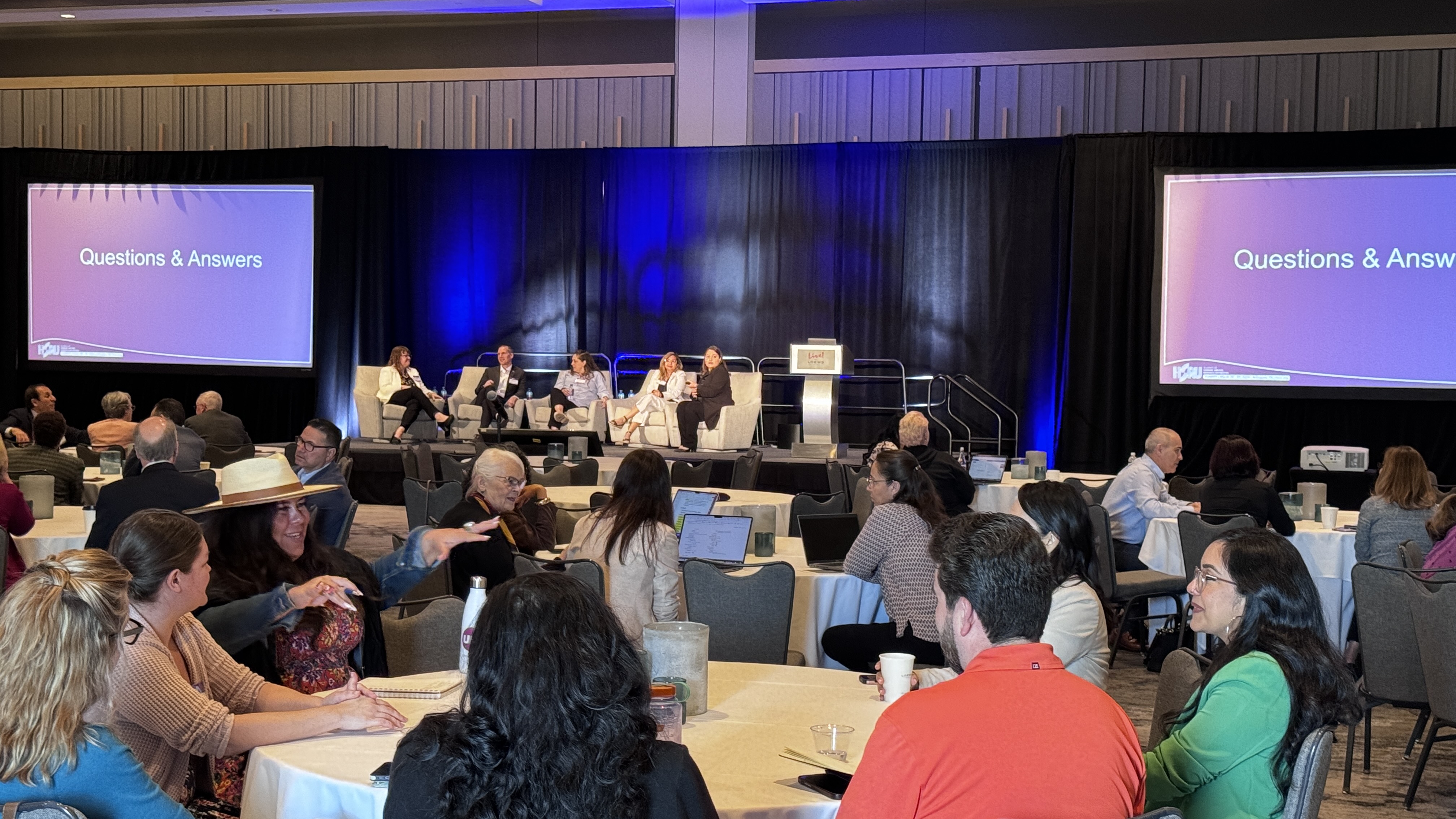
A panel or a fireside chat is one of the harder formats to stream well, and almost nobody warns you about that before you book it. A single speaker is one mic, one camera, one job. A panel is three to six people talking over each other, reacting, leaning in, cracking jokes, and you have to catch all of it and make it sound like one clean conversation. Get it right and a remote viewer forgets they are watching a screen. Get it wrong and it feels like a security camera pointed at a table.
I have produced a lot of these, and the format rewards a very specific kind of attention. Here is what actually matters when you stream one.
A panel or fireside chat needs more than a single-speaker event does in three places: audio, camera coverage, and feel. You want a dedicated mic on every person on stage, a camera setup that can find whoever is talking and catch the reactions in between, and a warm, conversational framing that matches the tone of the room instead of a stiff keynote look.
On top of that, you need a clean plan for remote panelists who join from somewhere else and a smooth way to run live Q&A from both the room and the online audience. Pull those five things together and you get the outcome that matters: a natural conversation that feels good to watch, where every voice is clear and the remote audience keeps leaning in instead of drifting off. Everything below is how you get there.
The biggest difference between a panel and a keynote is the audio. One person on stage is simple. Four or five people sharing a conversation is a live mixing job, and it is the thing that quietly makes or breaks the whole stream.
The non-negotiable is a dedicated mic on every panelist. Not a shared handheld passed down the row, not one mic on a stand in the middle of the couch. Each person gets their own channel so when two people talk at once, you can hear both, and when someone goes quiet you can ride their level back up without it sounding like a switch flipped. We run wireless lavs or beltpacks so people can gesture and turn to each other naturally, which is half of what makes a fireside chat feel like a real conversation instead of a press conference. Sennheiser wireless is what we trust here because dropouts on a live panel are brutal. There is no editing them out.
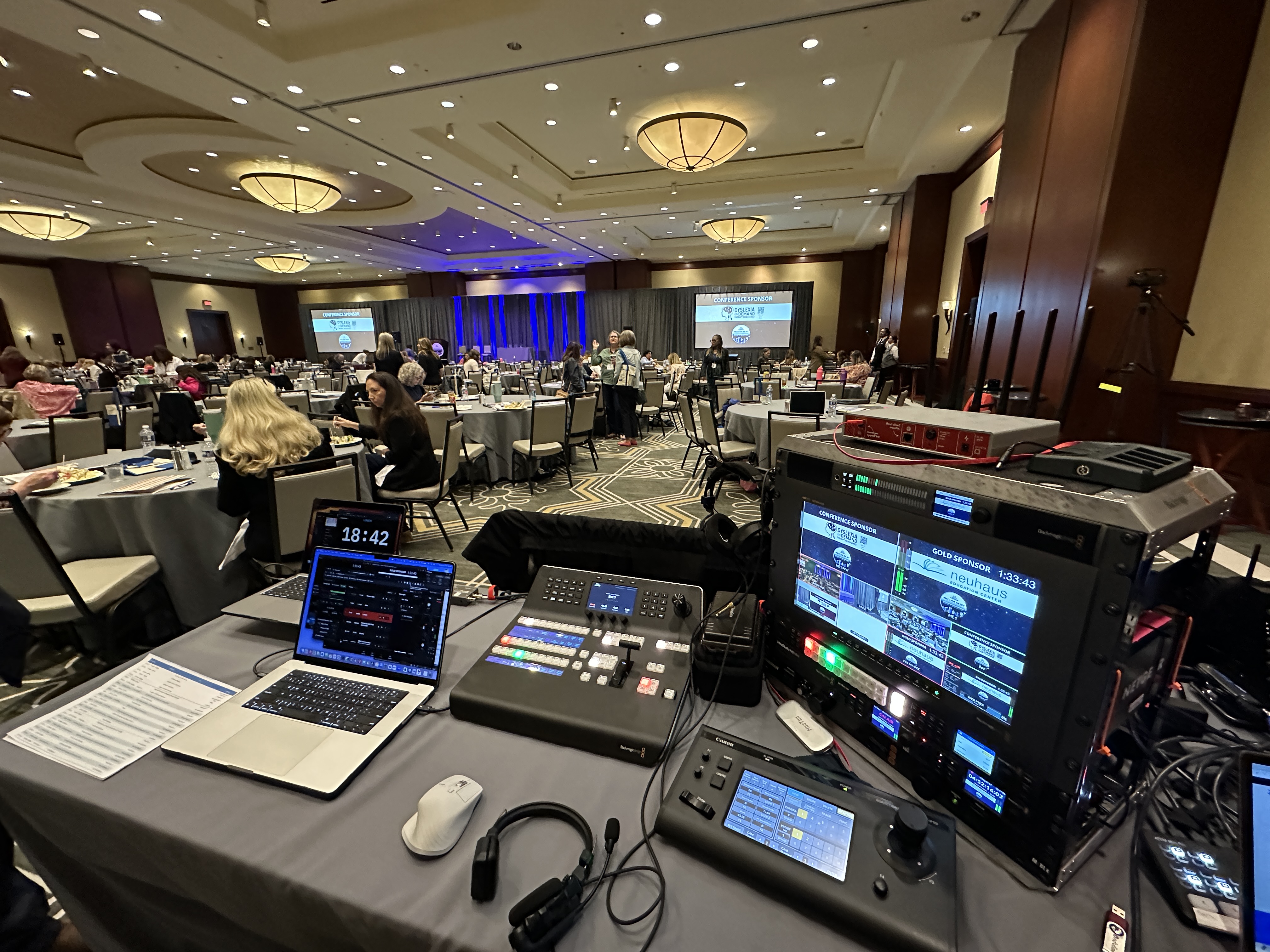
The part people underestimate is the mixing. Five live mics in an untreated room is a recipe for feedback and muddy audio if nobody is actively managing it. We run everything into an Allen & Heath SQ5 so we can gate each channel, pull down whoever is not talking, and keep the bed clean. That is a human job during the event, not a set-and-forget. When a panel sounds effortless on the stream, it is because someone was working the board the whole time. If you want a deeper look at why this matters, I broke it down in why getting your livestream audio right matters.
A panel is not a talking head. The whole point is the back and forth, so your camera coverage has to follow the conversation and catch the reactions in between. A single locked-off wide shot is the fastest way to make a great discussion feel flat and lifeless on screen.
What I want for a panel is at least a clean wide that holds the whole group, plus the ability to push in on whoever is speaking and grab reaction shots. When the moderator asks a sharp question, the moment you want is the panelist's face right before they answer. When someone lands a joke, you want to cut to the person laughing next to them. Those cuts are what keep a remote viewer engaged, and you cannot get them from one camera.
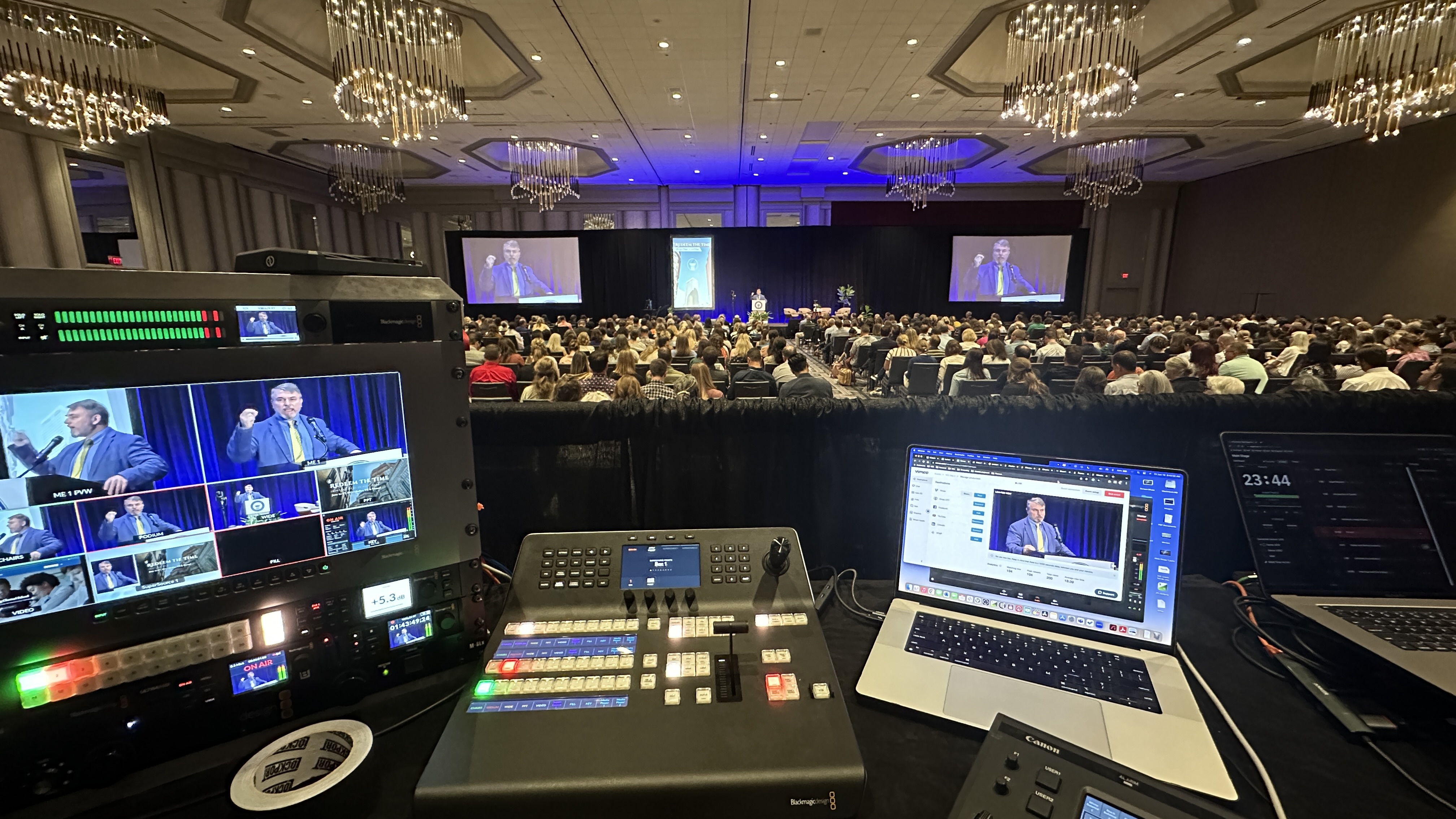
We lean on Canon CR-N500 PTZ cameras for this because a single operator can run several of them, smoothly repositioning and pushing in without a camera op planted in front of each one. That keeps the footprint small and the stage clean, which matters for an intimate format. Pair that with a Blackmagic ATEM switcher and a technical director who is actually watching the conversation, anticipating who is about to talk, and the stream starts to feel directed instead of monitored. This is the same multi-camera thinking I cover in multi-camera live production, just tuned for a conversation instead of a stage show.
A fireside chat is conversational by design, and the look should match. This is where a lot of streams go wrong, because they light and frame a cozy two-person chat exactly like a 2,000-person keynote, and it feels cold and oversized for what is actually happening.
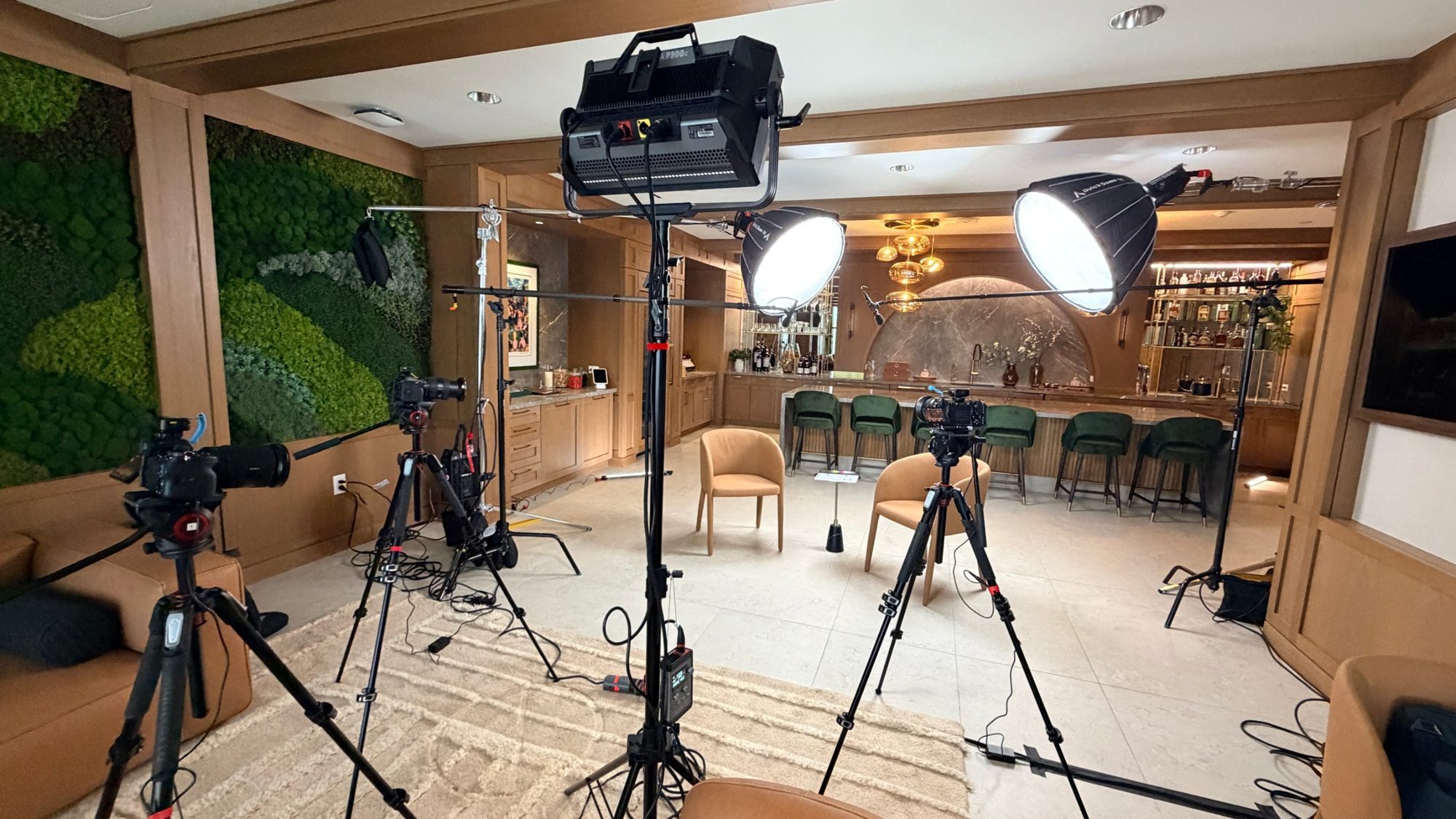
The framing should be tighter and more relaxed. Closer shots, a little warmth in the headroom, angles that put you in the conversation rather than watching it from the back of an arena. For lighting, I want soft and warm, not the hard white wash you would use for a big general session. The goal is to make the people on stage look approachable, because that is the entire emotional pitch of the format. A remote viewer should feel like they pulled a chair up to the table, not like they are watching surveillance footage.
None of this is expensive to get right. It is mostly about intent and the person making the calls actually understanding the difference between a keynote and a conversation. That is one of the reasons I am on site for these jobs rather than handing it off, which I get into in what to expect when you hire a livestream company.
More and more panels have at least one person joining from somewhere else, and a remote panelist is where a lot of streams fall apart. The person on the couch sounds crisp and warm, then you cut to the remote guest and suddenly it is a pixelated, echoey video call. That contrast is jarring and it pulls the audience out of the conversation instantly.
The fix is treating the remote feed like a real production element, not an afterthought. That means getting their audio in clean and at a matched level, framing their video so it sits naturally next to the in-room panelists, and making sure the moderator and the room can actually hear and see them without a two-second delay turning every exchange into an awkward stutter. We plan the return feed so the remote guest is not staring at a frozen screen, because a panelist who cannot follow the conversation stops contributing to it.
Done right, a remote panelist feels like they are in the room. The audience stops noticing who is local and who is not, and that is the whole goal. If your event is part in-person and part virtual, the same principles apply at a bigger scale, and I cover that in hybrid event best practices.
Q&A is where a panel either feels alive or grinds to a halt. You have got two audiences asking questions, the people in the room and the people watching online, and both need to be heard cleanly without dead air or fumbling.
For the room, that means having a mic ready to get to whoever is asking, fast, so their question is captured on the stream and not just half-heard by the panel. A question the remote audience cannot hear is a confusing thirty seconds of someone answering something nobody at home caught. For the online audience, we set up a clean way to surface their questions to the moderator so they actually make it into the room. The remote crowd should not feel like second-class participants watching the in-room folks get all the attention.
The trick is making the handoffs smooth so there is never that awkward pause where everyone is waiting on the tech. When Q&A flows, the panel feels generous and engaged. When it stalls, the energy drains out of the room and the stream both. This is the kind of thing that separates a panel that lands from one that fizzles, and it is closely related to the failures I unpack in why corporate livestreams fail.
Here is the part that does not show up in a quote line item but is the actual reason you hire a pro. A panel is a live, one-shot moment. There is no second take. If your stream drops in the middle of the best exchange of the night, that moment is gone, and the cost of that failure is way bigger than the cost of the stream.
So we build in redundancy. A LiveU Solo Pro bonds connections so a single flaky venue Wi-Fi network is not the thing standing between you and a successful broadcast. We carry backups for the pieces that would take down the whole show if they failed. You are not really paying me to stream a panel on a good day. Anybody can do that. You are paying for it not to fail on a bad one, when the venue internet gets saturated or a piece of gear acts up ten minutes before doors. That insurance is most of the value, even though it is invisible when everything goes right.
You will notice everything above describes someone actively making decisions during the event. Mixing the audio live, anticipating camera cuts, surfacing online questions, watching the stream health. That is why I run a two-crew minimum on these, even for an intimate fireside chat. One person cannot mix five mics, direct cameras, manage a remote guest, and watch the encoder all at once. Anyone who tells you they can is going to drop one of those balls, and on a live panel a dropped ball is permanent.
The other thing I will say plainly is that I am a boutique operation, and that is on purpose. When you book DFW Live Stream, I am on site, not a subcontractor I have never worked with. For a format this dependent on reading the room and reacting in real time, that matters. The difference between a panel stream that feels directed and one that feels monitored is almost always the experience of the person at the switcher.
Pricing depends on the room, the number of panelists, and whether you need in-person, virtual, or both, but here are honest ranges. A fully virtual panel, where everyone joins remotely and we produce it cleanly, generally starts around $1,595. An in-person panel with proper multi-mic audio and camera coverage starts at a floor around $3,900. Most real-world panels and fireside chats, especially multi-camera or hybrid setups with remote guests and live Q&A, land somewhere in the $5,000 to $15,000 range depending on scale and how much redundancy and crew the moment calls for.
I do not publish a rate card because no two of these are the same, and I would rather price your actual event than make you fit into a package that does not match it. For a fuller breakdown of how this gets priced, I wrote how much it costs to livestream an event.
One per panelist, plus the moderator. Each person gets their own dedicated channel so the audio can be mixed live, with quiet mics pulled down and active speakers brought up. Sharing mics on a panel almost always leads to missed lines and uneven sound.
A single speaker is one mic and one camera doing one job. A panel is a live audio mix across several people, camera coverage that follows the conversation and catches reactions, and usually a remote guest and Q&A to manage. It is a fundamentally more active production, which is why it needs more crew.
Yes, and it is common now. We bring the remote feed in as a real production element with matched audio levels and clean framing so the remote guest sits naturally next to the in-room panelists, plus a reliable return feed so they can actually follow the conversation in real time.
We get a mic to in-room questioners quickly so their question is captured on the stream, and we set up a clean way to surface online viewers' questions to the moderator. The goal is smooth handoffs with no dead air, so both audiences feel heard.
Fully virtual panels generally start around $1,595, in-person starts at a floor around $3,900, and most multi-camera or hybrid panels with remote guests and Q&A land in the $5,000 to $15,000 range. Final pricing depends on panelist count, venue, and how much crew and redundancy the event needs.
Because the work is happening live and in parallel: mixing several mics, directing camera cuts, managing a remote guest, surfacing online questions, and watching stream health. One person cannot do all of that at once without dropping something, and on a live panel a dropped moment cannot be recovered.
Tighter, more relaxed framing and soft, warm lighting instead of the hard wash you would use for a big keynote. The framing should put the viewer in the conversation rather than watching it from the back of a room, so a remote audience feels like they pulled up a chair.
That is exactly what redundancy is for. We use a bonded connection through a LiveU Solo Pro so the stream is not depending on a single venue network, and we carry backups for critical gear. You are paying for the stream to hold up on a bad day, not just a good one.
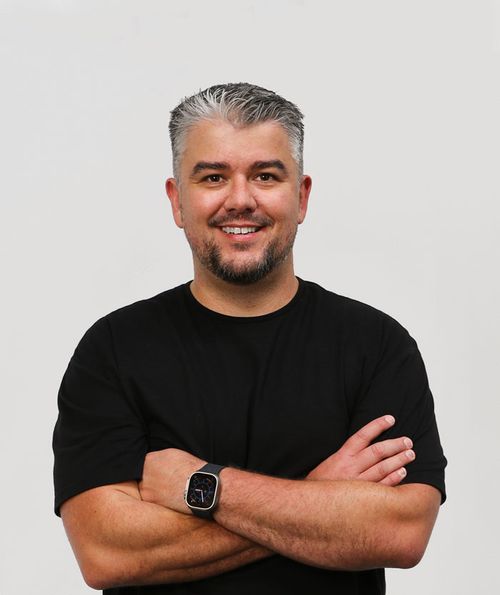
Mark runs DFW Live Stream and has been producing corporate livestreams, conferences, town halls and webinars across Dallas–Fort Worth and around the country since 2017. He writes these from the production desk, not a marketing department, and uses AI tools to help draft and structure them. Every post is read, fact-checked and edited by him before it goes live.