 By Mark WhiteOwner & Executive Producer, DFW Live Stream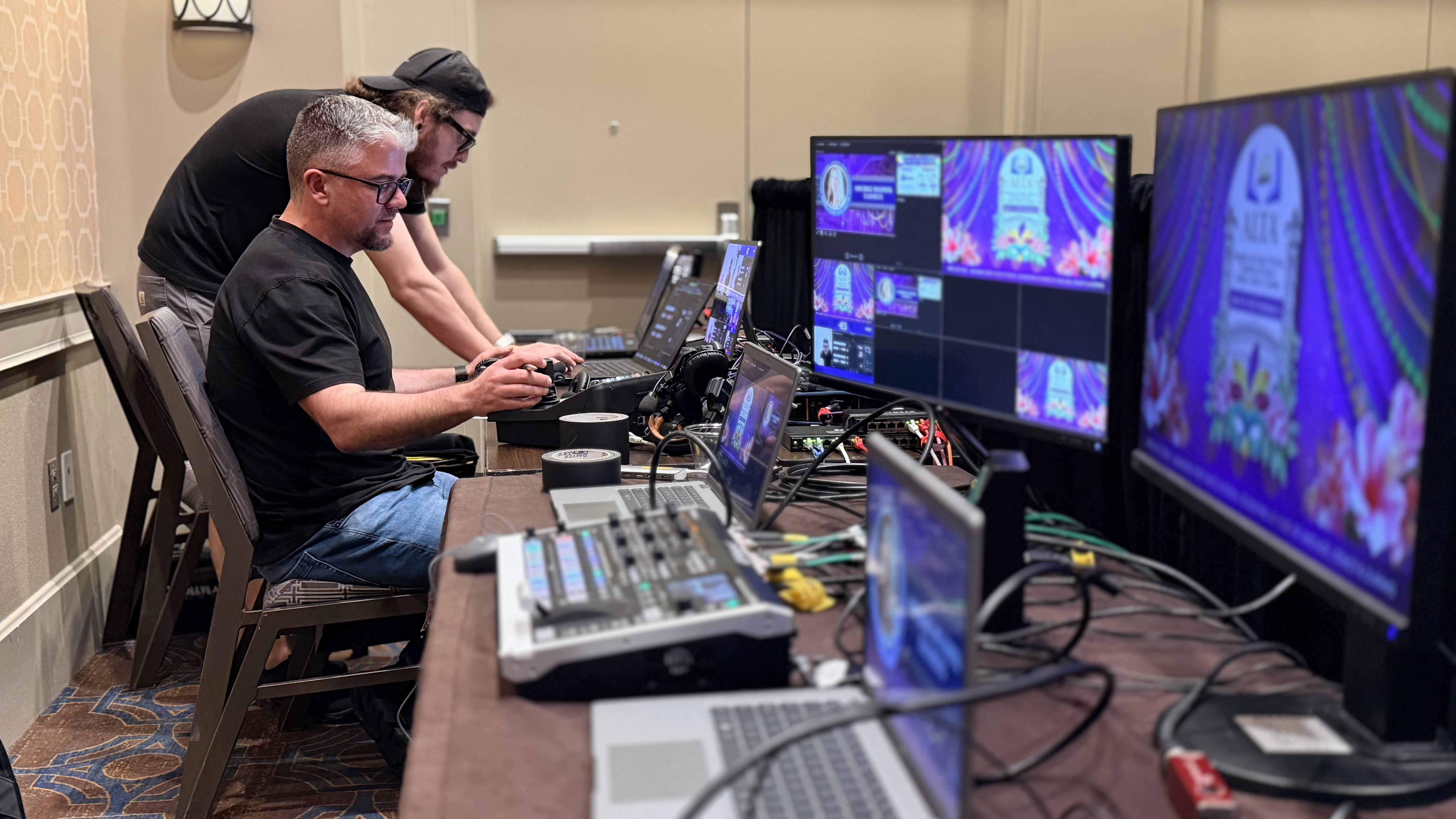
If you're hiring someone to livestream your event, there's one question quietly nagging at you: will it actually work at my venue? You picture the moment your CEO walks on stage, the camera goes live, and then the stream freezes in front of a few hundred people. That fear is reasonable. It's also solvable.
Here's the short version. A livestream doesn't need much bandwidth, but it needs the right bandwidth, and it needs it to never blink. Venue WiFi almost never qualifies. The fix isn't a faster internet plan, it's redundancy: a dedicated connection backed up by several others, so if one drops the stream keeps running without anyone noticing. When you hire a pro who builds that in, your stream staying up stops being a gamble and becomes the default.
Let me walk you through what's really going on, in plain terms, so you know what to ask and what good looks like.
Almost everyone thinks about internet speed in terms of download, because that's what you notice at home when Netflix buffers. A livestream is the opposite. Your gear is sending video out to the world, so the number that matters is upload speed.
This trips people up constantly. A venue will proudly tell you they have "gigabit internet" and that number is almost always the download figure. The upload can be a fraction of that. So when you're checking whether a venue can support a stream, the only question worth asking is: what's the guaranteed upload speed, and is it stable? A fast download with a weak, shared upload is a stream waiting to drop.
Good news first: a clean 1080p livestream needs surprisingly little. As a rule of thumb, a solid single-stream broadcast runs comfortably on roughly 5 to 10 Mbps of stable upload. For reference, YouTube recommends a video bitrate in that range for 1080p at 30 frames per second (YouTube's recommended encoding settings). Even a higher-end multi-camera show with overhead doesn't need a massive pipe.
So if the number is small, why does this go wrong so often? Because "5 to 10 Mbps" only works if it's truly available and truly stable for the entire event. The word that does all the heavy lifting there is stable. A connection that averages 50 Mbps but drops to zero for four seconds every few minutes will wreck a livestream, while a rock-solid 8 Mbps will run flawlessly for hours. It's not about the peak. It's about the floor never falling out.
The single most common point of failure I see is the assumption that house WiFi will carry the stream. It rarely does, and it's worth understanding why so you're not surprised on event day.
WiFi at a hotel, conference center, or convention hall is a shared resource. Every attendee checking email, every phone pulling notifications, every other meeting in the building is pulling from the same pipe you are. The bandwidth you measured at 9 a.m. during setup is not the bandwidth you'll have at 10 a.m. when 300 people walk in and connect their devices. Streams that tested perfectly during a quiet rehearsal fall apart the moment the room fills up.
On top of that, WiFi is wireless, and wireless is inherently less predictable than a cable. Signal strength fluctuates, channels get crowded, and a microwave in the catering kitchen can genuinely cause a hiccup. For something as visible and unforgiving as a live broadcast, you don't want "usually fine." You want a connection nobody else can touch. That's why a hardwired line beats WiFi every time, and why the best setups don't stop there.
You don't need to become a network engineer, but a few direct questions to the venue's IT or AV contact will tell your production team almost everything they need to know. Ask these, and pass the answers along to whoever is running your stream.
First: can we get a dedicated, hardwired internet line for the stream, separate from the guest WiFi? Second: what is the guaranteed upload speed on that line, and is it shared with anyone else in the building? Third: is there a network port near our production area, or will you run one for us? Fourth: who is your on-site IT contact on event day, and how fast can they respond if something goes wrong? If a venue can't answer these, or hesitates on the dedicated line, that's a flag your production partner will want to plan around. A good livestream company asks these questions for you before you ever have to think about them.
Here's where the worry finally goes away. The professional answer to "what if the internet drops?" isn't to find one perfect connection and pray. It's to never rely on a single connection at all.
The tool that makes this work is a bonded encoder. On my events, that's a LiveU Solo Pro. Instead of pushing your stream out over one internet path, it bundles several at once: the venue's hardwired line plus multiple cellular connections on different carriers, all combined into one resilient pipe. If the hardwired line stutters, the cellular paths instantly carry the load. If one cell carrier has a bad moment in that building, the others cover it. Your audience sees an uninterrupted stream the whole time, with no idea anything happened behind the scenes. That's the entire point. Redundancy means a single failure is no longer a stream failure.
When you see a line on a quote for bonded internet or stream redundancy, it's fair to wonder what you're actually buying. Here's the honest framing: you're not paying for fancier gear, you're paying for it not to fail.
The bonded encoder, the cellular backups, the dedicated line, the extra setup time to test all of it before doors open, that's insurance against the one moment that matters most. A stream that runs perfectly for fifty-nine minutes and drops during the CEO's closing remarks isn't a 98% success. It's the clip everyone remembers. Redundancy exists so that moment never happens. In practice, adding a bonded-internet and redundancy layer to an event generally runs somewhere in the range of $500 to $1,500 depending on the setup, which is small next to the cost of the room, the speakers, and the audience's time. I'd rather you spend a little to be certain than save a little and gamble on house WiFi. For a fuller breakdown of how streams go sideways, here's what actually causes corporate livestreams to fail.
Internet is the connection most people worry about, but a stream is only as strong as its weakest link, and a few of those links matter just as much. The same redundancy mindset applies across the whole signal chain.
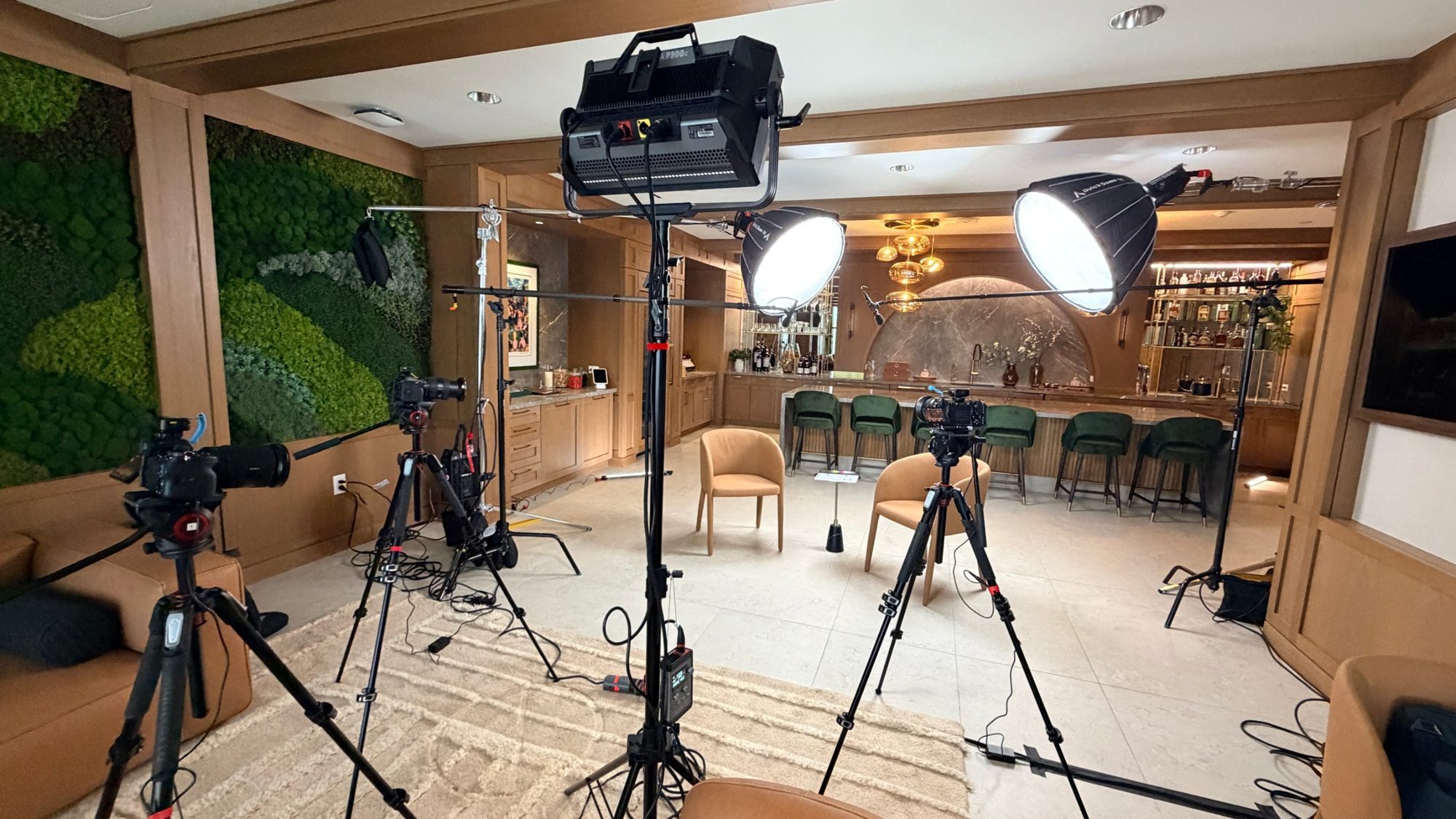
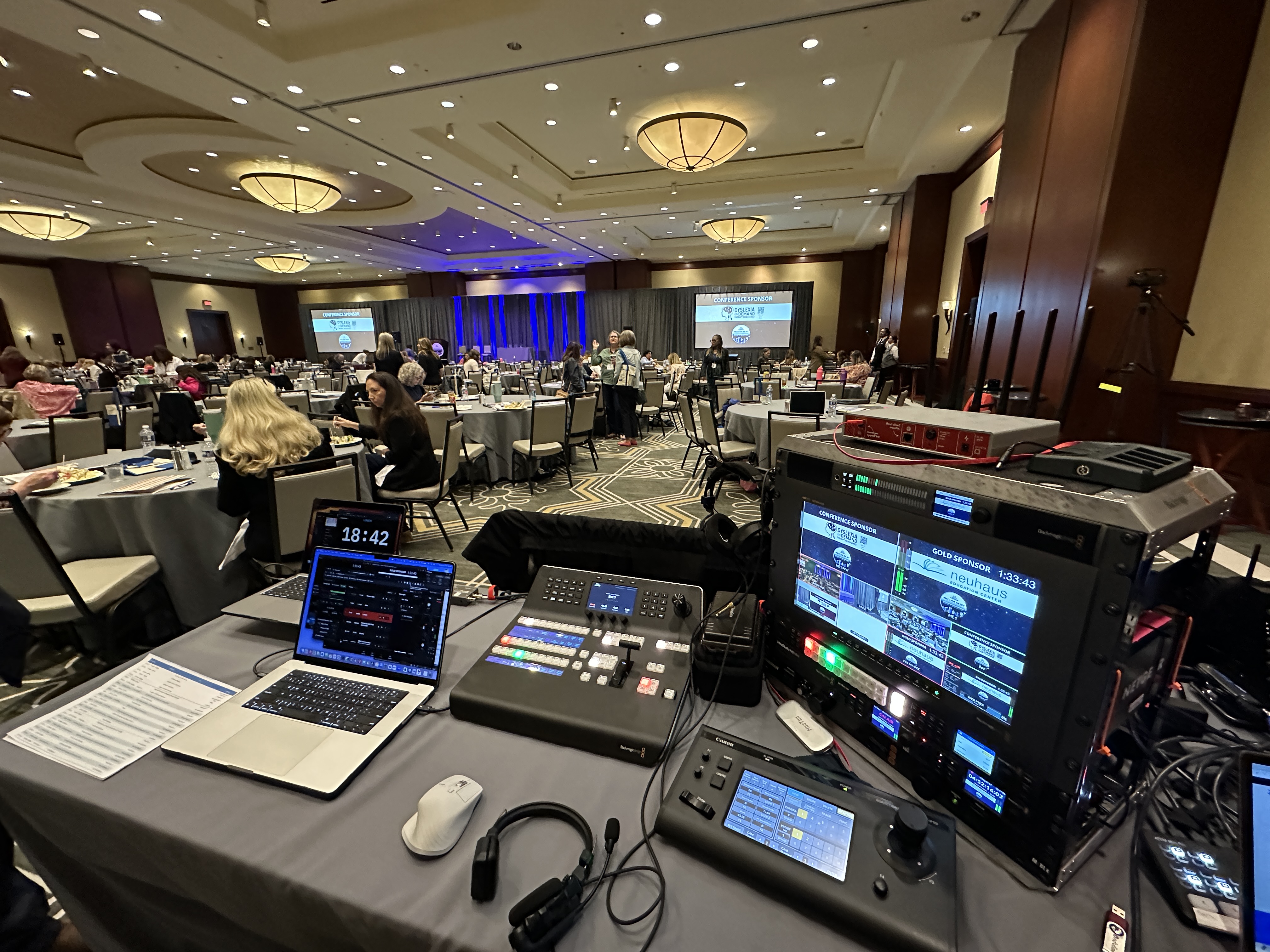
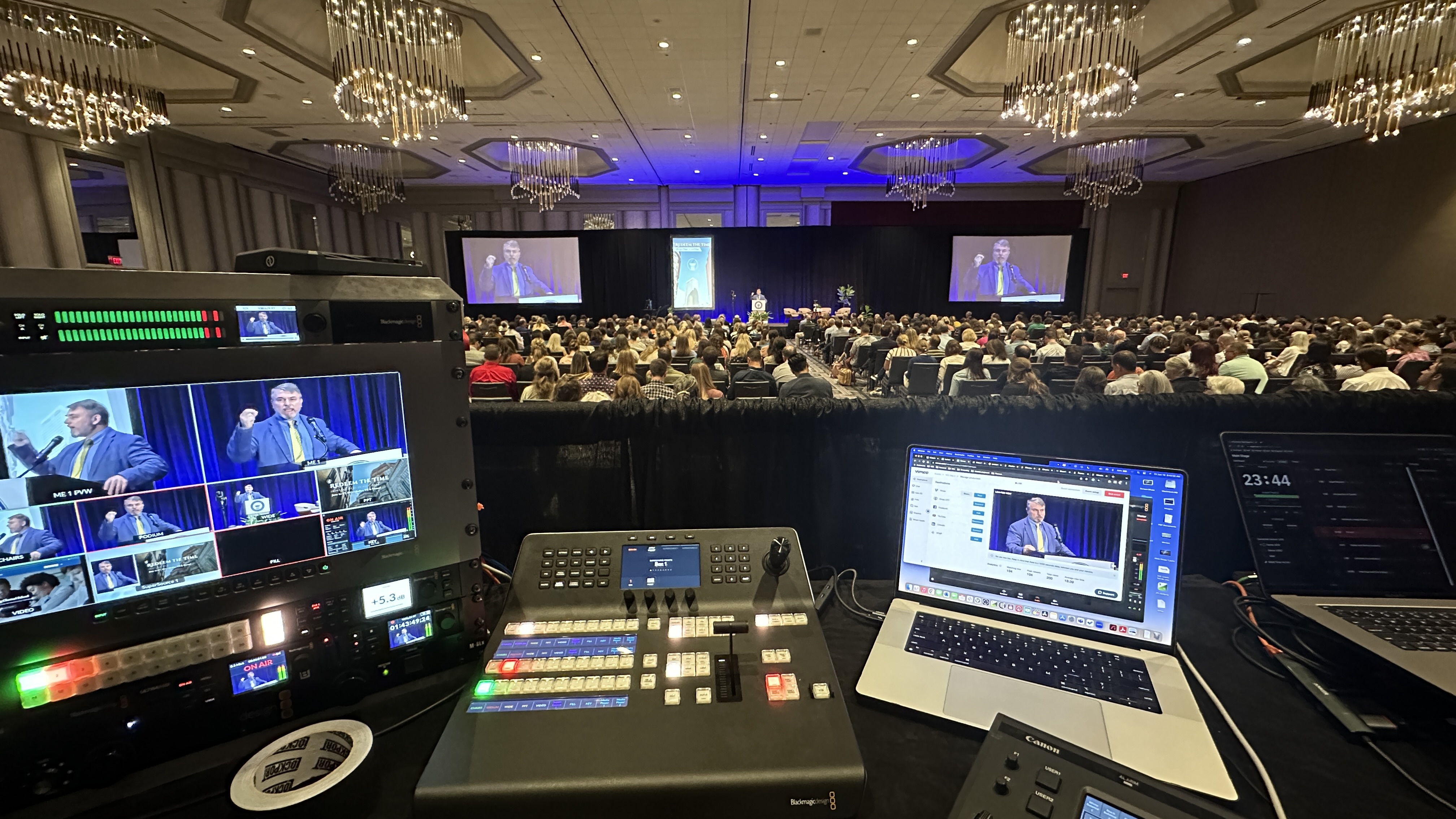
On the camera side, I run Canon CR-N500 PTZ cameras into a Blackmagic ATEM switcher, which means the picture cuts cleanly and there's no single point that takes the whole show down. Audio is its own story and arguably the easiest way to ruin an otherwise great stream, which is why I treat it with the same care as the video, with proper mics through an Allen & Heath SQ5 console. If you want to go deeper on that, getting your livestream audio right is worth a read. The thread through all of it is the same: build the system so no single thing failing can take you off the air.
You can buy a bonded encoder. You can't buy the judgment to use it well, and that's really what you're hiring. The gear is only as good as the people who set it up, test it, and watch it during the event.
I run a boutique operation, which means when you hire DFW Live Stream, I'm on site, not a project manager who hands you off to a crew you've never met. Every event runs with a two-person crew minimum, because one person can't simultaneously run the switch, monitor the stream health, and react if a connection wobbles. Someone is always watching the dashboard that shows whether the bonded link is healthy, ready to act before a problem ever reaches your audience. That attention is the difference between redundancy on paper and redundancy that actually saves the show. If you're curious what working with us looks like start to finish, here's what to expect when you hire a livestream company, and what's included in a corporate livestream package.
The best livestream is one nobody talks about afterward, because nothing went wrong. That's the goal. A stream that simply works, start to finish, so your team can focus on the content and the audience instead of holding their breath.
If you take one thing from this: don't let "the venue has WiFi" be your internet plan. Ask the right questions, insist on a dedicated line, and hire someone who builds in redundancy as a default rather than an upsell. Do that, and the nightmare scenario you've been picturing simply doesn't happen. For more on costs and what goes into a quote, here's how event livestream pricing works.
A clean 1080p livestream typically needs roughly 5 to 10 Mbps of stable upload speed. The exact number matters less than stability. A lower but rock-solid connection beats a fast one that drops intermittently. The key figure is upload, not download.
Venue WiFi is shared with every attendee and every other event in the building, so the bandwidth you test during setup disappears once the room fills with people and devices. It's also wireless, which is inherently less predictable than a hardwired line. For a live broadcast, that unpredictability is too big a risk.
A bonded encoder, like a LiveU Solo Pro, combines several internet connections at once, typically a hardwired line plus multiple cellular carriers, into one resilient stream. If any single connection drops, the others instantly carry the load, so your audience never sees an interruption. It's the core of how a pro guarantees the stream stays up.
Ask whether you can get a dedicated hardwired line separate from guest WiFi, what the guaranteed upload speed is, whether that line is shared with anyone else, and who the on-site IT contact is on event day. A good production partner will ask these for you, but knowing them helps.
Upload. Your equipment is sending video out to viewers, so upload speed is what carries the stream. Venues often quote their fast download number, which is not the figure that matters. Always confirm the guaranteed upload speed.
As a general range, adding a bonded-internet and redundancy layer to an event runs roughly $500 to $1,500 depending on the setup. It's a small line next to the overall cost of an event, and it's effectively insurance against the one moment a dropped stream would matter most.
With a single connection, a drop means dead air, which is the scenario everyone fears. With a bonded encoder running multiple connections, a drop on one path is instantly covered by the others, so the stream keeps running and your audience never notices. That's exactly why redundancy is built in.
With a dedicated line, a bonded encoder for redundancy, a tested signal chain, and a crew actively monitoring stream health, the odds of a visible failure drop dramatically. No one can promise the laws of physics won't ever surprise us, but a properly redundant setup is built so that a single failure never becomes a stream failure.
Mark runs DFW Live Stream and has been producing corporate livestreams, conferences, town halls and webinars across Dallas–Fort Worth and around the country since 2017. He writes these from the production desk, not a marketing department, and uses AI tools to help draft and structure them. Every post is read, fact-checked and edited by him before it goes live.