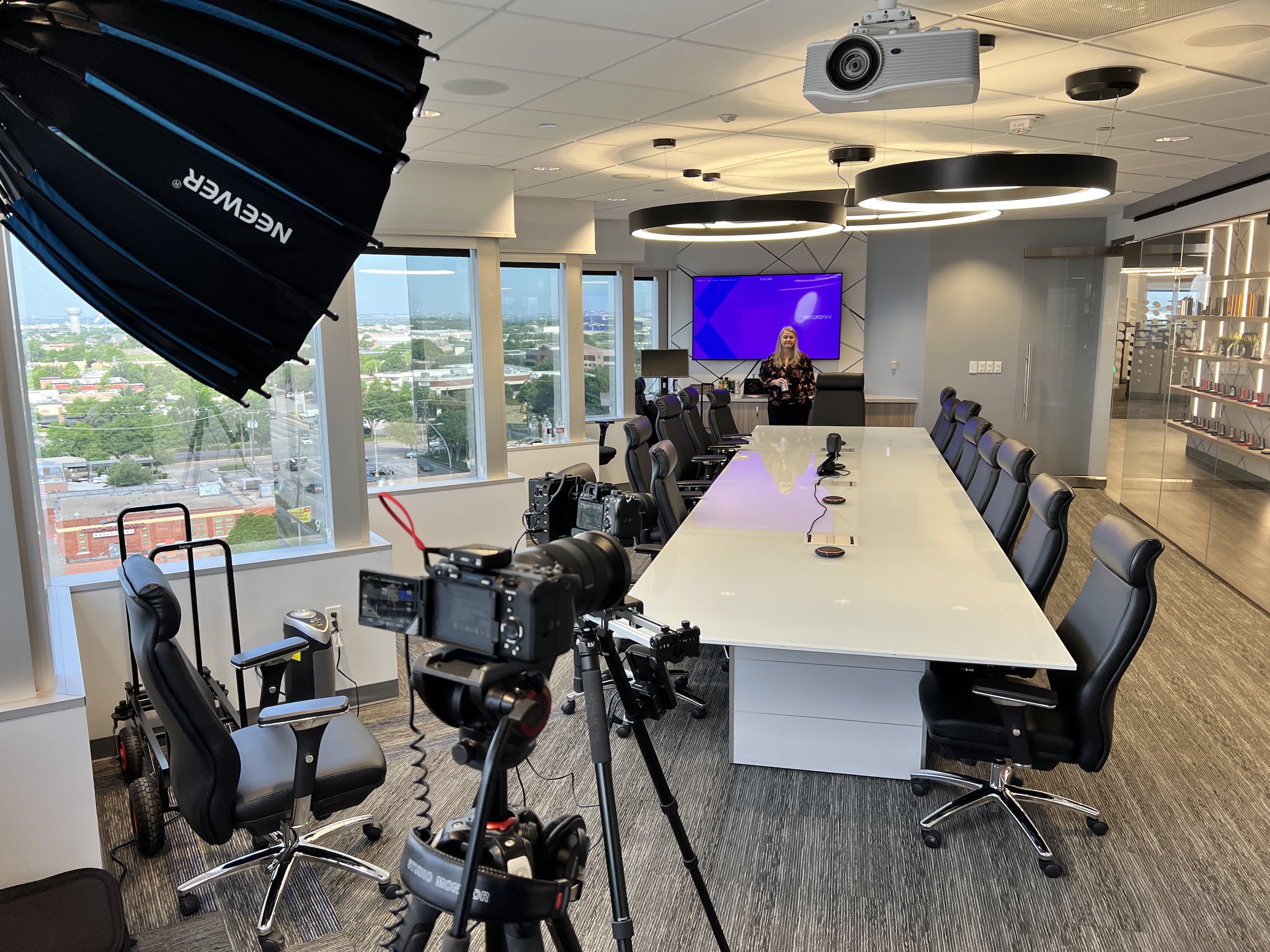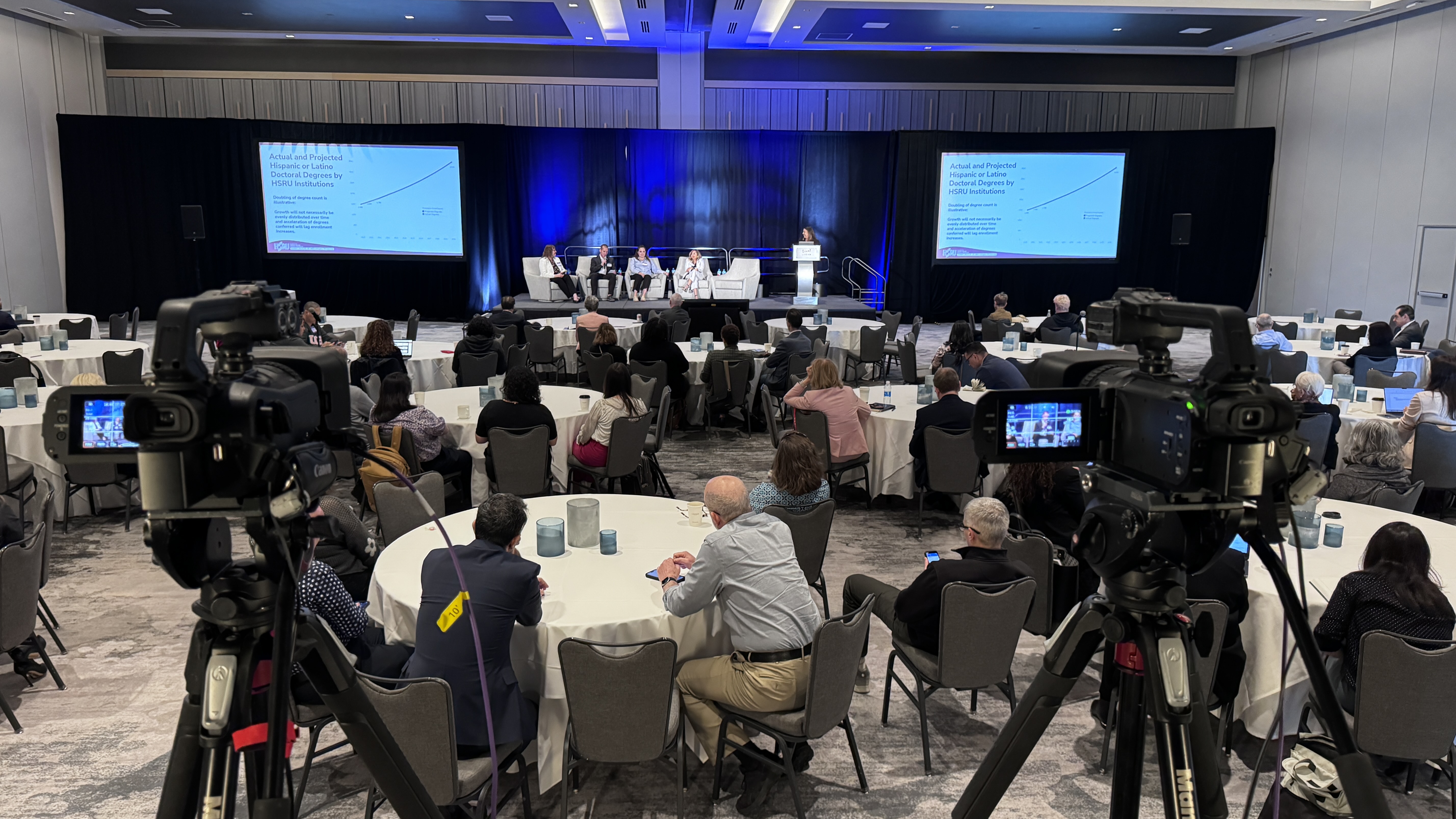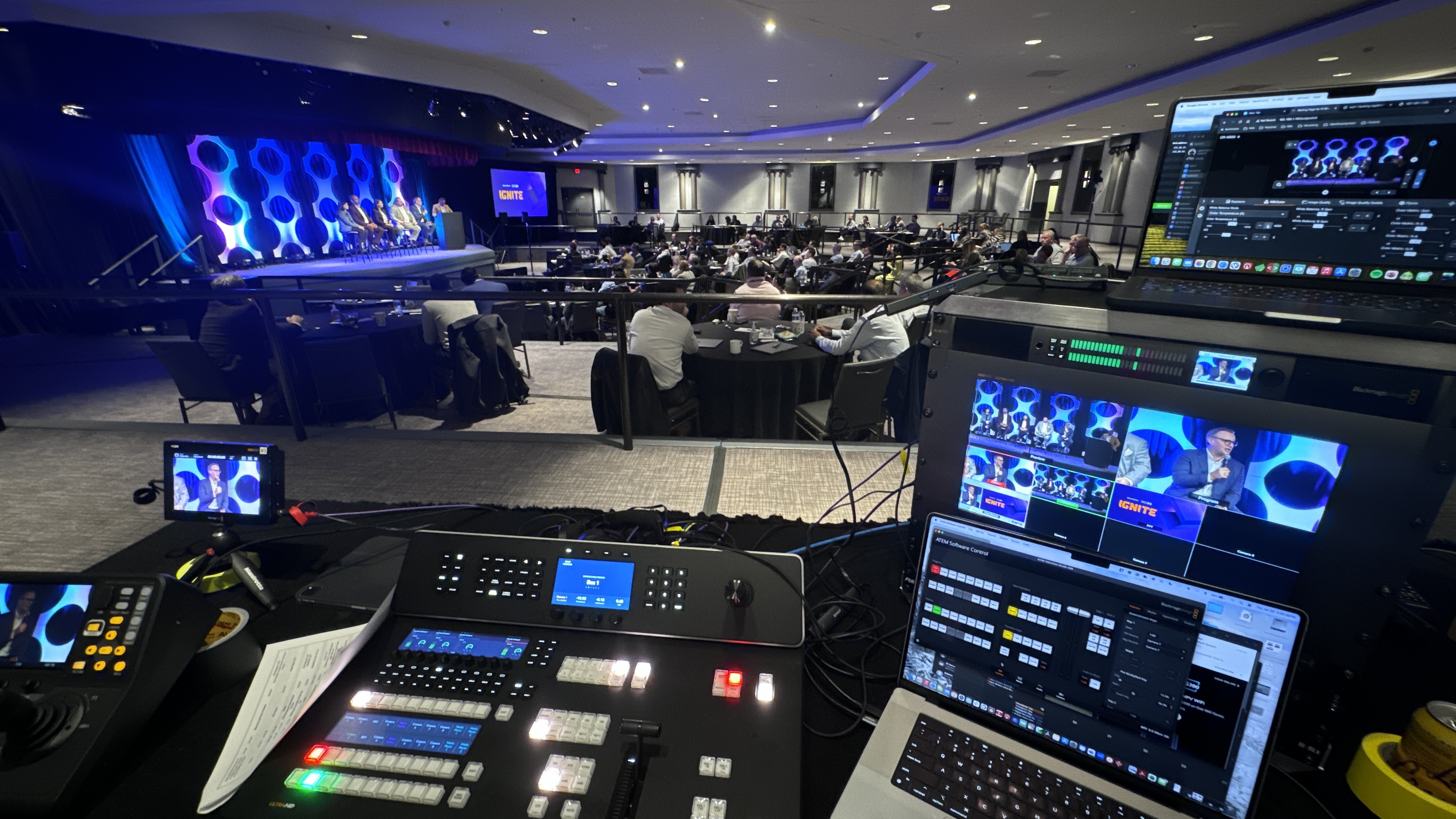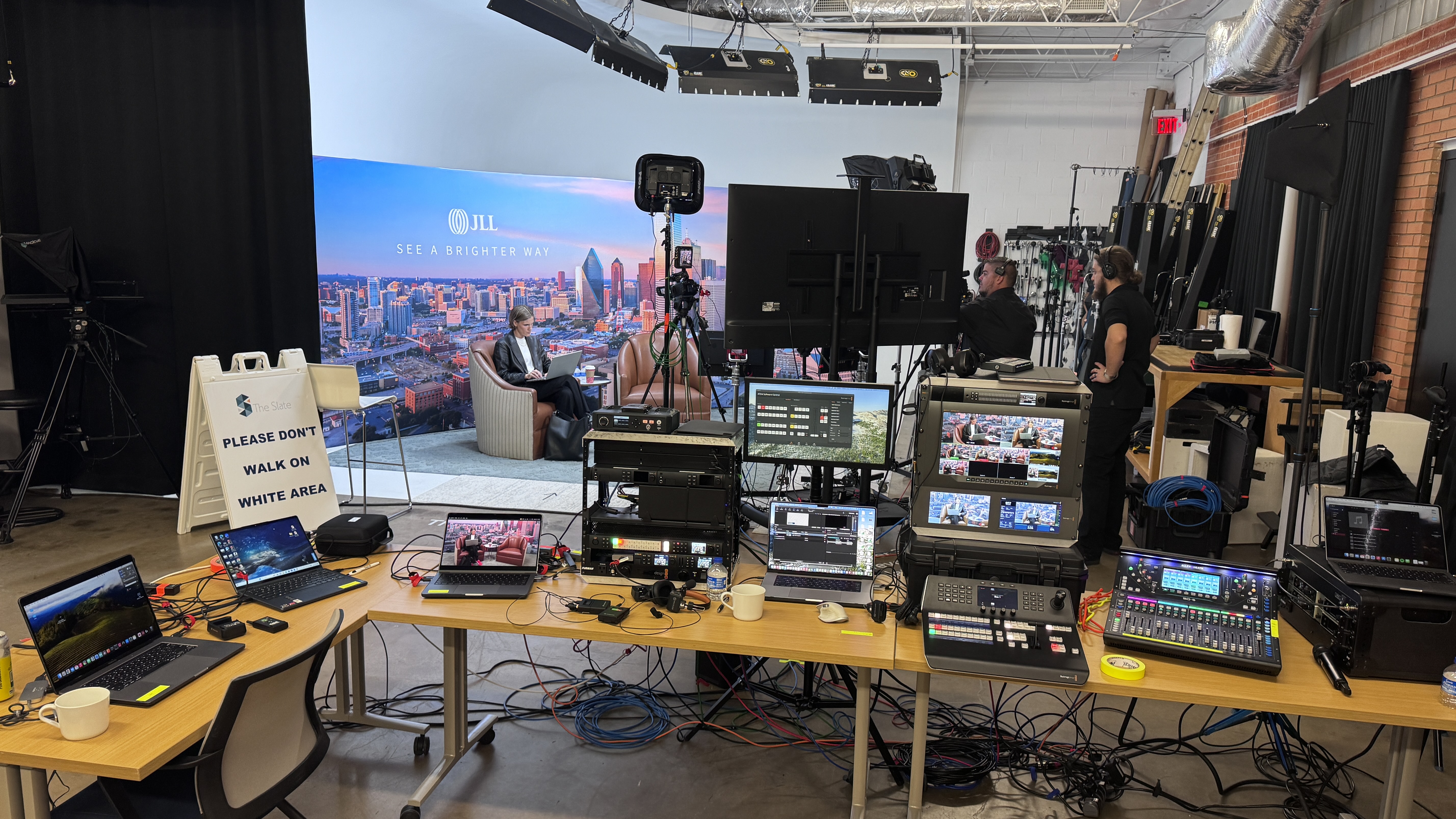
The cost of a livestream is one of the first questions I get from event organizers, marketing directors, and anyone considering a live streaming service for their next event. The honest answer is that live streaming costs depend on a lot of factors — your camera setup, the streaming platform you choose, audio quality, internet reliability, video production support, and how polished you want the final video stream to look. I have been producing live streaming events across Dallas-Fort Worth for over a decade, and I am going to break down every cost factor so you know exactly what to expect when you request a quote for professional live streaming services.
Before you can plan a live streaming budget, you need to understand the factors that drive the price. Every live streaming production is different, and the cost range depends on what you actually need. A single camera livestream to YouTube costs a fraction of what a multi-camera video production with branded overlays, closed captioning, and live streaming to social media platforms will run. Knowing these factors upfront helps you avoid surprises.
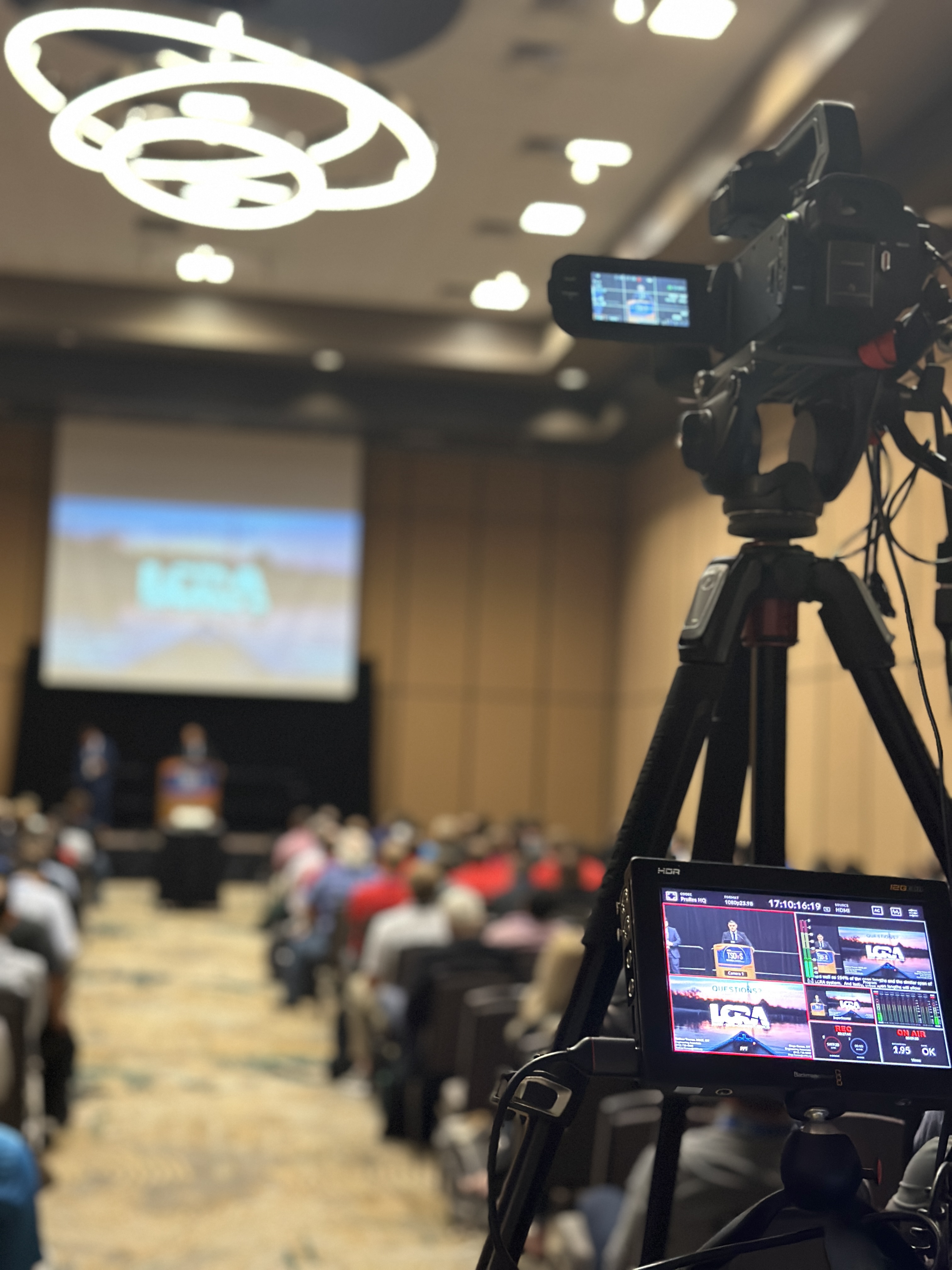
The camera setup is one of the biggest cost factors in any live streaming production. A basic single camera setup with a consumer video camera is the cheapest option, but the video quality reflects the price. Professional camera equipment — like the Canon CRN500 PTZ cameras we use — delivers broadcast-quality video that makes your livestream look like a real video production, not a video call. The number of camera angles you need also affects the price. A single camera stream costs less than a three-camera setup with a dedicated camera operator switching between video angles on a Blackmagic ATEM switcher.
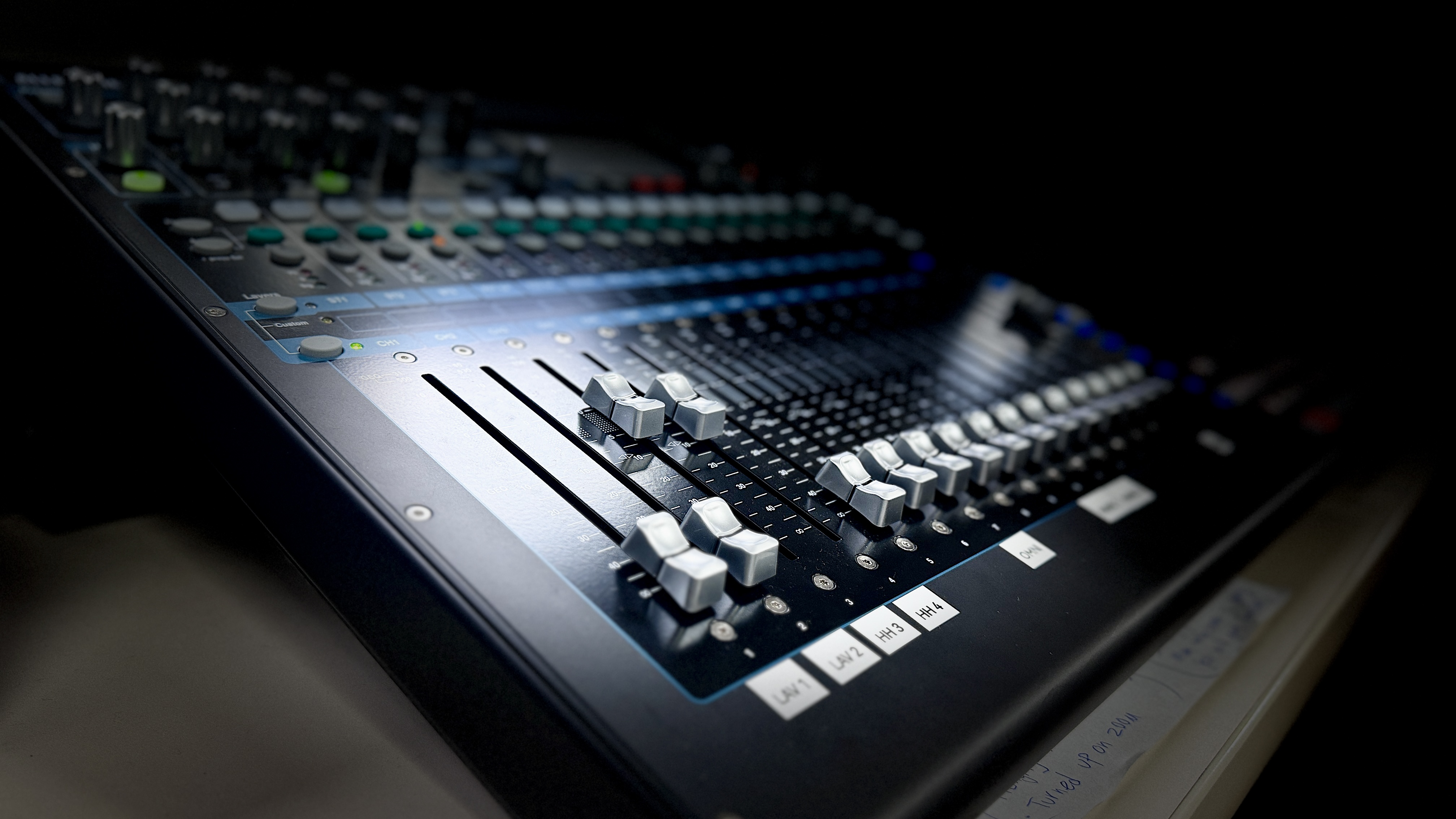
Audio quality is honestly the most important factor most people underestimate when budgeting for live streaming. Bad audio will make viewers leave your broadcast faster than bad video. Professional audio equipment — wireless microphones, a mixing console, and proper audio routing — costs money but saves your stream quality from being unwatchable. We use Sennheiser wireless microphones and an Allen and Heath SQ5 mixer because the audio has to be clean whether viewers watch on a phone, laptop, or other devices. The difference between good audio and bad audio is the difference between viewers who stay and viewers who close the tab.
Your internet setup can make or break a live stream. Venue WiFi is unreliable, and streaming video in high resolution requires a solid upload speed. Most professional live streaming services bring their own internet solution. We use a LiveU Solo Pro encoder that bonds cellular, WiFi, and hardwired ethernet so the feed stays up regardless of venue internet conditions. If you plan to broadcast from remote locations where internet is limited, the cost for a dedicated internet setup goes up. Always factor internet into your live streaming costs.
Where you stream matters. Free streaming platforms like YouTube and Facebook Live cost nothing to use, but they come with limitations on features, video quality, and viewer control. Paid streaming platforms and streaming services offer more features — secure private viewing, custom branding, viewer analytics, and monetization options. If you need to simulcast to multiple channels at once, that adds complexity and can increase live streaming costs. The platform requirements you have will directly affect what you pay.
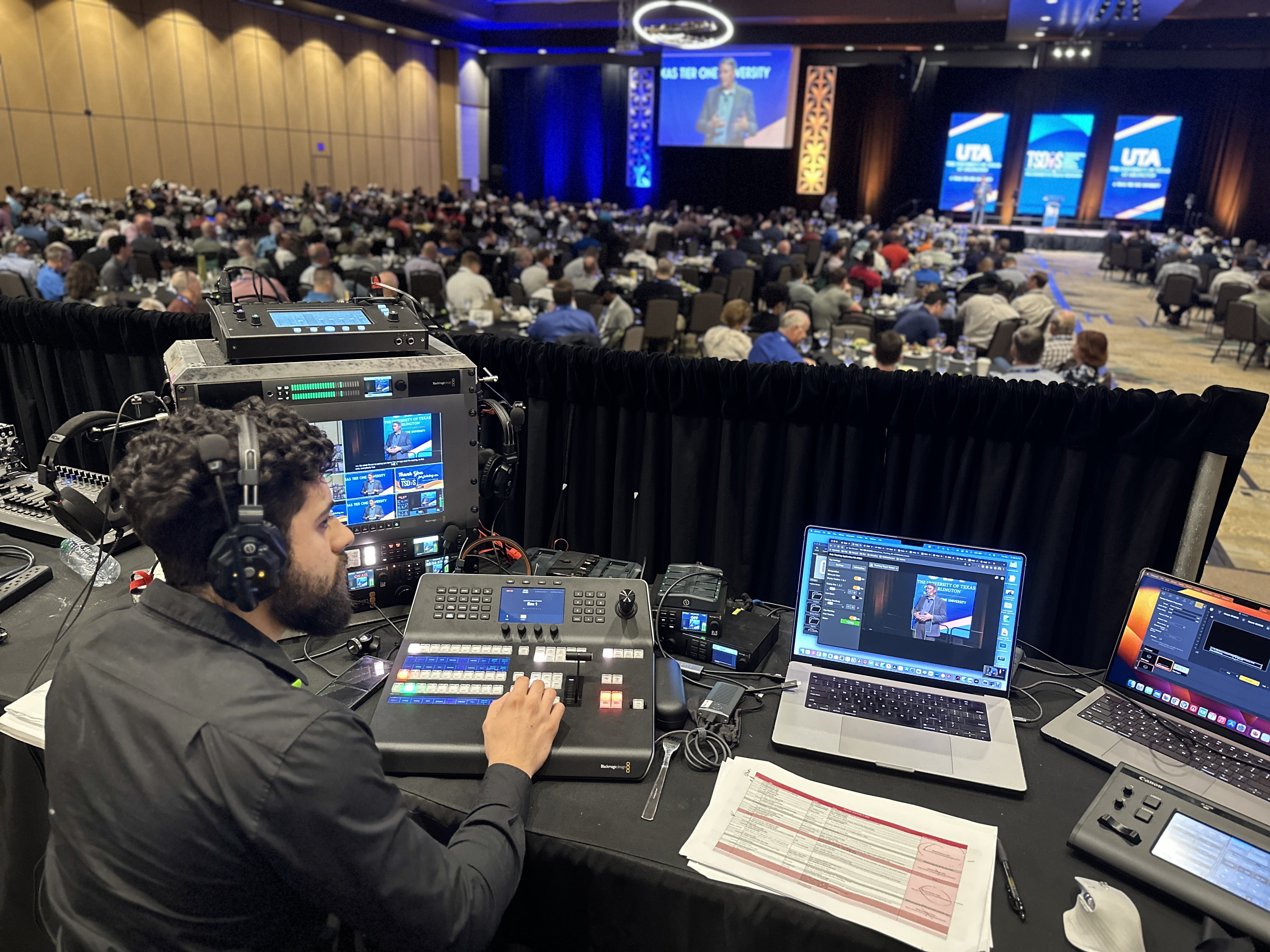
A live streaming production is only as good as the team running it. Camera operators, a technical director, and a graphics operator all add to the cost. For a simple single camera livestream, one person can handle the video production. For a multi-camera setup with graphics, live captions, and audience engagement features, you need a team of two to four people. Our team typically includes either me or my contractor Eli, and we scale based on the size of the event and the production plan. There is no sales team pressure — just an honest conversation about what your event needs.
If you are on a tight budget, free streaming platforms are a starting point. But you need to understand what it actually gets you — and where the limitations are.
YouTube is one of the most popular free live streaming platforms available. You can stream video at no cost with no viewer limits, and the platform supports live video in resolutions up to 4K. YouTube also lets you capture your broadcast as an on demand video automatically, which gives you free video content to share later. The YouTube community features — live chat, super chat donations, and channel subscriptions — make it a solid platform for building an audience. YouTube ads can generate revenue from your video content, though the pay depends on your viewer count and channels. For example, channels with larger audiences can see more ad revenue per broadcast.
Facebook Live is another free option that works well for reaching an existing community. You can stream live video to your personal profile, a business page, or a Facebook group. Facebook Live supports video in 1080p resolution, and the platform features include live reactions, comments, and the ability to share your broadcast across channels. The biggest advantage of Facebook Live is that your video reaches people who already follow your page — the algorithm gives live video priority in the news feed. Facebook also runs ads on live video replays, which means your content keeps reaching viewers after the broadcast ends. For customers who already have a strong Facebook community, this is often the best free option.
Free streaming platforms are great for basic streams, but they have real limitations. YouTube and Facebook do not offer private viewing controls, which means anyone can watch your broadcast. You cannot customize the video viewing experience with your own branding. Analytics on free platforms are basic compared to paid streaming services. Some free platforms also insert ads during your broadcast that you cannot control or remove. You do not get live captions, password protection, audience engagement tools, or the ability to capture detailed data on who watched and for how long. There is no access to distribution controls or the ability to stream to multiple platforms from a single feed. If you are streaming a corporate event, a product launch, or anything where security matters, free platforms will not support what you need. These are important factors to consider.
Paid streaming platforms offer features that free services cannot match. Here is what you should expect to pay for the major live streaming platforms and streaming services.
Most paid streaming platforms charge a monthly or annual subscription based on the features and video hosting you need. Entry-level plans typically start around $50 to $100 per month and include basic live streaming with limited viewer counts and video storage. Mid-tier plans range from $100 to $300 per month and add features like custom branding, higher video resolution, and more viewer capacity. Enterprise plans can cost $500 or more per month and include everything — private viewing, closed captioning support, API availability, monetization options, and dedicated access to customer support. For example, high quality video hosting on an enterprise plan includes full replay libraries and analytics dashboards.
If you are serious about live streaming for business, a premium plan on most platforms is where the value lives. Premium tier features typically include full HD or 4K video streaming, unlimited viewers, custom player branding on your website, embed codes for your site, detailed analytics, and priority support. The price of an upgraded plan varies by platform, but expect to pay between $150 and $400 per month depending on the streaming service. For companies running regular live streaming events, a pro plan pays for itself in the features and video quality you get.
Secure private viewing is a must for corporate live streaming events. If your CEO is sharing financial results or strategic plans, you need to control who watches the broadcast. Most paid streaming platforms include private viewing controls on their mid-tier plans. Some platforms offer single sign-on integration so viewers log in with their company credentials. The cost for security features varies, but plan to pay at least the mid-tier price on whatever streaming service you choose. This is one area where the cost is always justified for corporate livestream events. You need access to these controls when sensitive content is involved.
Now for the question everyone actually wants answered — what does it cost to hire a professional live streaming service for your event. These price ranges come from what we typically charge and what I see across the industry in the DFW market.

A single camera live streaming setup with professional equipment, audio, and a dedicated stream operator generally starts around $2,500 to $4,000. This covers a PTZ camera, professional audio, a streaming encoder, and one production crew member on site for setup, the live stream, and teardown. This is the right setup for small meetings, webinars, and simple corporate streams where one camera angle is enough to capture the video. That price range works well for customers who want quality without overbuilding the production.
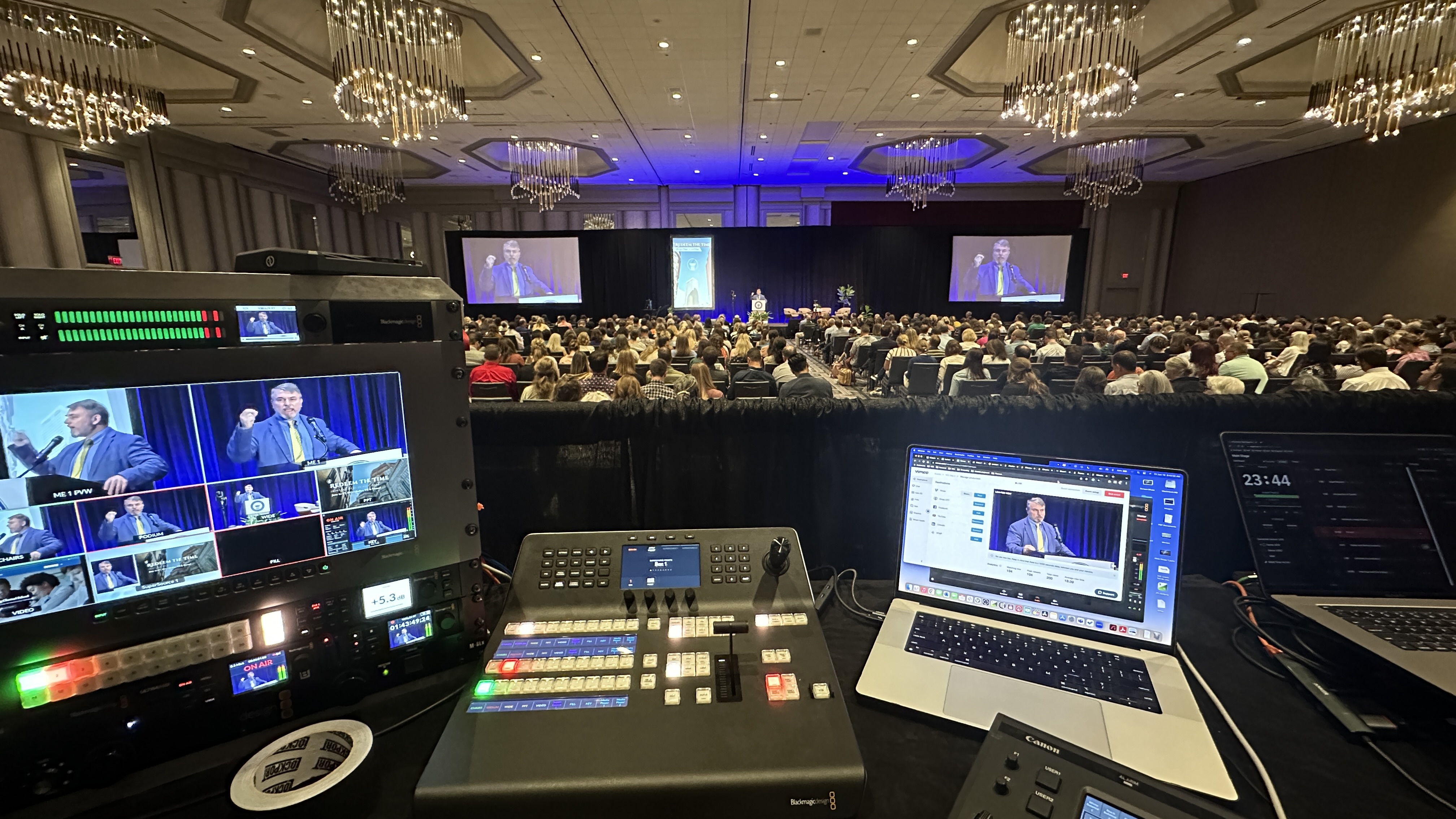
A multi-camera live streaming production with two or three camera angles, a video switcher, professional audio, branded overlays, and a production crew of two to three people typically ranges from $5,000 to $10,000. This setup gives you the ability to switch between camera angles, add lower third graphics, display presentation slides on screen, and create a polished livestream that looks like a broadcast. Most corporate events, conferences, and product launches need this level of video production to deliver high quality video to their audience.
For large events that need everything — camera operators, a technical director, branded video elements, captioning, audience engagement tools, streaming to channels across social media platforms, on demand capture, and a full rehearsal day — expect to pay between $10,000 and $25,000 or more. The price depends on the number of cameras, the size of the production crew, the length of the event, the platform requirements, and any special requests like custom video elements or a digital format delivery. At this level, you are getting broadcast-quality live streaming with full production support from start to finish.
Beyond the obvious camera and platform costs, there are factors that can surprise event organizers if they do not plan for them ahead of time.
The venue affects live streaming costs in ways most people do not expect. Some venues charge extra for internet or require you to use their in-house audio system. Loading dock fees, elevator holds, and parking for production vehicles can all add to the price. If the event is at a remote location — like a ranch property or outdoor venue — the cost for internet and power goes up. Always request a venue walkthrough before you finalize your live streaming plan so you know what factors will affect the total price.
Most professional live streaming productions need time for setup and testing. A rehearsal day before the event lets the production crew test every camera, audio channel, internet setup, and streaming platform before the live broadcast. If the venue only gives you the morning of the event, that limits setup time and increases the risk of technical problems and poor stream quality during the broadcast. The cost for a rehearsal day typically adds 15 to 30 percent to the total price, but it is worth every dollar. I always recommend a rehearsal day for any live streaming event with multiple cameras or high-stakes video content.
Capturing your live stream for on demand viewing adds value but also adds cost. Someone needs to manage the video recording, edit highlights, upload the content to your platform, and optimize the on demand video for search. If you want video clips for social media channels, highlight reels for your website, or a full replay hosted on a streaming service — that is additional production work. Plan for on demand delivery in your live streaming budget because the video content you capture from one event can serve your community and audience for months.
Custom video elements — lower thirds with speaker names, branded holding slides, animated transitions, and on-screen titles — make your live stream look professional. Basic branded elements are usually included in the production price, but if you need custom motion design, animated intros, or complex screen layouts with music, expect to pay extra. This work is typically handled in pre-production, so request these early to avoid rush fees and to optimize the design process for your brand.
One of the biggest advantages of professional live streaming services is the ability to truly connect with your audience in real time. Audience engagement isn’t just a buzzword—it’s the key to transforming passive viewers into an active, loyal community. Whether you’re hosting a conference, a product launch, or a live show, interactive features offered by modern streaming services can dramatically increase participation, feedback, and overall viewer satisfaction. Let’s break down the range of engagement tools available and how they can help you build a stronger connection with your audience.
Live chat is the heartbeat of any interactive live stream. It gives viewers a direct line to the presenters and to each other, creating a dynamic, two-way conversation instead of a one-way broadcast. For example, both Facebook Live and YouTube Live offer robust live chat and Q&A features, allowing your audience to ask questions, share reactions, and get real-time responses. This is especially valuable for events like product launches, conferences, and workshops, where audience engagement is critical to success. By enabling live chat and Q&A, you not only provide instant feedback but also foster a sense of community—viewers feel seen, heard, and more likely to return for future streams. These features help you connect with your audience on a personal level, turning a simple stream into an interactive experience.
Interactive features like polls and reactions take audience engagement to the next level. Polls allow you to gather instant feedback, gauge opinions, or even steer the direction of your event based on viewer input. Reactions—such as likes, hearts, or applause—let viewers express themselves with a single click, making the stream feel lively and participatory. For music events, sports broadcasts, or comedy shows, these features can transform the energy of your stream and keep viewers invested. Many professional live streaming platforms, including Vimeo and Dacast, offer a range of participation tools, from live polls to gamified elements like quizzes or prize draws. These features not only boost engagement but also provide valuable insights into your audience’s preferences, helping you tailor your content and increase viewer retention for future events.
Maintaining a positive, respectful environment is essential for any successful live stream—especially when your brand reputation is on the line. Professional live streaming services and streaming platforms provide powerful moderation tools to help you manage your community effectively. Features like chat filters, keyword blocking, and user bans ensure that your stream remains family-friendly and on-brand. Community management goes beyond just filtering out negativity; it’s about setting clear guidelines, engaging with viewers, and responding to questions or concerns in real time. For example, platforms like Twitch and YouTube Live have built-in moderation systems and community guidelines to help streamers foster a welcoming atmosphere. By leveraging these tools, you can build a loyal, engaged community around your live content—encouraging repeat viewership and positive word-of-mouth for your future streams.
In summary, investing in professional live streaming services with advanced audience engagement features is one of the best ways to maximize the impact of your event. These tools help you connect, interact, and build a thriving community—turning every stream into an opportunity for deeper audience relationships and long-term success.
You do not have to spend a fortune on live streaming. There are smart ways to optimize your budget and still deliver a quality broadcast to your audience and community of viewers.
Not every livestream needs four cameras and a full production crew. If you are streaming a simple meeting or webinar, a single camera setup with good audio is enough. Match the video production level to the audience size and the purpose of the event. Spending $10,000 on a live streaming setup for a 50-person internal meeting is overkill. Let the event goals drive the plan, not the desire to have the fanciest setup. Smart customers optimize by starting simple.
Every live streaming event you produce is a video content opportunity. Record the stream, capture clips for channels on social media, pull quotes for your website, and create highlight videos. When you factor in the cost of the live stream divided by all the video content you capture, the price per piece drops significantly. Smart event organizers treat every live streaming production as a content engine — not just a one-time broadcast to viewers. This is one of the best ways to optimize the return on your live streaming investment.
If you plan to stream regularly, building a community of viewers around your live content pays off over time. Regular viewers on YouTube or Facebook create a built-in audience for every broadcast. Audience engagement and viewer engagement go up when people know your schedule and anticipate your content. The cost of live streaming drops per event when you run a consistent schedule because setup processes get streamlined and your crew gets faster. A strong streaming community also makes it easier to reach new customers and grow your audience through word of mouth and channel recommendations across your channels.
Do not pay for features you do not use. If you only stream once a quarter, an annual plan on an expensive streaming platform might not make sense. Some services offer pay-per-event pricing that is more cost-effective for occasional streamers. Compare free streaming platforms with paid options and pick the one that supports your actual needs. YouTube and Facebook are free and work well for public streams. If you need secure viewing, captioning, or viewer controls, then the cost of a paid platform is justified. Look at what each app or platform charges and match it to your plan.
Before you reach out to a live streaming service for a personalized quote, have answers ready for these questions. They help any production team give you an accurate price and avoid back-and-forth.
How long is the event? How many speakers? Is there a presentation that needs to display on screen? How many camera angles do you need? What is the venue, and does it have reliable internet? Knowing these factors before you request a quote saves time and helps the crew plan the right setup at the right price for your live streaming event. For example, a 2-hour event with 2 cameras is a very different quote than an all-day conference with 4 camera angles and video switching.
Where does the stream need to go? Do you need a private stream with viewer controls, or is a public stream on YouTube fine? Do you need to stream to channels on social media platforms simultaneously? Are there app requirements or website embed needs, or specific devices your viewers will use? These platform needs affect the production setup, the streaming service you use, and the overall cost of the live streaming video production.
Being upfront about your budget range helps everyone. A good live streaming service will tell you exactly what video quality and features you can get at your price point and what would cost extra. We do this with every event — if someone has a $3,000 budget, we build the best possible live streaming plan for that price range. No pressure, no hidden pricing details, no surprise fees. Just an honest conversation about what you need and what it costs to deliver a quality live video stream that your audience will watch.
Live streaming costs vary because every event is different. The camera setup, audio, internet, platform, production crew, and features you need all factor into the final price. Whether you are planning a simple single camera stream or a full multi-camera video production with branded elements, captioning, on demand capture, and streaming to channels across social media — we can help you plan a live streaming setup that fits your budget and delivers real value to your audience and community. At DFW Live Stream, we give you an honest price for professional live streaming with no surprises. Request a personalized quote and let us help you create a livestream your viewers and customers will actually watch.