 By Mark WhiteOwner & Executive Producer, DFW Live Stream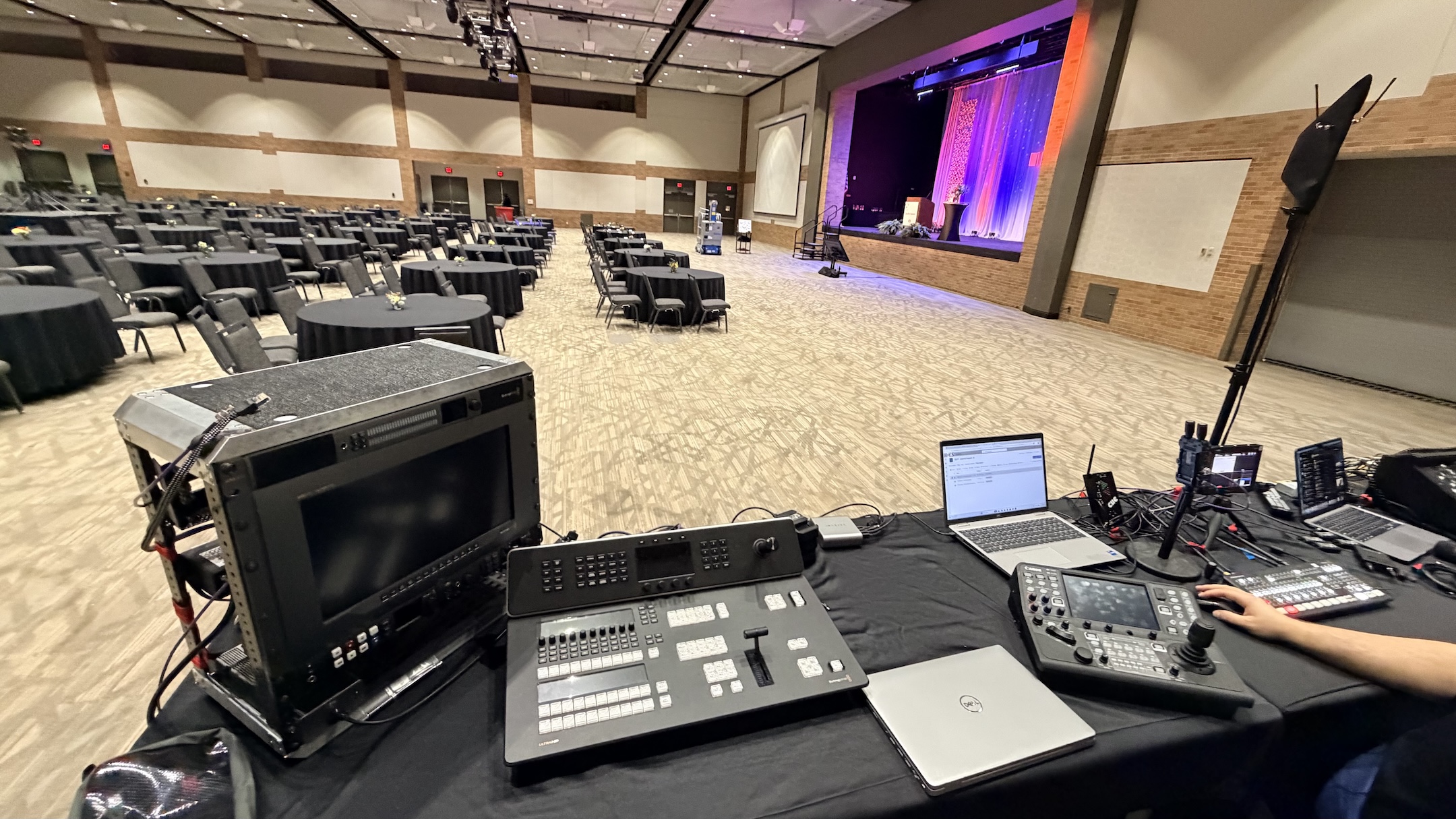
Here's the short version: a venue is livestream-ready when it has a hardwired internet connection we can plug into (not just guest Wi-Fi), enough reliable power near the stage, a spot for our gear with a clear sightline to the stage, and someone on the venue side who can actually unlock doors and answer questions on load-in day. Everything else is solvable. Those four things are what I check before every event, and when one of them is missing, that's where problems start.
Most venues aren't built with livestreaming in mind, and that's fine. You don't need a broadcast studio. You just need to know what to confirm with your venue before the day, so my team isn't troubleshooting a dead internet drop while your audience is waiting. Let me walk through exactly what matters.
If I could only ask a venue one question, it'd be about the internet. A livestream lives or dies on a stable upload connection, and venue Wi-Fi is almost never good enough on its own.
What I want is a hardwired ethernet connection I can plug directly into, ideally on its own line that isn't shared with a few hundred attendees streaming video on their phones. Guest Wi-Fi gets saturated the moment a room fills up, and a shared connection that tested fine at 9am can crawl by the time your keynote starts. I always ask for the venue's IT contact ahead of time so we can confirm what's available and run a real speed test during setup.
Here's the part that trips people up: it's the upload speed that matters, not the download number the venue quotes you. Most internet plans are built for downloading, so a venue might brag about a fast connection while the upload side is a fraction of that. A single 1080p stream wants a few megabits of steady upload, and I like real headroom on top of that so a momentary dip never touches the broadcast. I also care about whether the line is wired or just a wireless access point in disguise. A jack on the wall that traces back to a router three closets away over old cabling can introduce the same instability as Wi-Fi. When I talk to the venue's IT person, I'm asking what the drop is actually connected to, whether it's a dedicated VLAN, and whether anyone can saturate it from another room.
And I never rely on a single connection for anything that matters. We bring a LiveU Solo Pro bonded cellular encoder that combines multiple cellular networks with the hardwired line, so if the venue's internet hiccups mid-event, the stream keeps going without anyone in the audience noticing. That's also our answer when a venue simply can't promise a clean wired drop. If you want to go deeper on this, I wrote a whole piece on why corporate livestreams fail and unstable internet is near the top of that list every single time.
A multi-camera livestream setup pulls real power, and it needs to be close to where the gear sits. The most common venue surprise is a perfect technical setup with the nearest outlet 40 feet away across a walkway.
We run cameras, a switcher, monitors, audio gear, and encoding equipment, and all of it needs clean, reliable power near our production position. I'll usually ask the venue for a couple of dedicated circuits so we're not sharing with the catering warmers or the lighting rig that's about to spike the whole room. The classic disaster is sharing a circuit with a coffee station or a portable heater. The moment that load kicks on, you get a voltage sag or a tripped breaker, and your whole production position goes dark mid-keynote. That's why I want our gear on its own circuits, not whatever happens to be nearest.
We bring our own power distribution and cable management, but I need to know where the outlets are, whether they're on circuits that can handle us, and whether any run will cross a path people walk through, because that means taped-down cable or floor mats for safety. If your event is in a ballroom or a space that wasn't wired for production, this is worth flagging to your venue early so they can point us to the right panels. For bigger setups I'll ask whether there's access to a power tie-in or distro beyond standard wall outlets, which larger convention spaces usually have and a hotel meeting room usually doesn't.
My team needs a production position with a clear, unobstructed view of the stage, plus room for cameras at the back and sides. It doesn't have to be big, but it has to be in the right place.
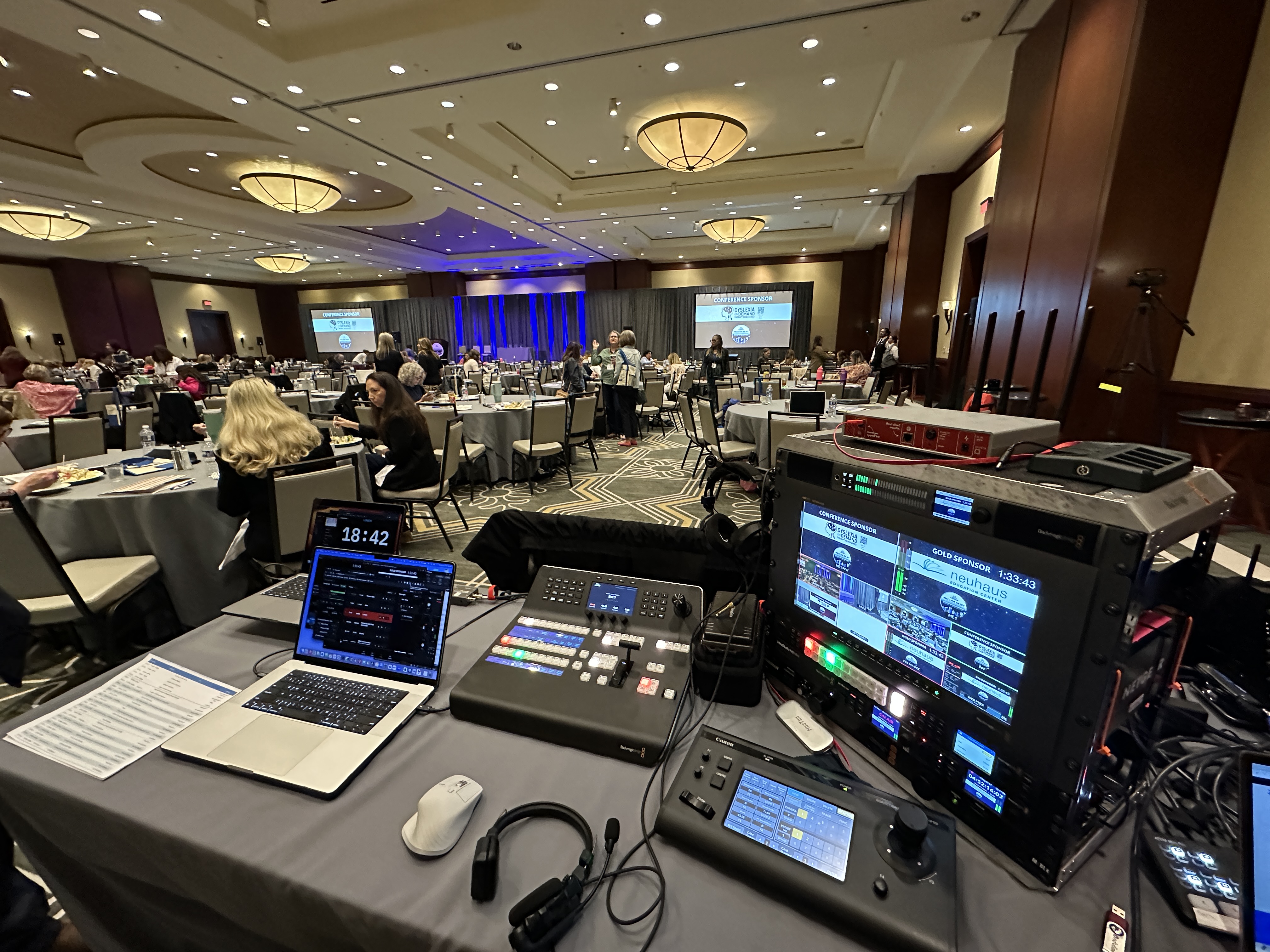
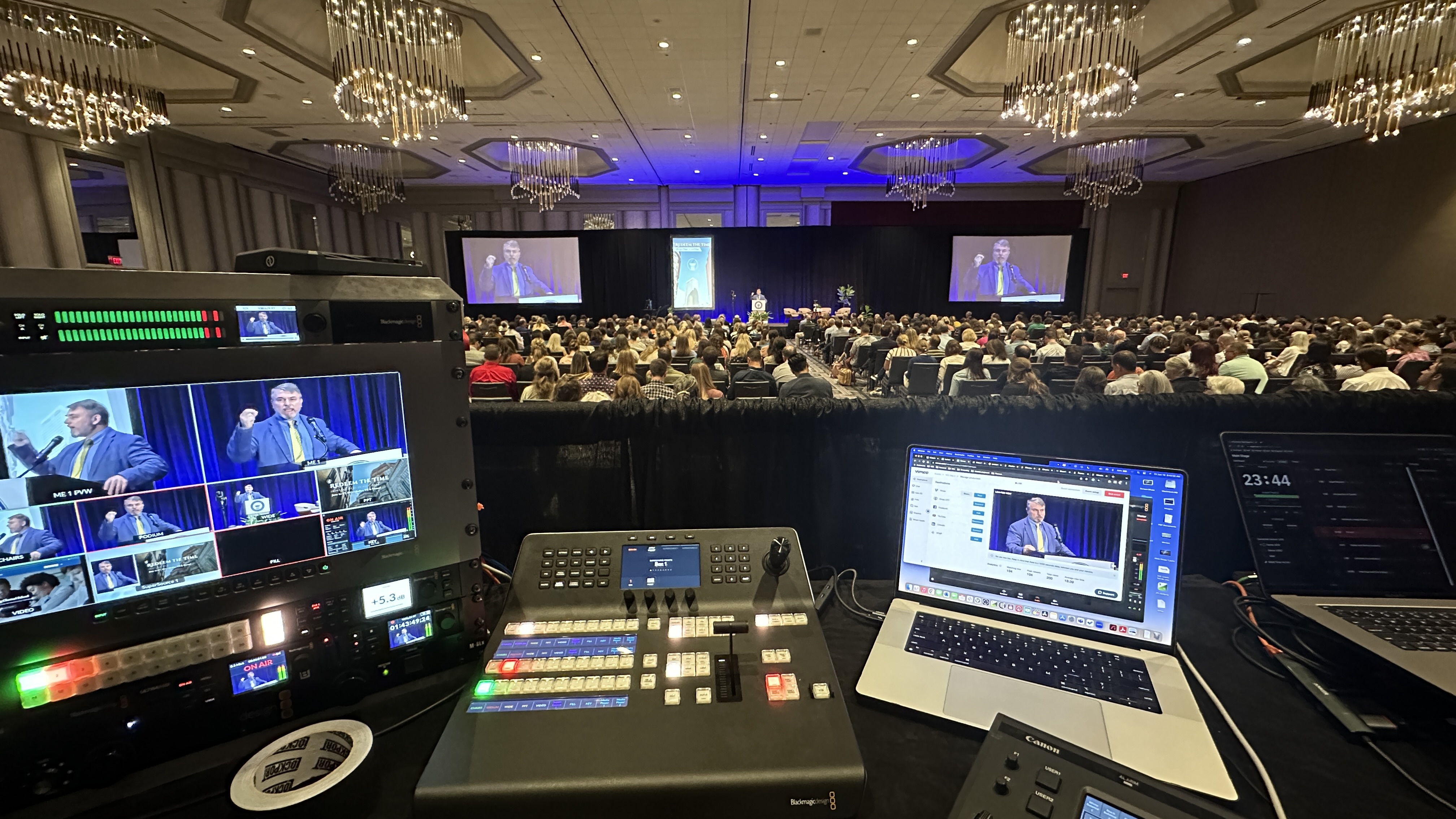
The control position is where I run the switch, mix audio, and monitor the stream. I want it positioned where the camera operator has a clean sightline to the stage and ideally where I can see the screens too. For cameras, we often use Canon CR-N500 PTZ cameras that can sit unobtrusively on tripods at the back of the room and be controlled remotely, which keeps the floor clear and the look clean. If your event needs multi-camera coverage, we'll talk through where each camera goes so we catch the stage, the audience, and any presenters without blocking anyone's view.
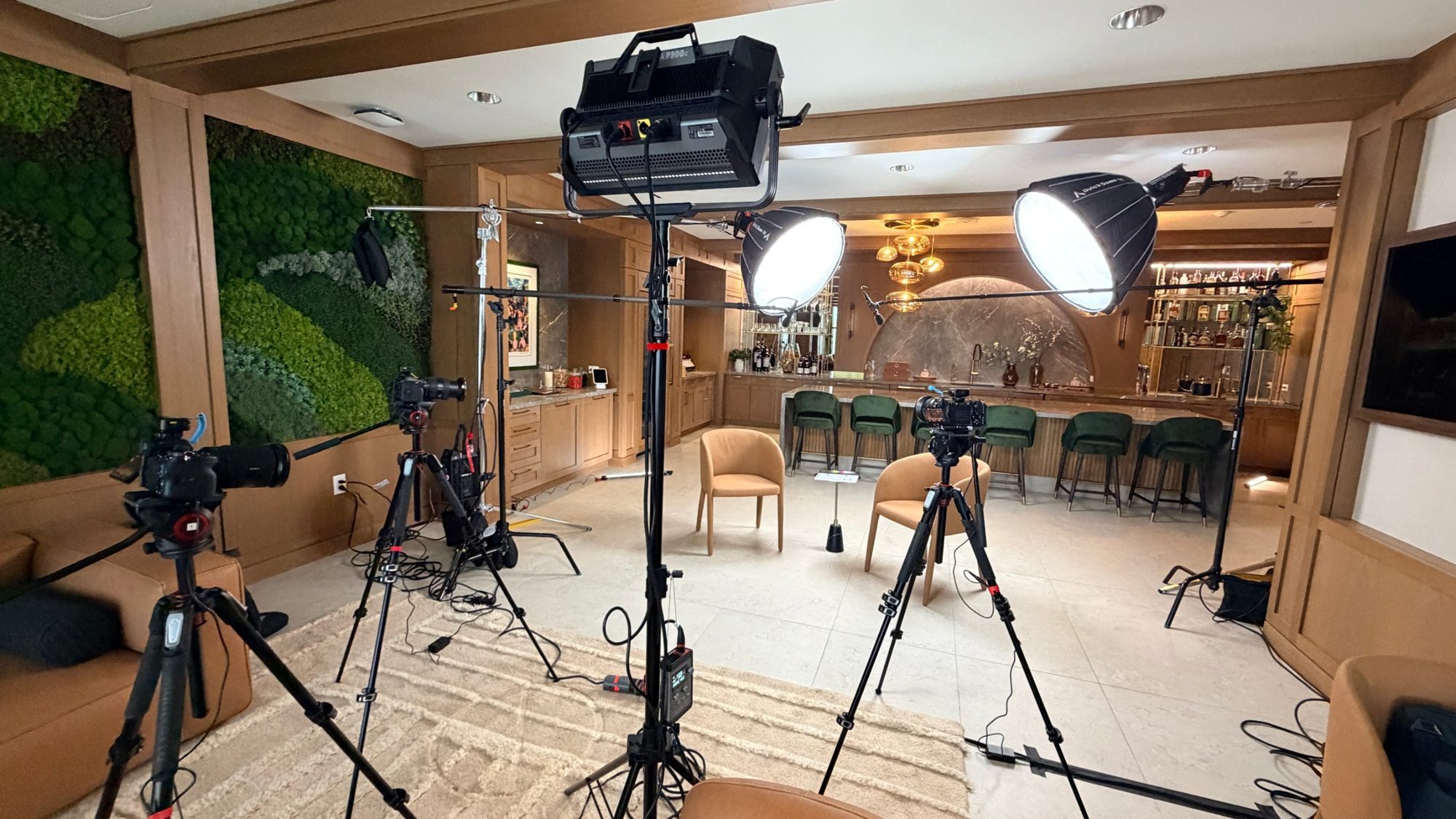
The thing to avoid is a venue layout where a pillar, a chandelier, or a low ceiling blocks the one angle that matters. Sightlines are also a scheduling question, not just a geometry one. If the room is set for a meal with tall centerpieces, a camera at the back may be staring at flower arrangements instead of the stage, so I want to know the floor plan and how the room transitions through the day. Rigging matters too. If you want a camera up high for a wide shot, or a screen the stream feeds into, I need to know whether the venue allows rigging from the ceiling, whether there are existing truss points, and whether they require their own union or in-house crew to hang anything. Plenty of convention centers and hotels have strict rules about what you're allowed to attach to, and finding that out on show day is the expensive way to learn it.
If there's a sound system in the room, I want to tie into it rather than recording the muffled echo bouncing off the back wall. Clean audio is the difference between a livestream people watch and one they click away from.
The best setup is a direct feed from the venue's audio board or the AV provider running sound in the room, so the audio your remote viewers hear is the same clean mix the live audience hears. If the venue doesn't have that, we bring our own Sennheiser wireless mics and an Allen & Heath SQ5 mixer to handle it ourselves. Either way, I need to know in advance who controls the room's sound so we can coordinate.
There's a quieter audio issue most people never think about until it's in the recording: room noise. A loud HVAC system, a buzzing ballast, or an ice machine on the other side of a thin wall all end up in your stream, and there's no fixing it in post once the event is over. When I scout a room, I'm listening as much as looking, and if the air handling is loud I'll plan mic placement and the audio feed around it. Audio is the thing viewers forgive the least, which is exactly why I wrote about getting your livestream audio right in its own post.
Cameras are far less forgiving than your eyes. A room that looks perfectly lit to the audience can read as dim, flat, or weirdly colored on the stream, and that gap surprises people every time.
The main thing I'm checking is whether the stage and presenters have enough consistent light hitting them from the front, not just a wash of colored uplighting that looks great in person but leaves faces in shadow on camera. Mixed lighting is another gotcha. When a room blends daylight from a wall of windows with warm tungsten stage lights, the camera can't please both, and skin tones drift. For most corporate sessions the existing stage lighting is workable once we know it's there and can balance the cameras to it. When it isn't enough, we'll talk about adding our own fixtures. The point is that lighting is a question to answer before the day, not a thing to discover when the first camera goes live.
Not every venue carries the same risks. Knowing the type of space you're in tells me which questions to lean on hardest.
A hotel ballroom is the most common corporate setup and usually the trickiest for internet. The wired drop is often shared house infrastructure, and the upload can be underwhelming, so this is where bonded cellular earns its keep. Power and load-in are typically fine, but rigging rules can be strict. A convention center is usually the most production-ready: dedicated power, real internet you can order as a service, freight access built for it. The catch is that everything is a paid add-on and often must go through in-house labor, so the venue requirements turn into line items you want priced early. A corporate office is the wild card. Conference rooms look easy but the building's IT is locked down, the guest network is firewalled in ways that can block a stream, and there may be no freight path or after-hours access without arranging it ahead of time, so I always loop in their IT team directly. An outdoor event throws out most assumptions. There's rarely hardwired internet, so cellular bonding becomes the plan rather than the backup, power means generators or long runs, and weather, wind on the cameras, and shade for the gear all become part of the conversation.
You don't need to be technical to gather what I need. A short list of questions to your venue's events or AV contact covers almost everything that matters, and getting the answers before you sign saves real money and stress.
Here's what I'd ask: Is there a dedicated, hardwired internet connection available at the stage or production area, and what's the guaranteed upload speed? Can you put me in touch with your IT contact to verify it? Are there dedicated power circuits near the front of the room, and can we get distribution if needed? Who runs the audio in the room, and can a livestream vendor get a direct feed from the board? What does the load-in look like, including dock access, elevators, and how early we can get in? Are there any restrictions on rigging, hanging anything, or which crew is allowed to touch power and AV? And who will be the on-site point of contact on event day? If you have answers to those, I can quote your event accurately and walk in on show day with no surprises.
The smoothest events are the ones where we can get in early, the doors are unlocked, and there's one person on the venue side who can answer questions. The roughest ones are where we're standing outside a locked loading dock at 7am with a van full of gear.
I want enough load-in time before doors open to set up, run cables, test the stream end to end, and fix anything that surprises us. For most events that's a few hours; for larger or multi-day setups it can mean a dedicated setup and testing day. I also need to know about loading docks, elevators, and whether there's a freight path for cases, because hauling gear up a narrow staircase eats time we'd rather spend testing. Cases are heavy and there are a lot of them, so a venue with a dock and a service elevator near the room is worth its weight in saved hours. Most importantly, I want a name and a number for someone who'll actually be on-site, whether that's your event coordinator or the venue's AV manager. When I know who to call, problems get solved in minutes instead of hours. This is a big part of what to expect when you hire a livestream company done right.
Don't panic. A missing piece is rarely a dealbreaker, it just changes the plan, and the earlier we know, the cheaper and smoother the fix is.
No hardwired internet? We lean on bonded cellular. No power near the stage? We run distribution and bring our own. No house audio feed? We mic it ourselves. No usable house lighting? We add fixtures. The reason I ask all these questions up front is so the solution is built into the quote and the schedule, not improvised on event day. If you're comparing what's involved, our breakdown of what's included in a corporate livestream package shows how venue requirements shape the setup. The worst outcome is finding out about a limitation at 8am on show day, and a five-minute conversation a few weeks out prevents almost all of those moments.
Ideally the venue provides a hardwired connection we can plug into, since that's the most stable option. But we always bring a LiveU Solo Pro bonded cellular encoder as backup or as the primary connection if the venue's internet isn't reliable, so we're never depending on a single point of failure.
Usually not on its own. Guest Wi-Fi gets saturated as the room fills up, and a connection that tests fine in the morning can choke during your keynote. We strongly prefer a hardwired line, with cellular bonding as a safety net.
It's upload, not download, that carries your stream, and venues often quote the download number. A single 1080p stream wants a few megabits of steady upload, and I like real headroom above that so a brief dip never reaches your audience. When in doubt, get me the venue's IT contact and we'll verify the real numbers before the event.
For a standard single-room event, a few hours before doors is typical. Larger multi-camera or multi-day setups often warrant a dedicated setup and testing day so everything is dialed in and tested well before your audience arrives.
That's common and not a problem. We bring our own Sennheiser wireless mics and an Allen & Heath SQ5 mixer so we can capture clean audio independently. We just need to know in advance so we plan for it.
It does, more than people expect. Cameras need consistent front light on presenters, and colored uplighting or mixed daylight can leave faces dark or off-color on the stream. Existing stage lighting is often workable once we can balance to it, and we'll add fixtures when it isn't enough, as long as we know ahead of time.
The internet. Ask whether you can get a dedicated hardwired ethernet connection at the stage or production area, and get the venue's IT contact so we can verify it before the event. That single answer prevents most livestream day headaches.
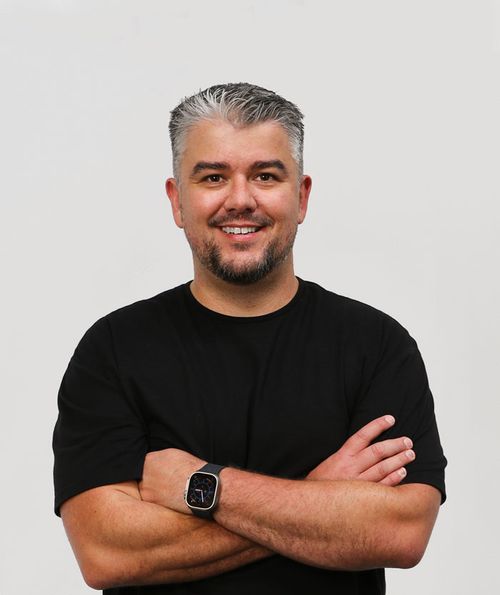
Mark runs DFW Live Stream and has been producing corporate livestreams, conferences, town halls and webinars across Dallas–Fort Worth and around the country since 2017. He writes these from the production desk, not a marketing department, and uses AI tools to help draft and structure them. Every post is read, fact-checked and edited by him before it goes live.