Updated April 2026. (Updated September 7, 2026.)
If you're planning a company event and trying to figure out whether to livestream it publicly or keep it private, this is the question I get most often. The answer almost always comes down to one thing — who's actually supposed to be watching? Once you know that, the rest is pretty simple.
Public live streams are for reach. You run one when you want the widest possible audience to see your event — product launches, marketing moments, thought leadership, anything where the whole point is exposure. Private live streams are for control. You run one when the audience is defined, the content isn't meant for the public internet, and you need the event to feel polished and on-brand for the people who are supposed to see it.
For about 90% of the corporate events we produce at DFW Live Stream, a private stream is the right call. Town halls, sales kickoffs, quarterly all-hands, internal training, board meetings, investor updates — none of that belongs on a public YouTube channel. When confidentiality is the whole point, here's how I handle secure and confidential corporate live streaming end to end.
Public means the stream is open to anyone with a link or who stumbles across the platform. No password, no gate, no verification — just watch. YouTube Live, Facebook Live, LinkedIn Live, X, Twitch — those are the usual homes for it.
The reasons to go public are all about audience growth:
A product launch where you want thousands of prospects watching. A keynote or panel where your brand's visibility is the whole point. A marketing event tied to a campaign you're already spending media dollars on. Conference content you want indexed by Google and cited on social. Industry announcements where press pickup matters.
What you give up: control over who watches, what they see, and how the experience looks. You also give up the ability to do anything confidential. If a public company is sharing numbers that aren't yet public, that stream can't be public.
Private means the stream is gated. You decide who gets in — usually through a password, a single-use link, a login, or a branded viewing page with access control. Most corporate events we produce run this way.
The usual formats:
A town hall streamed to employees through Zoom Webinar or a password-protected page. A sales kickoff where regional teams watch on a custom viewing page built for the brand. An investor update where only verified attendees get credentials. A training session that gets recorded and lives on a private portal. A board meeting that absolutely cannot leak.
Private doesn't mean clunky or low-quality. When we build a private stream for a client like a national truck manufacturer, they get a custom-branded viewing page with their logo, their colors, password protection, and a clean viewing experience that looks nothing like a generic Zoom link. It feels like their platform, not a tool.
If you're staring at an event on your calendar and not sure which way to go, these five questions will get you most of the way there.
If the answer is "anyone interested," go public. If the answer names a group — employees, customers, investors, members, partners — go private. Most corporate audiences are defined, which means most corporate events should be private.
Financials, strategy, personnel decisions, product roadmaps, internal metrics, candid leadership Q&A — that stuff doesn't belong on a public feed. If the content would make your legal team or comms team nervous if it leaked, the event is private by default.
Public streams inherit the look of whatever platform hosts them — YouTube's chrome, Facebook's comment rail, LinkedIn's navigation. Private streams can live on a custom page that matches your brand. If the event is part of a bigger brand moment, a branded viewing page almost always wins.
Healthcare, finance, legal, defense, publicly traded companies with MNPI rules — any of these push you toward private. Password protection, domain restrictions, and recorded audit trails aren't just nice-to-haves in regulated industries. They're the reason the event happens at all.
Public streams give you total view counts and a rough sense of engagement. Private streams with individual credentials can tell you exactly who logged in, how long they watched, and whether they attended the Q&A. For internal events where attendance actually matters, that reporting is a big deal.
A few real examples from recent jobs, to show what "private" can look like in practice.
For a national truck manufacturer's corporate town hall, we built a custom branded viewing page — password-protected, on-brand, with slide integration and custom lower-thirds graphics. Employees logged in from anywhere in the country, saw their company's look and feel, and got a clean streaming experience. No Zoom UI, no platform branding, no distractions.
For a global logistics company's internal town halls, we run private streams through Zoom Webinar with registration gated to their employee list. We've done these in DC and recently produced one that required international travel. In every case, the principle is the same: employees watch, no one else does.
For multi-day conferences like a national trade association's annual meeting, the general sessions are typically private — they're for registered attendees only. We'll set up a Vimeo event with a password, run closed captioning on the important rooms, and deliver clean recordings afterward that live on a private portal.
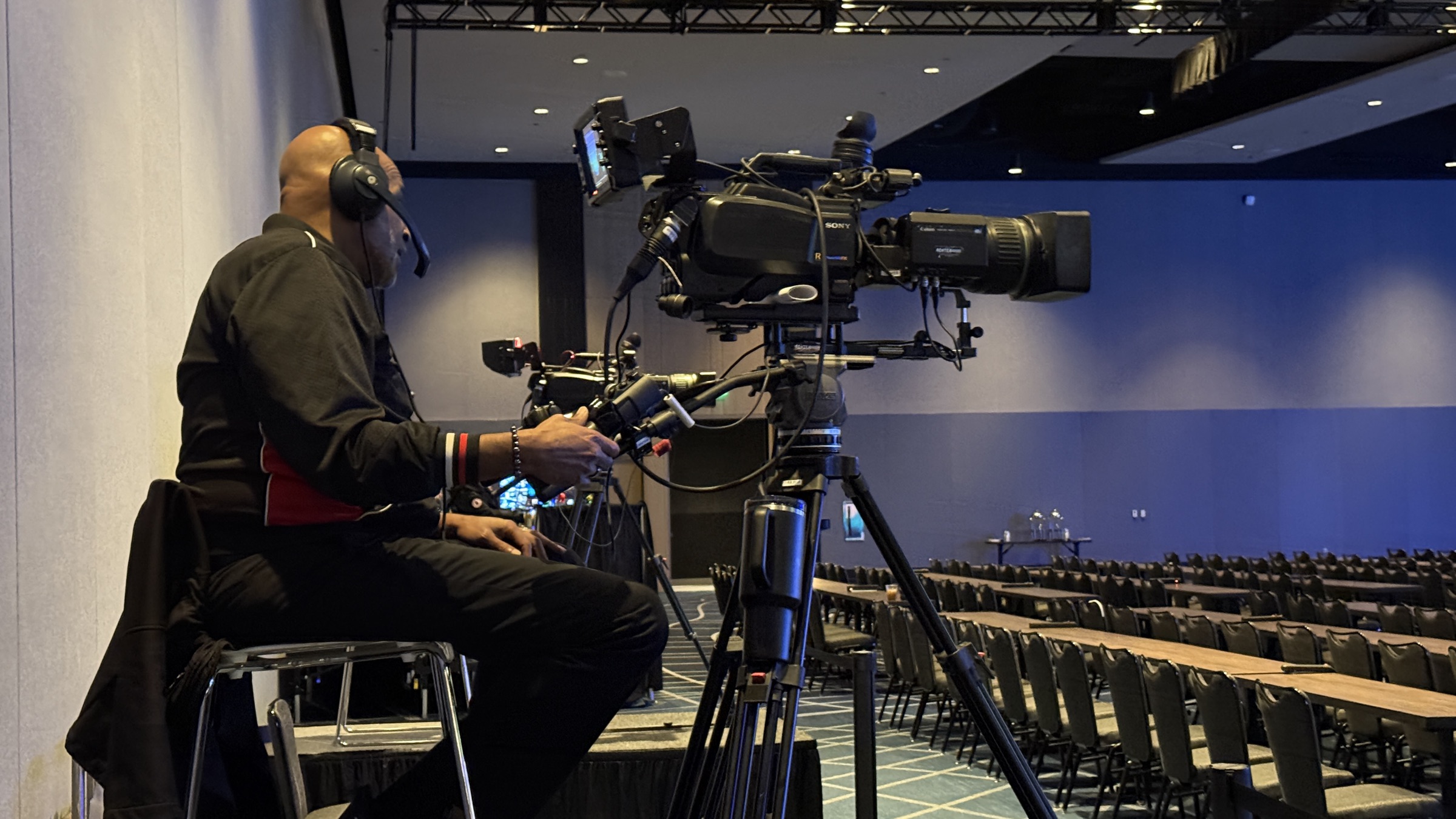
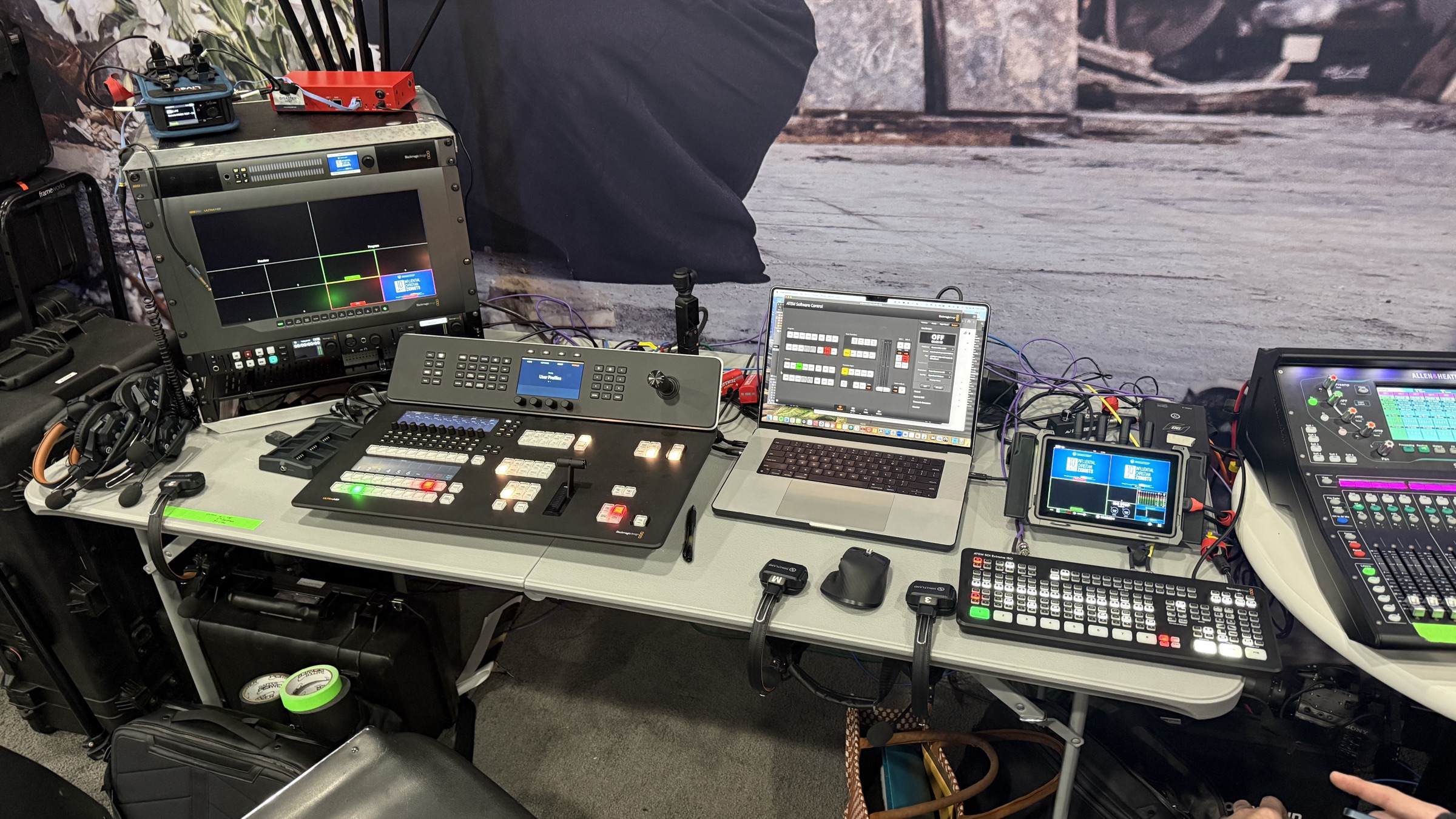
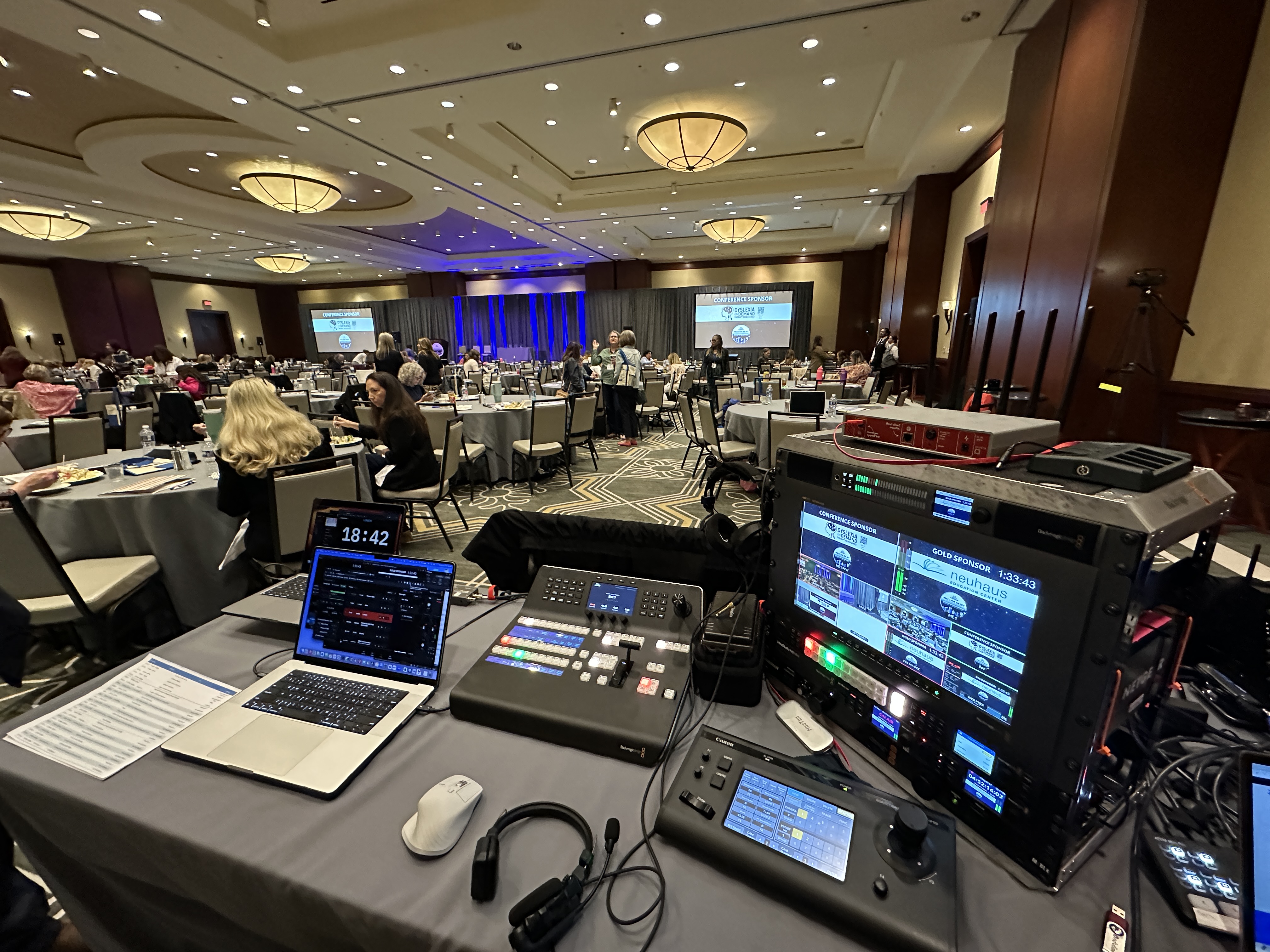
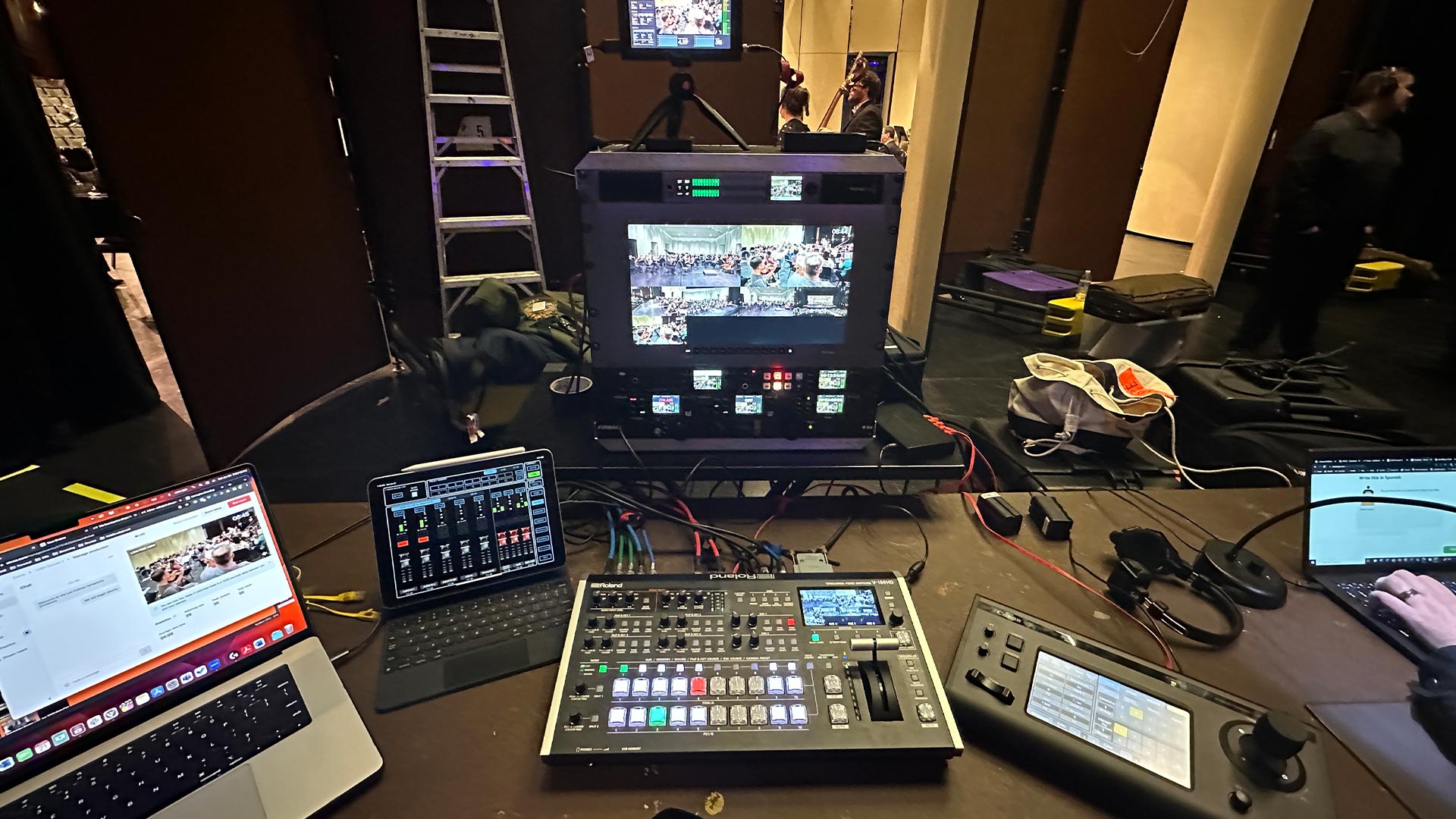
The through-line: every private event gets the same care, the same on-site gear (two PTZ cameras minimum, bonded internet for reliability, wireless mics, lighting), and the same technical team. Private doesn't mean downgraded. It just means the audience is defined.
A lot of blog posts on this topic will list fifteen "streaming platforms" — Castr, Dacast, Kaltura, Brightcove, and so on. Most corporate clients will never touch those. Here's what we actually put in front of clients.
Zoom Webinar is the workhorse for corporate town halls and internal all-hands. It's familiar, it handles registration, it does Q&A and polls, and it scales to thousands of attendees. It's not the prettiest viewing experience, but it's reliable and people already know it.
Vimeo is where we send clients who want a cleaner viewing experience and plan to keep the recording around as video-on-demand. Password protection is built in, and the player looks more professional than the alternatives.
Custom Webflow viewing pages are what we build when the brand experience matters — a client's page, their colors, their logo, password-gated, with our stream embedded. This is what we did for the truck manufacturer above, and it's the upgrade path when Zoom or Vimeo doesn't feel polished enough.
YouTube Live and LinkedIn Live are only on the table when the event is actually public. We'll also use them as destinations when a client wants the event simulcast to a public audience alongside the private one — rare, but it happens.
A private stream typically runs in the same range as any corporate event — it's the production quality, crew, and gear that drive cost, not whether the stream is public or private. Adding a branded viewing page is usually a $450–$875 line item on top of the production cost. Full pricing detail lives in our livestream pricing post.
If you're 50/50 on which way to go, private is the safer default for almost every corporate event. You can always take a private recording and republish it publicly later — a highlight reel, a cut of the keynote, a clip of the Q&A. You can't un-publish a public stream that went out the door with something sensitive in it.
If you want help thinking through which setup fits your event, or you want to see what a branded viewing page could look like for your brand, reach out here. We do this every week and can usually map it out in one short call.
A public live stream is open to anyone with the link, hosted on platforms like YouTube, Facebook, or LinkedIn Live. A private live stream is gated — only authorized viewers can access it, usually through a password, a branded viewing page, or a platform like Zoom Webinar or Vimeo with access control. Public streams prioritize reach; private streams prioritize control and content security.
Yes. Zoom Webinar requires registration or a meeting link with a passcode, and access is controlled by the host. It's the most common private streaming tool for corporate town halls, internal all-hands, and webinars where the audience is defined.
Not directly. YouTube has "unlisted" streams, which hide the stream from search and recommendations, but anyone with the link can still watch. For real access control — passwords, individual logins, or gated registration — you need a private streaming platform like Zoom Webinar, Vimeo, or a custom viewing page with authentication.
A branded viewing page is a custom web page that hosts your livestream with your company's logo, colors, and layout — so viewers feel like they're watching on your platform, not a generic Zoom or Vimeo page. It's worth the add-on when brand experience matters (executive communications, customer-facing events, high-profile internal moments) or when you want to track individual attendee engagement with login credentials.
Production cost for a private stream is roughly the same as any corporate livestream — most in-person events typically start around $3,900 and scale from there based on crew, cameras, audio, and number of rooms. A branded viewing page is typically a $450–$875 add-on. Full pricing detail is in our livestream pricing guide.
Sometimes, yes. Large conferences and product launches occasionally simulcast — a private stream for registered attendees with full content, and a public stream with the keynote or main session. If you're thinking this route, plan it in advance so the run-of-show accounts for what gets broadcast where.
Still deciding? Here's how to think through hiring a pro vs. running it yourself — a different but related question that comes up on almost every private stream we produce.